Whova vs Yapp: Which Event App is Best for You?
June 11, 2026 · Wout Criekemans · 16 minute read
Table of Contents
- Who is Whova best for?
- Who is Yapp best for?
- How Whova and Yapp compare for event management
- Pros and Cons of Whova
- Pros and Cons of Yapp
- What Whova vs Yapp costs
- LineUpr: the Browser-based alternative for B2B Conferences
- Whova vs Yapp: Which Platform is Right for Your B2B Event
- Frequently Asked Questions
Key Takeaways
Choose Whova if you value engagement depth. You want attendees networking, building personal agendas, messaging each other, and staying engaged through the event — and you have the budget and the organizer capacity to absorb a denser, more feature-heavy platform.
Choose Yapp if you value operational simplicity. You want to launch fast, hand a QR code to attendees and have them in immediately, manage the schedule from a spreadsheet, and not pay for engagement features you won't use. Simplicity is the feature.
The key limitation for both tools is attendee access friction. Yapp's browser path strips polls and Q&A; Whova's web portal asks attendees to create an account with their registered event email. For professional B2B conferences a share of your room may end up locked out of the features you built or not use the app at all.
Below, I explain how the two compare across the stages of running an event, who each one is for, and where a third option fits.
If your next B2B event is within 90 days and you're not sure your attendees want to download an app, build the full aupp on LineUpr's free tier and test it before you decide.
Who is Whova best for?
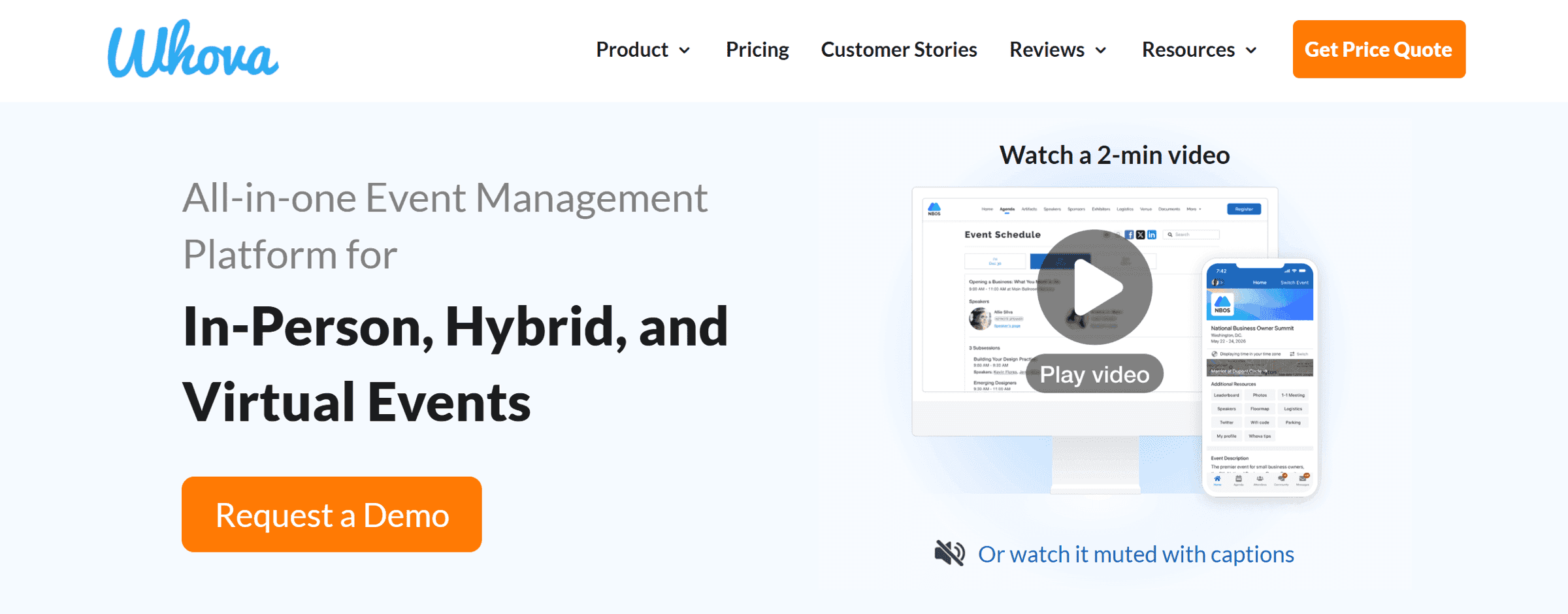
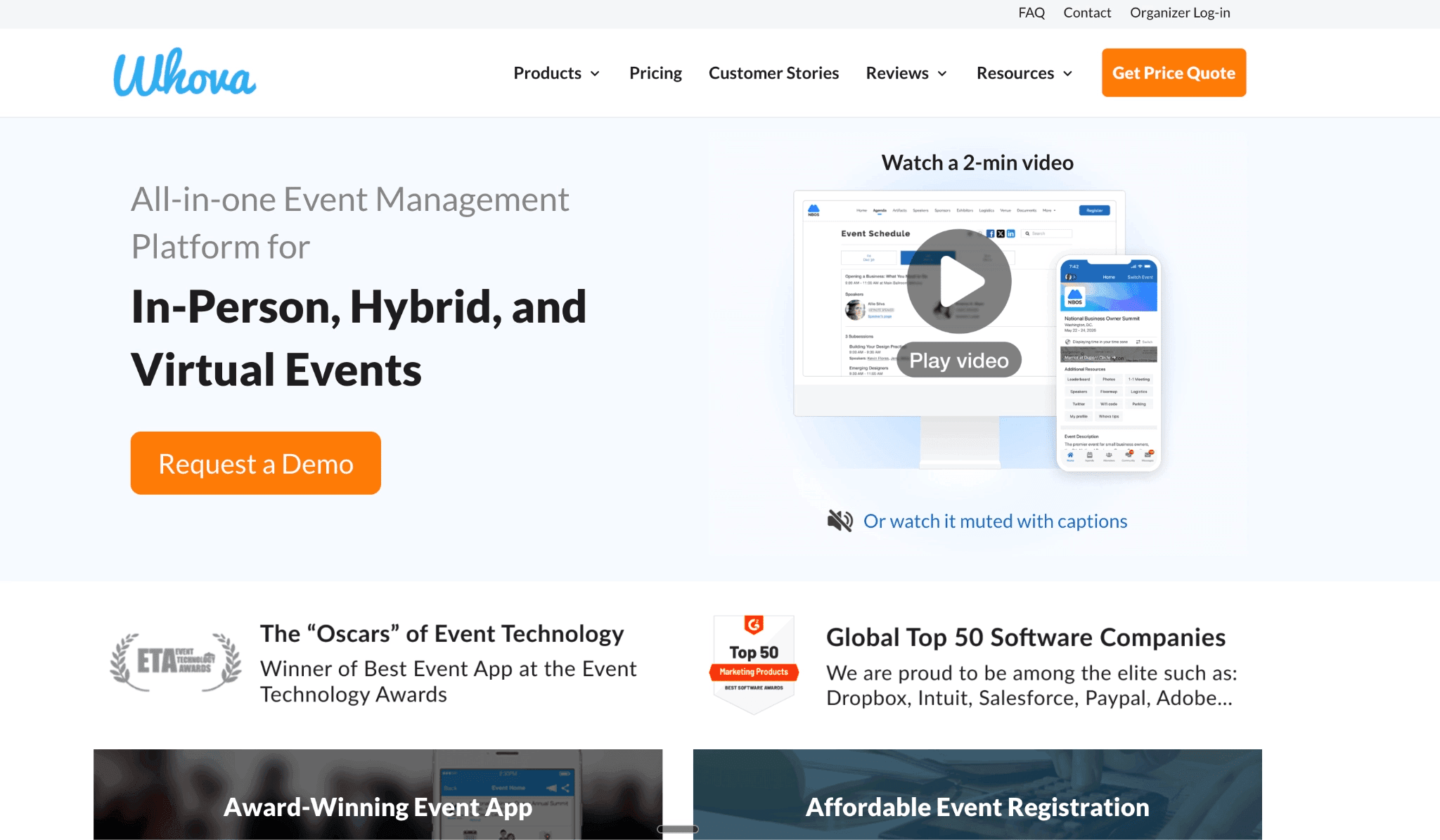
Whova is best for professional organisers running mid-to-large recurring conferences with exhibitors, sponsors, and a team to run the platform.
The all-in-one suite (lead retrieval, networking, kiosk check-in, badge printing) keeps the whole event in one system instead of several tools.
You don't need a separate networking or check-in tool: attendee matchmaking, 1:1 meetings, and self-service kiosks are built in.
Pricing is quote-only, plus a 3.0% + $0.99 per-ticket fee on Whova-run registration and paid add-ons for things like unlimited uploads.
Best for revenue-generating conferences and trade shows, where engagement depth and exhibitor tools pay for themselves.
Who is Yapp best for?
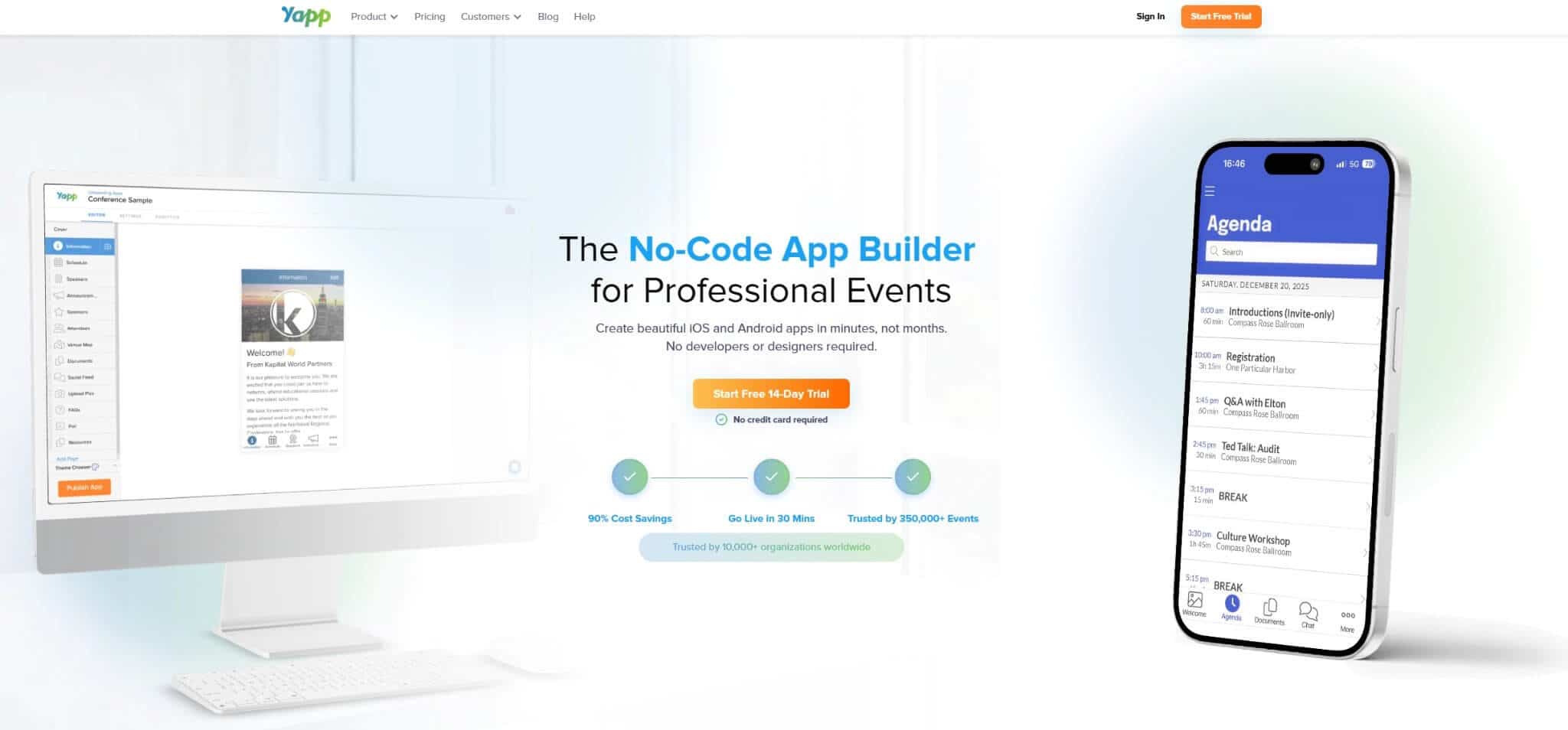
Yapp is best for lean, non-technical teams running recurring internal events with a predictable format on a tight budget.
The CSV/Excel schedule upload lets one person build and publish the whole app in an afternoon, with no developer and design work needed.
You don’t need a production budget or an ops team: you hand attendees a QR code and they’re in immediately.
Pricing is a flat annual fee per app ($399–$799), unlimited attendees, no sales call.
Best for internal meetings, association gatherings, and single-organisation events where a digital schedule and push notifications are the main job.
How Whova and Yapp compare for event management
Here’s an executive overview of Whova vs Yapp
Whova | Yapp | |
Best for | Mid-to-large recurring conferences with exhibitors and an ops team | Lean, non-technical teams running recurring internal events |
Attendee access model | App Store download + web portal (both require registered email and 2FA code on every login) | App download, or browser URL (schedule + speakers only) |
Polls in browser | Yes, via web portal, but web portal requires Whova account creation with registered event email | No, requires mobile app |
Q&A feature | Yes, with audience upvoting | Not available at any tier |
Attendee messaging | Yes: 1:1 and group | No |
Pricing | Quote-only, + 3.0% + $0.99/ticket, + add-ons | Flat $399–$799/app/year, unlimited attendees |
The standard read on these two stops at scale and price:
Whova is the full-featured conference platform, Yapp is the self-serve option you set up in a day. Both are accurate. The stage that decides whether your attendees use what you build is where most comparisons stop, so that's where this one starts.
Attendee access
How Yapp works
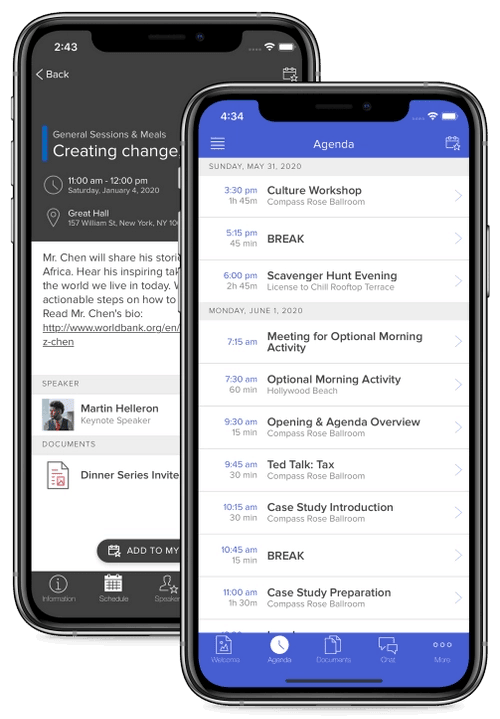
Yapp gives attendees two ways in: download the container app from a mobile app store, or open the event from the browser URL. The browser path shows the schedule and speaker profiles.
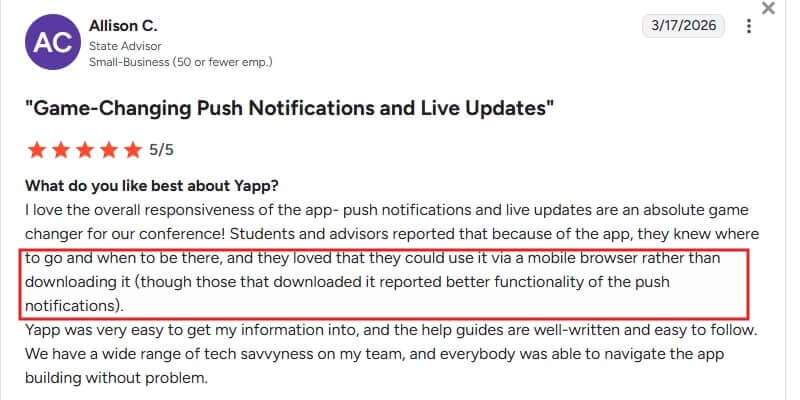
Every interactive feature needs the downloaded app. In a G2 review, Allison C., a State Advisor, noted that her attendees "loved that they could use it via a mobile browser rather than downloading it." This shows that the browser path is what more people chose, and it’s the version that disables the features you spent the most time on.
Yapp also notes that corporate network restrictions can stop the app loading on a company device. Its documentation suggests whitelisting domains on port 443, which isn’t something you can configure for your guests.
How Whova works
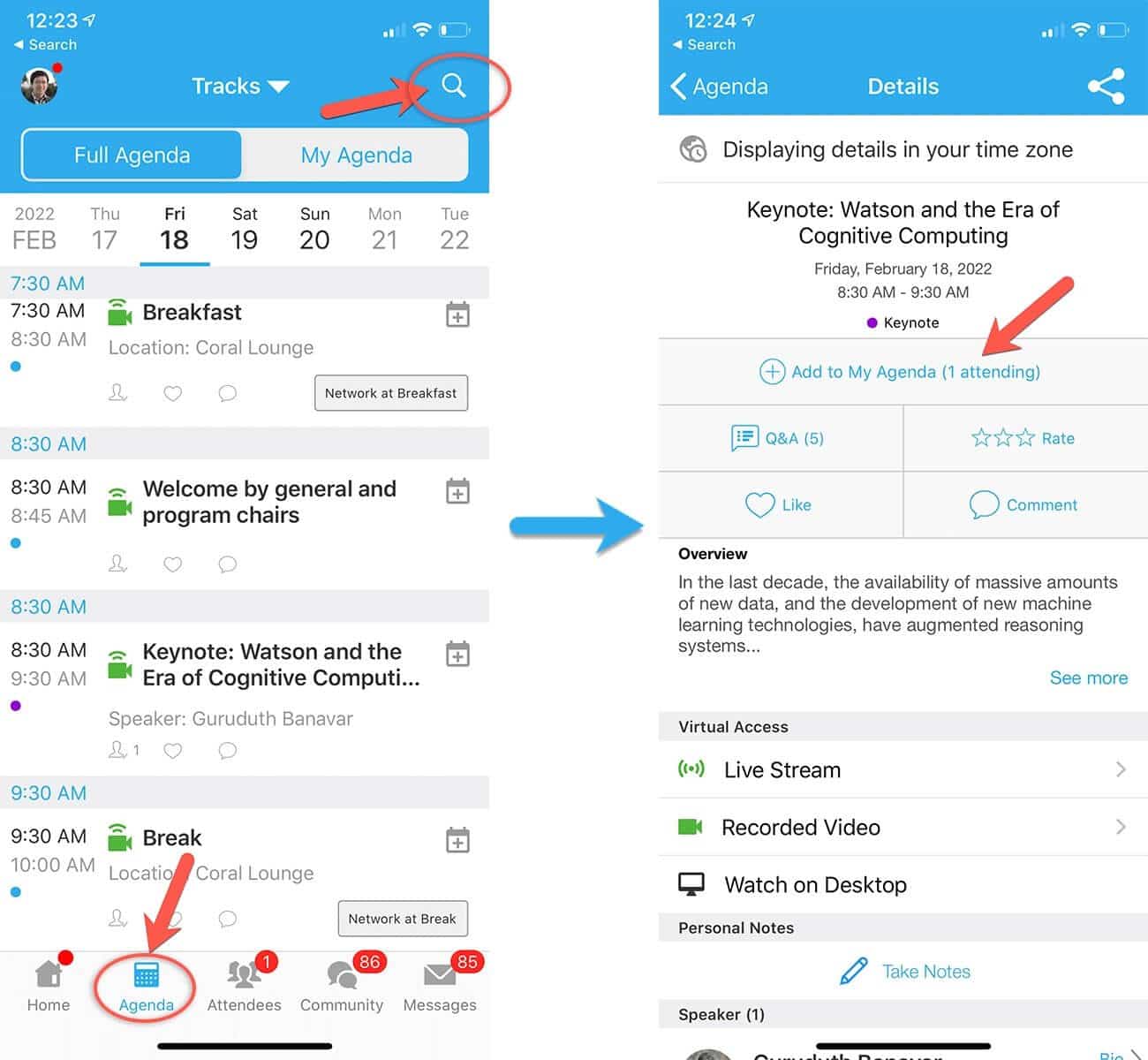
Whova asks attendees to download an app and sign in with the email they registered with. They can skip the download and use the web portal, but the sign-in stays, and Whova enforces 2FA on every login, which is good. If attendees register with a work email and turn up on their personal device, they may not be able to access the code from their work email. And without the code, they cannot access the event app.
Creating a Whova account also puts attendees inside Whova's own notification system, which we’ll come back to.
Verdict:
Both tools put a barrier in front of part of your room. Yapp’s browser path strips polls and Q&A; Whova’s portal needs an account and a 2FA on every login. If your attendees all come from one company and download apps without friction, neither barrier matters. If they arrive from different companies (and on managed devices), there may be access problems.
Attendee engagement
Whova
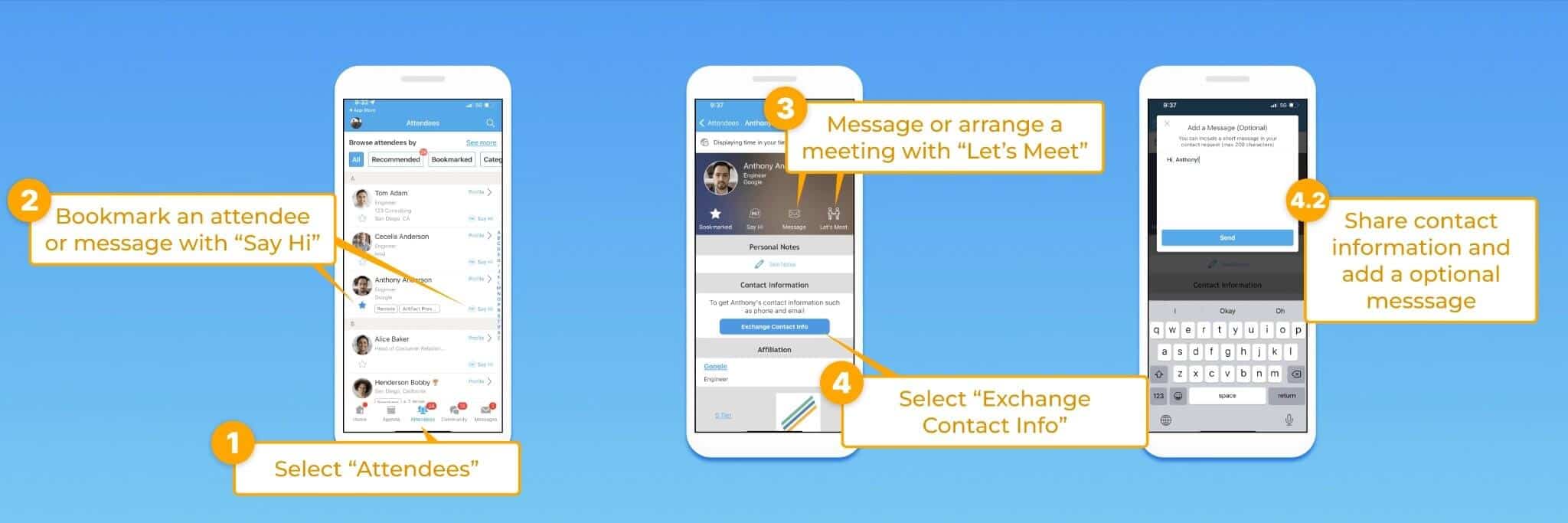
Whova runs deep here: live polling across five question types, session Q&A with upvoting, 1:1 meeting scheduling, SmartProfile matchmaking, group chat, and lead retrieval for exhibitors. Attendees consistently single out networking and personal agendas; one G2 reviewer said connections were “created instantly”. At a 200-person strategy event with no exhibitor hall, most of that depth goes unused.
Yapp
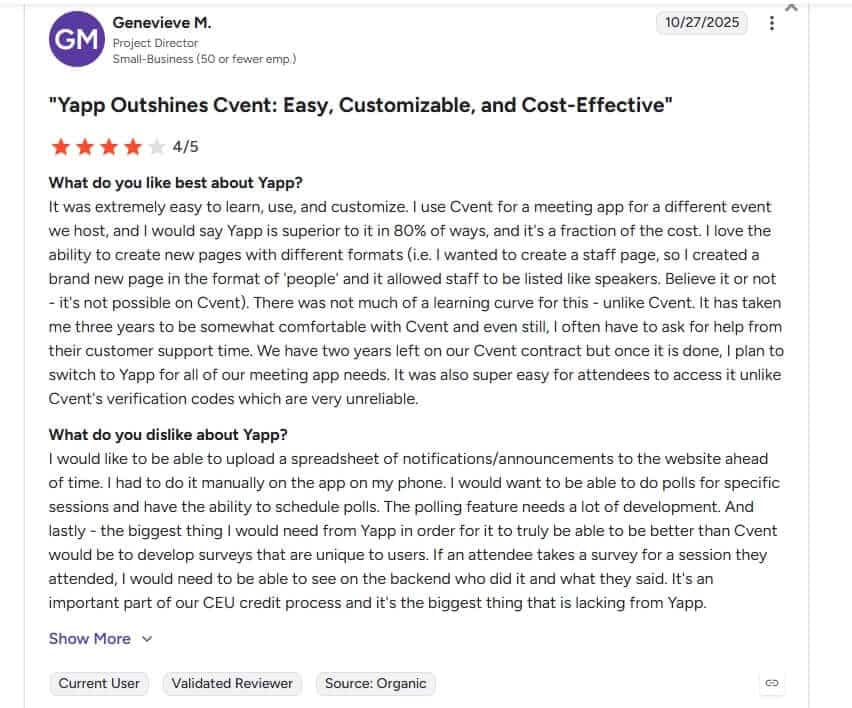
Yapp keeps engagement light, and two limits matter here. The poll feature is available on every plan, but only for attendees who downloaded the app; attendees on the browser path can’t vote. There’s no structured session Q&A at any tier, and no attendee-to-attendee messaging. Genevieve M, a Project Director, wanted polls tied to individual sessions, which Yapp restricts to the downloaded app.
Verdict:
Whova wins on depth: networking, 1:1 meetings, and gamification are built in, and Yapp has none of them. If all you need is live polls, remember Yapp locks them to the downloaded app, so weigh that against how your room gets in.
Attendee communication and notifications
This is the stage no spec sheet shows, and both tools stumble at it in opposite directions.
Whova
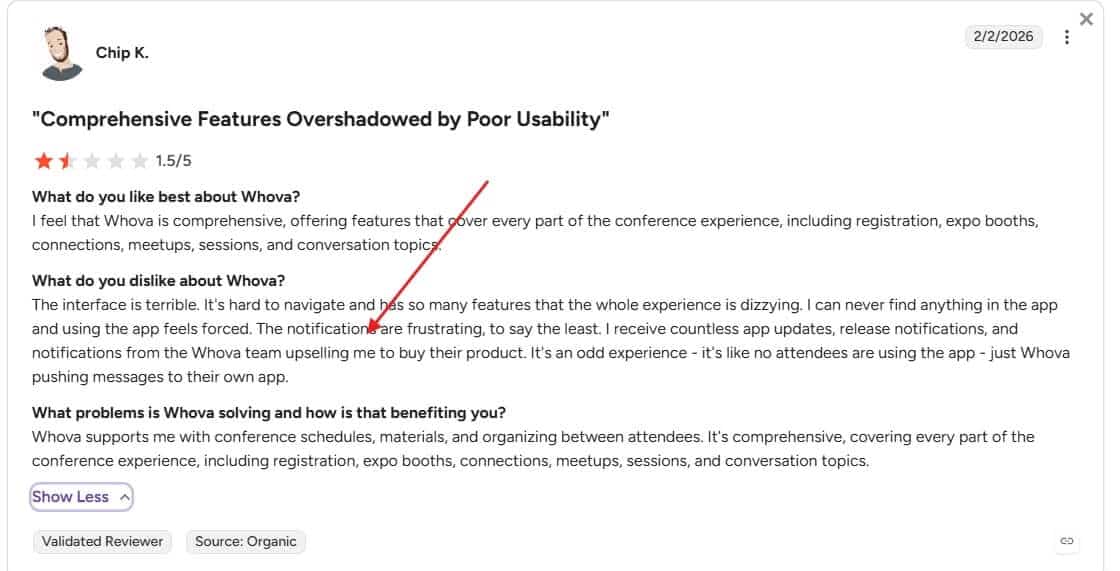
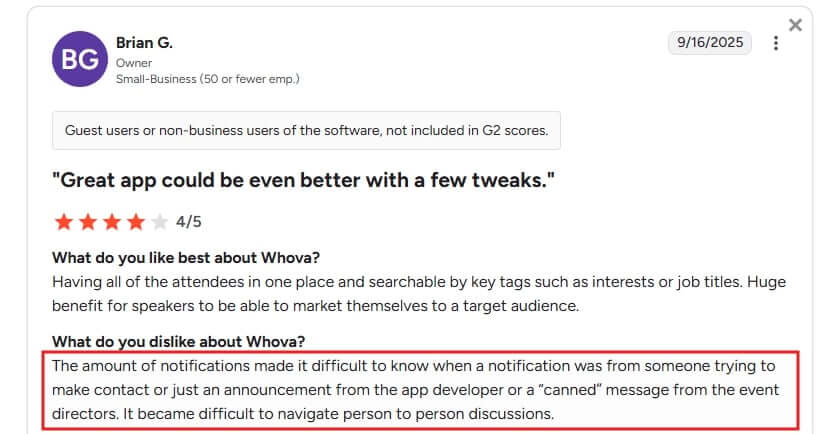
Whova over-notifies. Attendees report a stream of notifications where a personal message, an event announcement, and a vendor upsell all look the same. Chip K. rated Whova 1.5/5 on G2 after getting "notifications from the Whova team upselling me" at someone else's conference. When your schedule change lands in that stream, it competes with Whova's marketing for attention.
Yapp
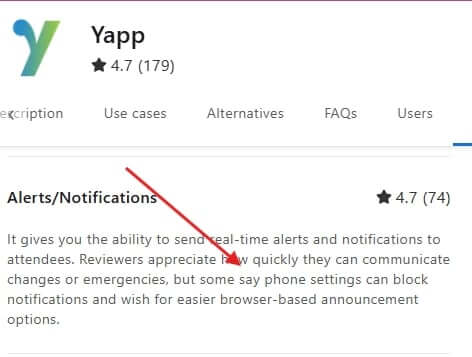
Yapp under-delivers. Its push notifications only fire if each attendee manually enables them in phone settings, and announcements can't be sent from a desktop. Reviewers say "did not push unless attendees manually went through phone settings.” The attendee may not see updates.
Verdict:
Neither tool has solved attendee communication. Whova's signal drowns in noise; Yapp's signal has to be manually configured. If a live schedule change reaching every attendee is mission-critical for you, plan a backup channel either way.
Organizer setup and ease of use
Whova
Whova gives you more control and more to manage: staff role assignment, volunteer calls, registration, and reporting. When it works, organisers praise the depth and the account rep. When it doesn't, the failures are organiser-facing. G2 reviewers report registration flows misfiring, required fields being bypassed, and exports that leave out registration dates and cancellations.
Yapp
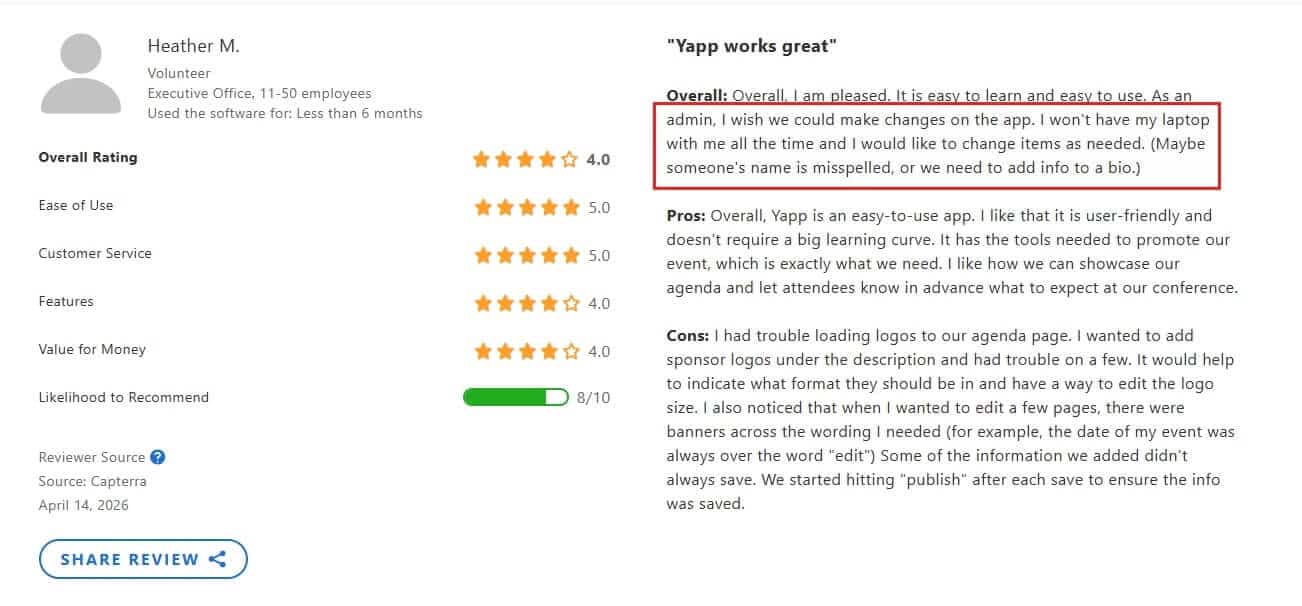
Yapp is the easier build by a wide margin. A non-technical organiser can create a complete app in an afternoon. Organisers also say the CSV/Excel schedule upload feature "saves a lot of time.” The structural catch: you can't edit from the phone as an admin, so a real-time change on event day needs a laptop.
Verdict:
Yapp wins on setup: one non-technical person builds and publishes fast. Whova gives you more power, but more to run, and its exports and registration flow draw the sharpest organiser complaints. If you don't have a team to manage a platform, that matters.
On-site check-in and reporting
Whova
Whova is built for the day itself. Self-service kiosk check-in keeps lines short, exhibitors get lead scanning they'd usually pay extra for, and badge printing is in the box. For a badge-and-booth event, that's the difference between one system and three.
Yapp
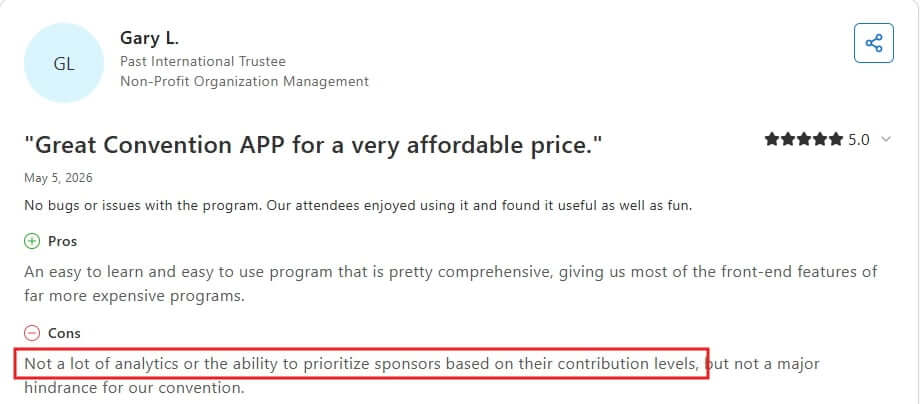
Yapp has no native check-in and no in-app session attendance, so you'd add a third-party tool for either. Reporting is thinner too: one convention organiser noted there isn't much analytics or a way to rank sponsors by contribution.
It’s not important for some, but this friction is worth considering if it’s relevant to your B2B event use case.
Verdict:
Whova wins on event day. Kiosk check-in, lead scanning, and badge printing are built in; Yapp leans on outside tools for check-in and gives you less to report on afterwards. If your event has exhibitors and a registration desk, this is where Whova earns its price.
Pros and Cons of Whova
What users love
One platform covers the whole conference — registration, agenda, lead retrieval, SmartProfile networking, 1:1 meeting scheduling, and upvoted session Q&A in a single system.
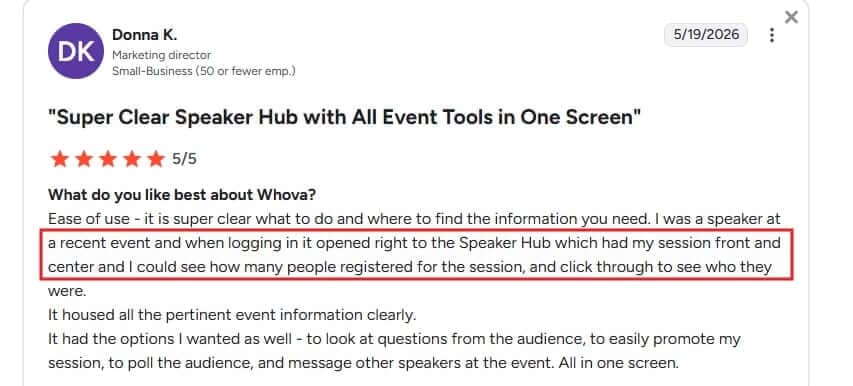
The speaker experience is genuinely built out — Donna K., a Marketing Director, found her Speaker Hub "front and center," with polling, Q&A, and messaging on one screen.
Live polling and Q&A come standard — five poll question types and audience-upvoted Q&A are part of the core platform, not a paid add-on.
One platform for the whole event — registration, agenda, exhibitor tools, and check-in in one place
What users flag
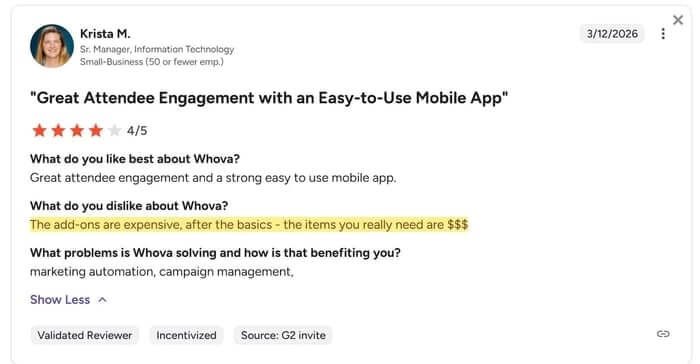
The add-ons are where the cost hides — Krista M.: "the add-ons are expensive; after the basics, the items you really need are $$."
It adds up before people switch — Cathy K., an Executive Assistant in financial services, reported spending over $2,000 on Whova before moving on.
Your message competes with Whova's — Brian G. said "the amount of notifications made it difficult to know" whether an alert was from the coordinator or the app.
For you, the deciding question is whether your event has the scale, exhibitors, and team to use the depth you'd be paying for.
Pros and Cons of Yapp
What users love
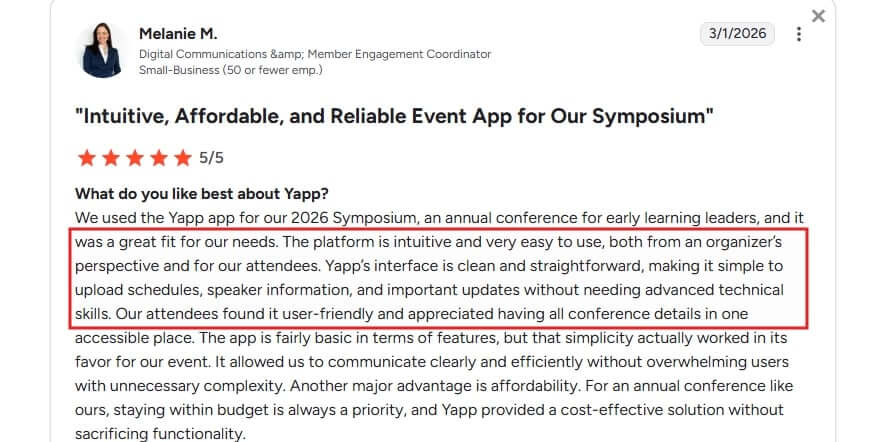
Anyone can build it without help — Melanie M., a Digital Communications Coordinator, called Yapp "intuitive and very easy to use," for organisers and attendees alike.
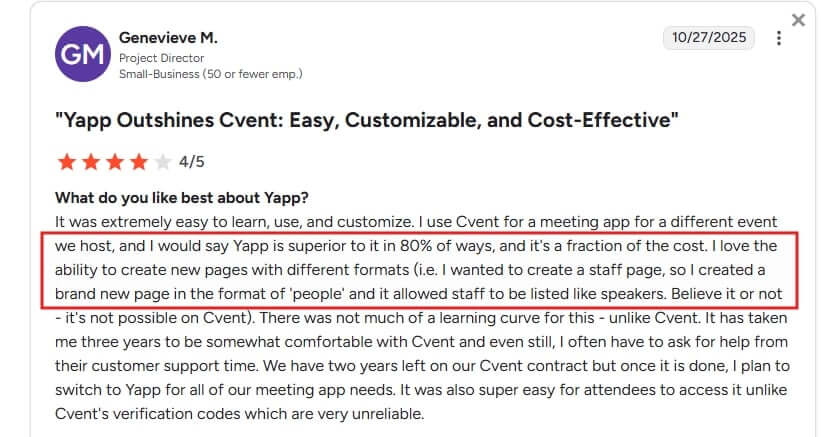
Strong value against enterprise tools — Genevieve M., a Project Director, said Yapp is "superior to Cvent in 80% of ways, and a fraction of the cost."
Transparent, flat pricing — three annual plans ($399–$799), unlimited attendees, no sales call.
What users flag
Polls only reach attendees who downloaded the app — browser attendees see results but can't vote, and the browser path is the one more attendees choose, according to Allison C, on G2.
No session Q&A and no attendee messaging at any tier — peer interaction stays in the social feed or off-platform.
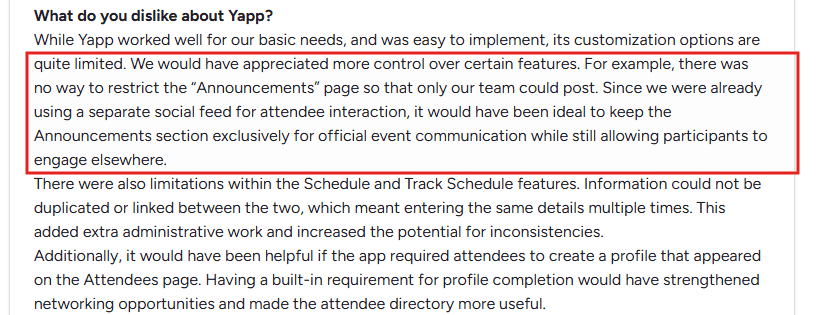
You can't restrict who posts in announcements — attendee posts mix with your official updates in the same feed.
For you, the deciding question is whether your guests can download apps freely and your event can stay within the simple, predictable format Yapp is built for.
What Whova vs Yapp costs
Whova pricing
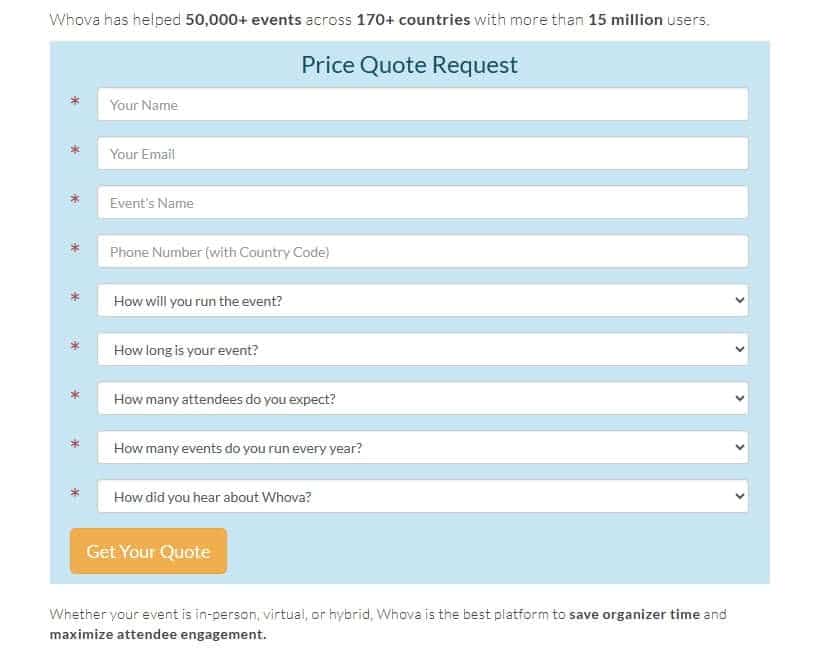
Whova does not publish its price list. Getting a number requires a sales conversation. Based on publicly available information, the total cost has three components:
A custom per-event platform fee based on format, duration, and attendee count
A registration processing fee of 3.0% + $0.99 per paid ticket if using Whova's registration tools
Add-on costs for features like unlimited document uploads can get very expensive, like Krista M wrote.
For a full picture of how Whova's pricing is structured, read a review of Whova's pricing.
Yapp pricing
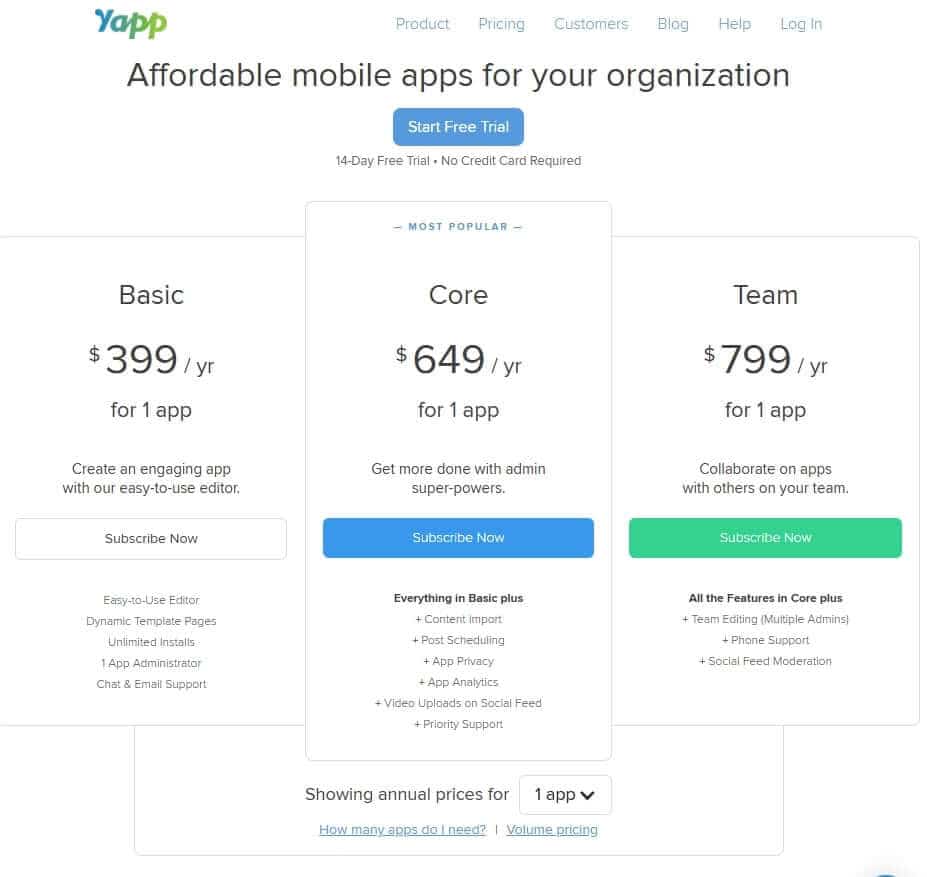
Yapp has three annual plans:
Basic ($399/app/year): schedule, speakers, maps, and social feed
Core ($649/app/year): adds analytics and privacy settings
Team ($799/app/year): adds multiple admin accounts
You pay once per app per year, however many times you run it. If you run four separate events each needing its own app, the annual cost lands between $1,596 and $2,396.
Considering a third option?
LineUpr is a self-service event app builder that makes it easy for non-technical event coordinators to launch a fully branded event app their attendees open in any browser, without an app-store download, a container app that locks polls and Q&A, or quote-only pricing. That way, every attendee who scans the QR code takes part from the moment they arrive, on any device, at a price you can see before you sign up.
LineUpr: the Browser-based alternative for B2B Conferences
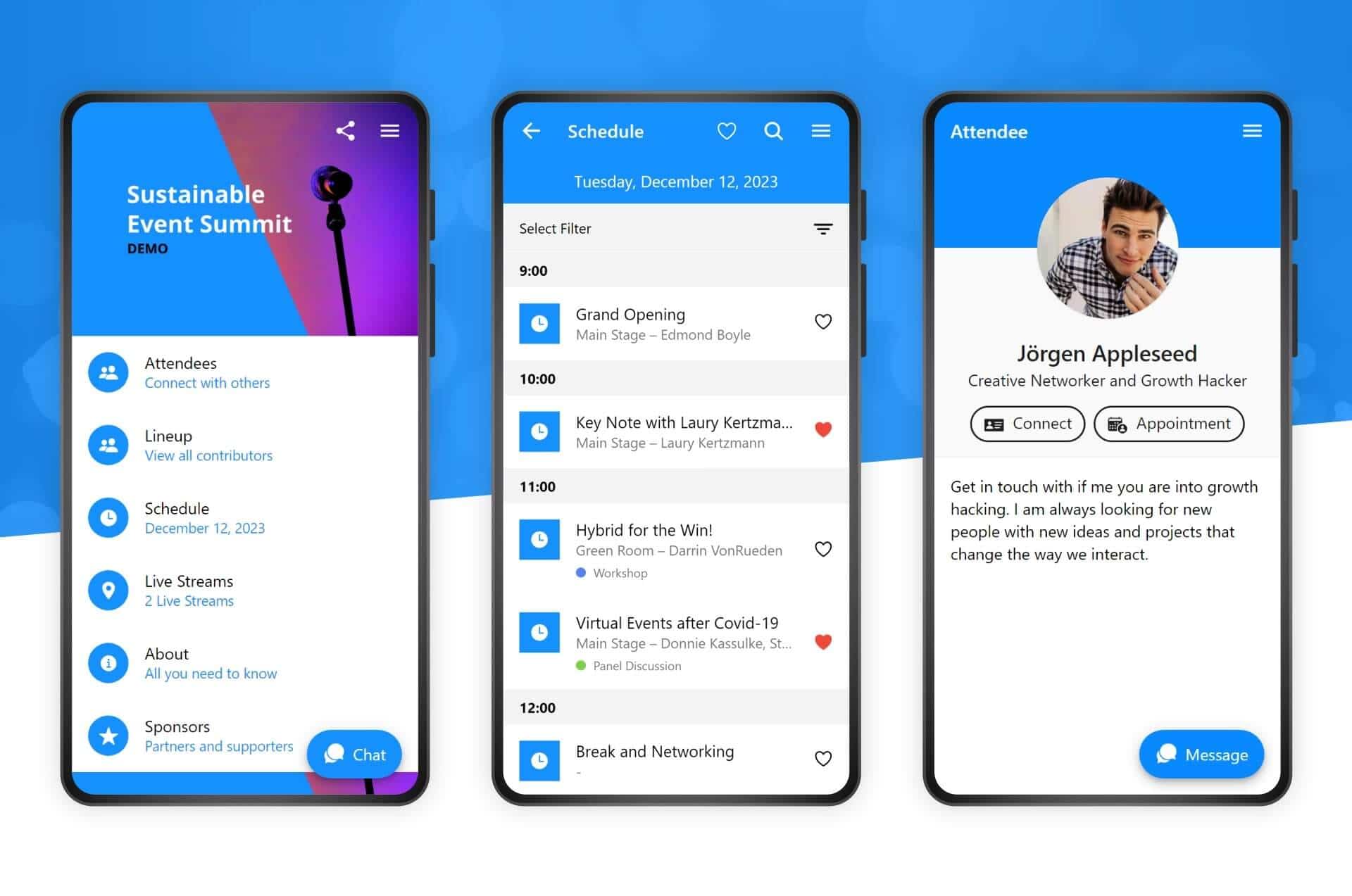
If the access friction above is real for your room, LineUpr is built around it. Attendees open the event from a QR code in any browser, so the people on corporate-managed devices, where IT blocks app installs, take part the same way as everyone else. There's no account to create and no 2FA to clear at the door.
LineUpr is also a self-service event app builder that non-tech event coordinators can build and launch without developer support.
START BUILDING FOR FREE, NO CREDIT CARD REQUIRED
Using LineUpr’s browser-based model is how StrategieWerkstatt achieved 95% adoption at their 210-person B2B strategy conference;
It is also how GRENKE AG, ran a 130-person leadership conference, concluded their conference without access issues. Michael Kimmig at GRENKE recommends LineUpr, says "Just try it and see how far you can come in an hour. Astoundingly, you then realise how expensive, for example, an agency wants to sell such an app."
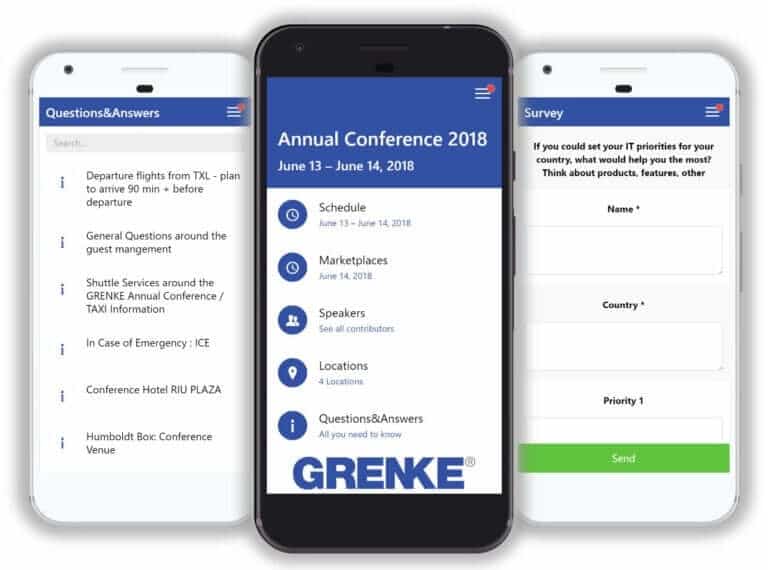
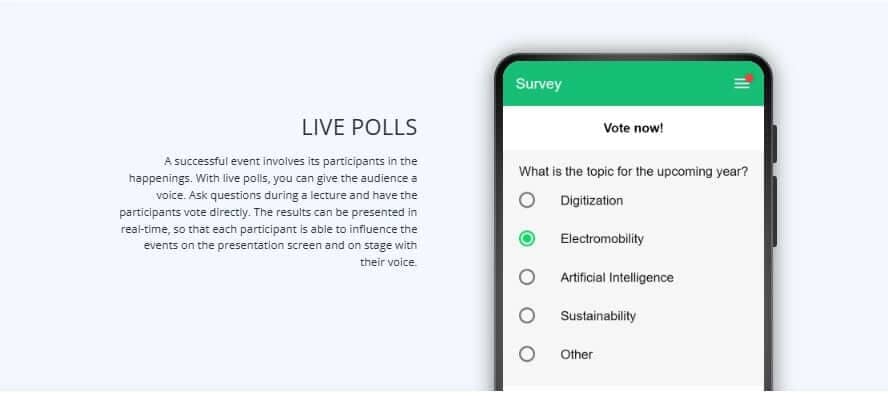
On the Premium tier, attendees answer live polls, submit session questions, and upvote the ones they want answered, all from the browser. The Q&A reflects what your room actually wants to discuss, not only the few who have access to a microphone.
LineUpr pricing
Pricing is per event, at 50 attendees:
Plus ($215/event)
Premium ($359/event) adds polls, Q&A, and session feedback
Platinum ($647/event) adds push notifications, attendee networking, and multi-language support.
For multiple events a year, the Flex Subscription gives up to 60% in discount. Check potential annual events pricing with LineUpr pricing calculator.
Honest limits
Registration and ticketing are not included. You will need a separate tool (InviteDesk, Eventbrite, or Tito)
Attendee networking and push notifications require Platinum plan.
Analytics requires connecting Google Analytics or Matomo) here’s the workaround).
The app is browser-based (PWA), not a native mobile app. For B2B conferences, this is an advantage (no download barrier). For events where a native app is a hard requirement from stakeholders, you'll need to pay $999 for a custom app.
Start building for free, or preview what your event app can could look like before you commint. No credit card required.
Whova vs Yapp: Which Platform is Right for Your B2B Event
There’s no single winner here. Whova earns its cost at large conferences with exhibitors and an operations team to run it. Yapp is the right call when you want transparent, affordable software for recurring events where your attendees share a device policy and a digital schedule is the main job.
The one question that matters is how much of your guests would gain access to your event app when they come from different companies with different IT policies. A share of them will choose the browser path, and on either tool, that means missing the engagement features you’ve built.
If this is your scenario, test LineUpr's free tier before you commit; you can build the full app and see how it behaves, with no credit card and no sales call.
Start building for free, or preview what your event app can could look like before you commint. No credit card required.
Frequently Asked Questions
1. Does Yapp require an app download?
Yapp offers a browser URL that shows event content without the container app. The browser path covers the schedule and speaker profiles only; poll voting and all interactive features need the downloaded app.
2. How much does Whova cost per event?
Whova does not publish pricing. The cost requires a sales conversation and is based on event format, duration, and attendee count. On top of that, Whova charges 3.0% + $0.99 per paid ticket if you use its registration tools. Add-on features carry extra costs.
3. What is the difference between a container app and a PWA?
A container app (what Whova and Yapp use) is a single app attendees download from a store to reach event content. A browser-based event app, like LineUpr, opens directly from a URL or QR code, with no install and no account needed before entry.
4. Can attendees on corporate-managed devices use event apps?
Devices under corporate MDM policies may restrict installs to an approved list, which can block a store download for Whova or Yapp. Browser-based apps aren't subject to that: the browser is already on the device and isn't usually controlled for app downloads.