5 Top-rated Yapp Alternatives in 2026 (Including One That Needs No Download)
May 28, 2026 · Wout Criekemans · 16 minute read
Table of Contents
Most event organisers replacing Yapp want the same three things: an app attendees can open without downloading anything, a way for guests to message each other, and pricing that makes sense when you're running two events a year.
That's because Yapp's event app builder works well for internal events where attendees are already familiar with the tool. But if you're a non-technical organiser running one to four client-facing events a year, you'll likely hit three walls:
- App store download friction limits adoption: Yapp publishes to mobile app stores. Before an attendee sees a single session listing, they have to find the app, download it, and install it. On corporate-managed devices, MDM policies often block unapproved third-party apps entirely. The polls, Q&A, and networking features you built go unused by every attendee who couldn't download Yapp.
- You need to pay annually, upfront, per app: Yapp charges $399–$799 per app, per year. Each event with a different audience needs its own separate app at that rate — so three client-facing events means three annual subscriptions running simultaneously, most of which you're paying for during months when no event is happening.
- Yapp does not offer attendee-to-attendee messaging. For a 200-person B2B conference where connecting with other attendees is part of the ticket value, there's no in-app way to find or message a specific person. Attendees default to exchanging LinkedIn cards at the end of sessions — which means the networking value you promised stays off-platform and largely unmeasured.
For this article, we look at five Yapp alternatives suitable for B2B events, starting with LineUpr — the only option that ensures every attendee gets into the app, lets guests network without restrictions, and charges you only when you actually have an event.
If your next event is in the next 90 days and you're not sure your attendees can install an app, LineUpr's browser-based builder takes under an hour to set up.
Try LineUpr for free. Build your event app now and preview the full experience before committing. No credit card, no sales call. Just see if it works for your event.
START FREEYapp Alternatives 2026: 6 Event Apps Compared for B2B Corporate Events
Yapp event builder app alternatives at a glance:
| Tool | Starting Price | Best For | Key Downside |
|---|---|---|---|
| LineUpr | $215 per event (save 60% of Flex subscription - $179 for 1 event/year) | Teams losing attendees at the app store download step | No native app option; registration requires a separate tool (but you can upload CSV of attendees) |
| Sched | $600/event (Launch) | Multi-track academic and professional conferences | Custom-branded native app is a paid add-on; engagement features limited at base plans |
| Nunify | $24/month (billed annually) | Teams that want web access now with option to add a mobile app later | Polls, push notifications, and networking locked behind the $99/month plan (also billed annually) |
| EventCreate | $39/month or $6/month (billed annually) | Organisers who need event management and a basic mobile app in one tool | Attendee app runs under EventCreate branding on standard plans; white label starts at $5,000 |
| Eventee | $1,499/event (500 attendees) | Premium events that need a native app and browser access | Expensive for most small and mid-sized events |
1. LineUpr: Best Yapp alternative for B2B teams that need a no-download option for guests
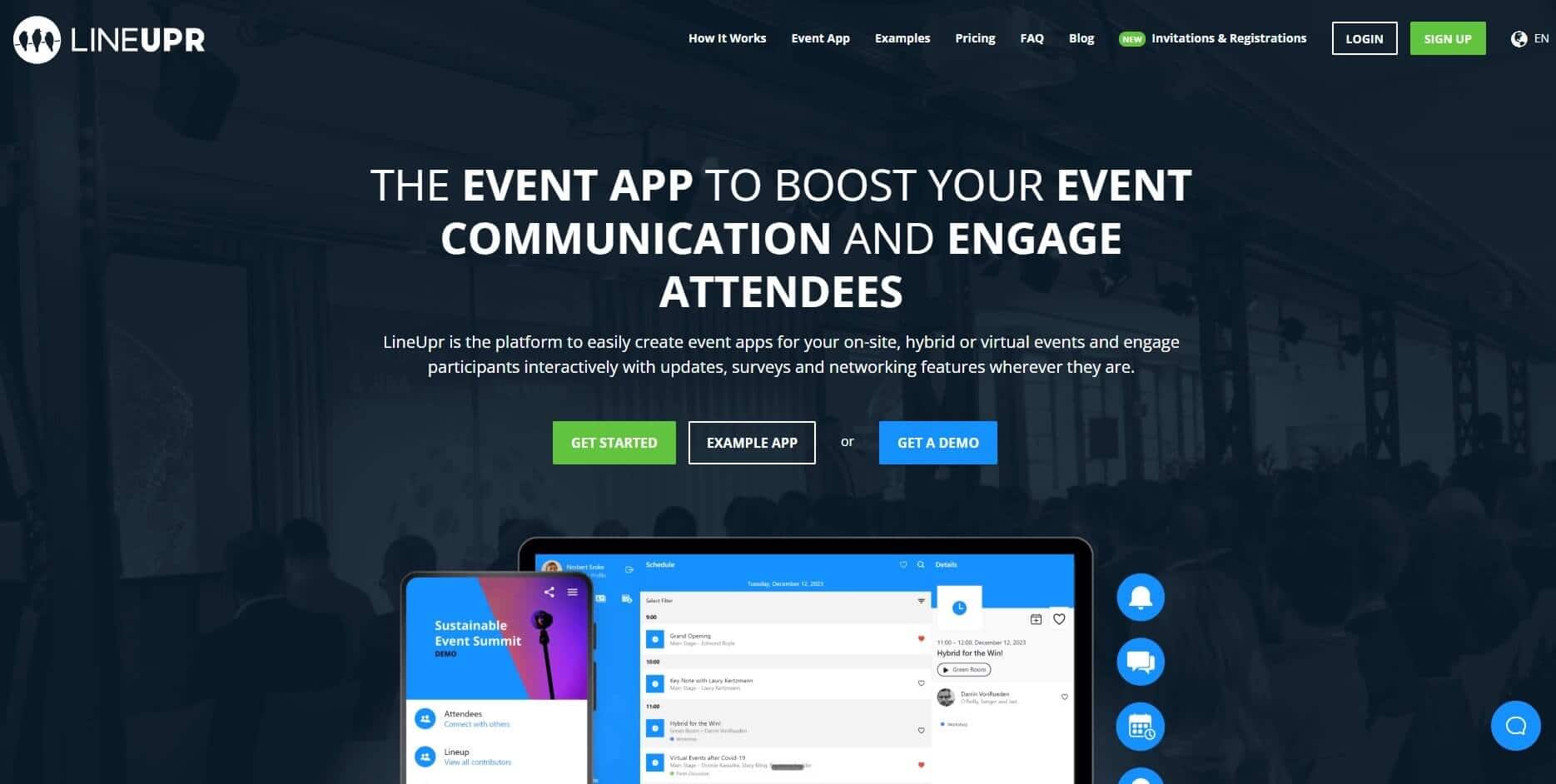
LineUpr is an event engagement app that helps non-tech B2B event coordinators build a fully branded event app and get attendees using it on the day without an annual subscription to lock you into recurring payments.
So instead of watching a portion of your room skip the download step or referring attendees to find each other on LinkedIn after the conference, you can:
- Get a complete, branded event app live in hours from one browser screen
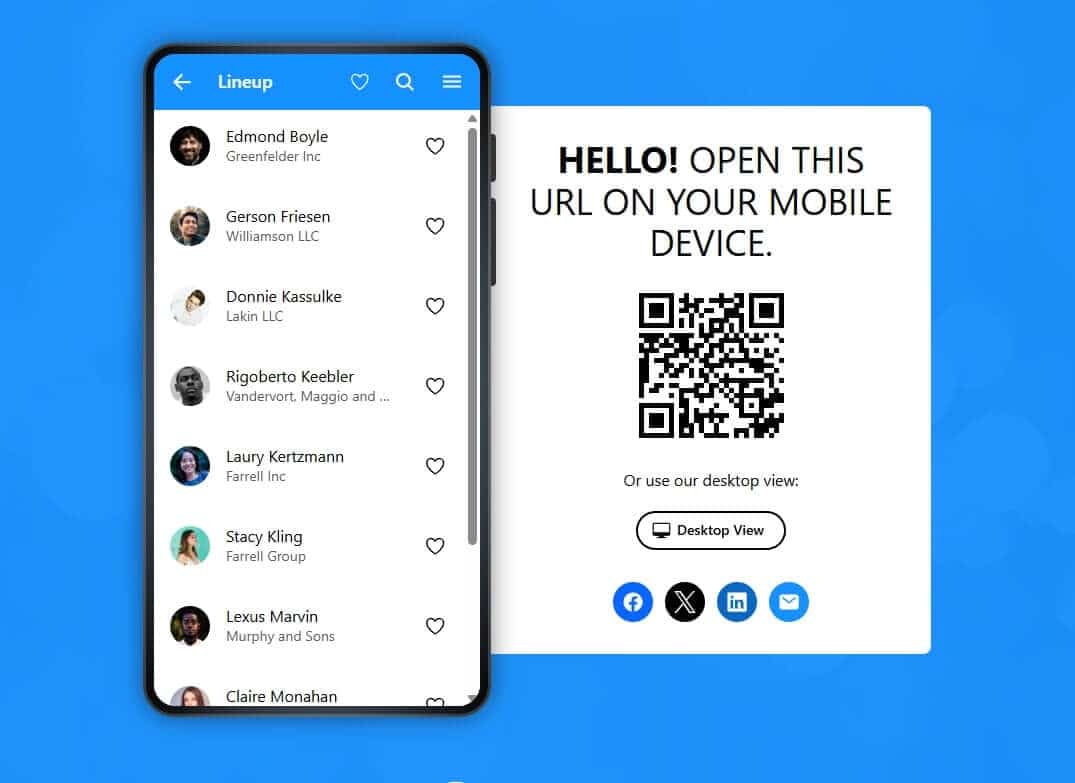
- Let attendees open it by scanning a QR code, no download needed
- Give attendees a way to message each other, request meeting slots, and exchange contacts inside the app
- Update the schedule in real time when speakers cancel or rooms change, without sending an email.
This way, you pay only for your planned events and every attendee, including those on corporate-managed devices, can use the engagement features you've designed.
Why LineUpr (and how it works)
1. B2B event coordinators can build and publish a complete event without IT support
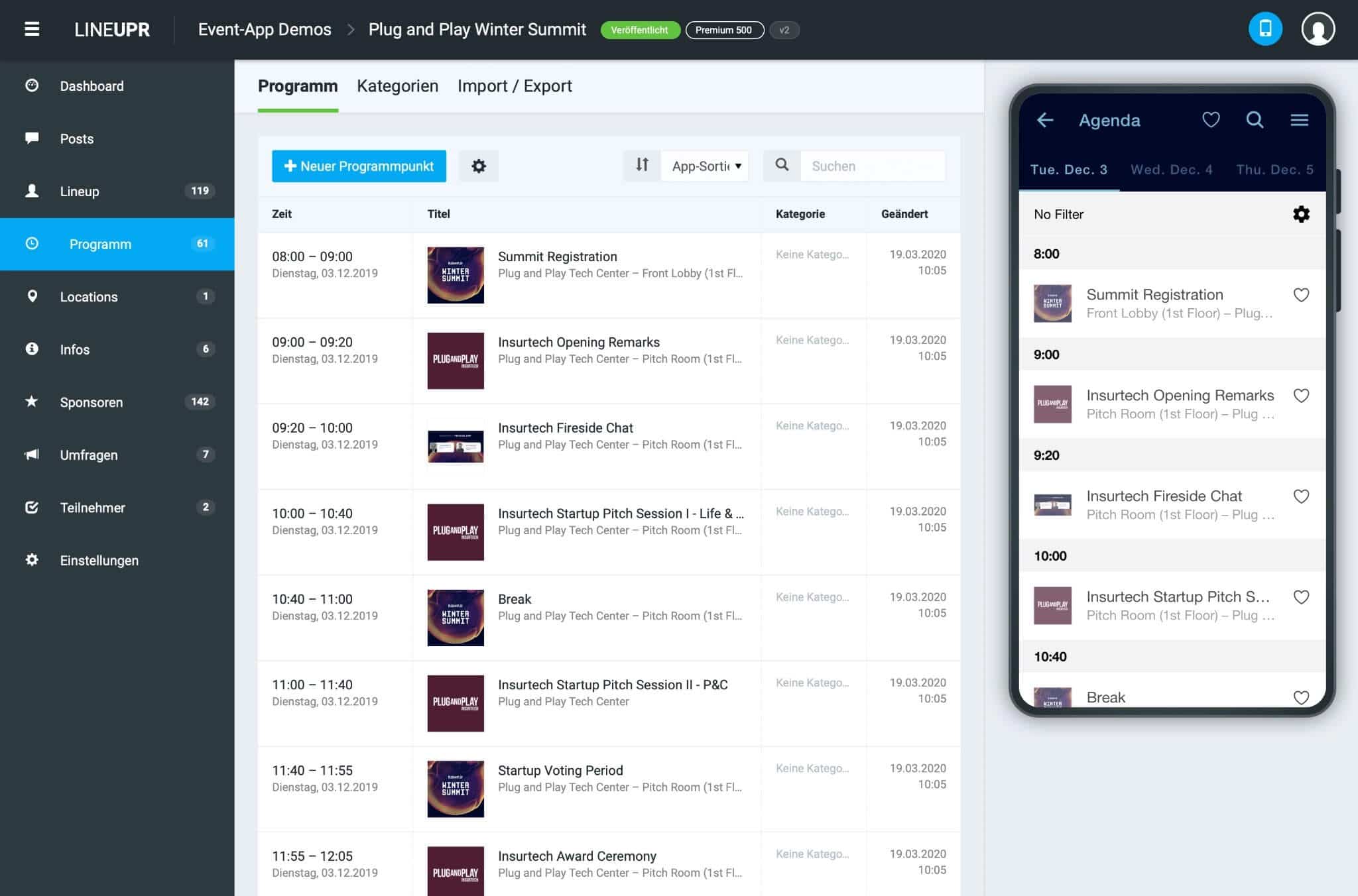
In LineUpr's App Manager, you get a self-service visual editor with a live preview that shows exactly what attendees will see before you go live. You can add agenda, speakers, locations, sponsor listings, and maps to make the app helpful during the events. You can also import your existing session and speaker data via CSV or Excel instead of entering everything manually.
Perform Better Europe, after running their 800-person fitness conference on LineUpr, described the build as "child's play", "clear and self-explanatory." For a team without a dedicated event tech person, the app is live in hours (as opposed to weeks).
2. Let attendees in without a download
Yapp requires attendees to find and download an app before they can see a single session listing. On personal devices, some skip that step. On corporate-managed devices, many can't download per company policy.
With LineUpr, you print a QR code on the registration badge or include the event URL in the confirmation email. Attendees scan or tap the link and they're inside your branded event app in two seconds. The goal is to make every action they have to take as simple as possible.
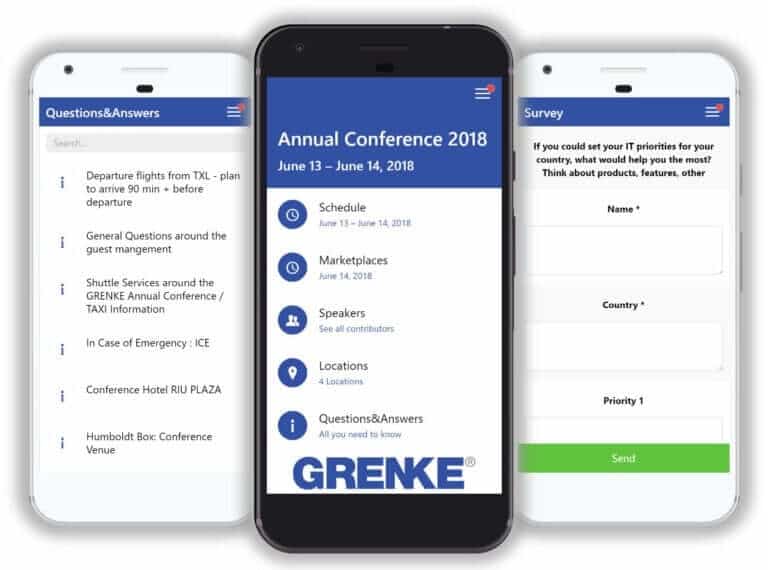
GRENKE AG, who also used it for their annual conference of approximately 120-130 participants, says their back-office team is "still raving about the ability to send participants quick reminders like 'Speaker A starts 5 minutes late' or 'Shuttle bus doesn't leave until 6:10 PM.'"
3. Give attendees a way to connect directly
Yapp does not offer attendee-to-attendee messaging. Every attendee who wanted to connect had no in-app path to do it. With LineUpr, each attendee can create a profile and message others through private and public chat. If they spot someone they want to meet, the Appointments feature lets them request a slot and get a table assigned.
Each session also carries the speaker's bio, photo, contact details, and links in one place. They can tap the session, see the speaker, and also schedule a 1:1 conversation.
4. Pay per event, not per year
Yapp charges $399 to $799 per year per app. If you run three events a year, you pay for twelve months whether you use the platform or not. Each event with a different audience needs its own separate app too, which calls for a separate annual cost.
With LineUpr, prices are per event. A single event for 50 attendees starts at $215 for Plus, $359 for Premium, and $647 for Platinum. The Flex Subscription reduces per-event cost (up to 60%) for teams running multiple events a year. Michael Kimmig from GRENKE, while comparing the price after his first build, says "Just try it and see how far you can come in an hour. Astoundingly, you then realise how expensive an agency wants to sell such an app."
Key Features
- Schedule and programme management with real-time updates
- Speaker and session profiles with bios, photos, and contact details
- Locations and venue maps
- Sponsor listings and in-app messaging
- In-app push notifications on all paid plans, no download required
- Live polls, Q&A with upvoting, and session surveys (Premium and Platinum)
- Attendee networking: profiles, private and public chat, video calls (Platinum)
- Custom colour scheme and branding
- Excel and CSV import and export
- Google Analytics and Matomo integration
Pros
- No App Store download required: works on any device with a browser, including corporate-managed devices
- Per-event pricing: pay only for events you actually run
- Free tier to build and preview before purchasing
- Flex Subscription reduces per-event cost for teams running multiple events a year
- Works alongside existing registration tools
- GDPR-compliant with German data hosting
Cons
- No App Store or Google Play listing: browser-only delivery
- Registration and ticketing require a separate tool or the InviteDesk add-on
- Attendee networking and messaging require the Platinum plan
Pricing
- Single event pricing starts at $215 for Plus (50 attendees), $359 for Premium, and $647 for Platinum. For 300 attendees, single event pricing runs $463 for Plus, $772 for Premium, and $1,392 for Platinum.
- The Flex Subscription reduces per-event cost for teams running multiple events a year.
Start building your event app for free, no credit card required.
2. Sched
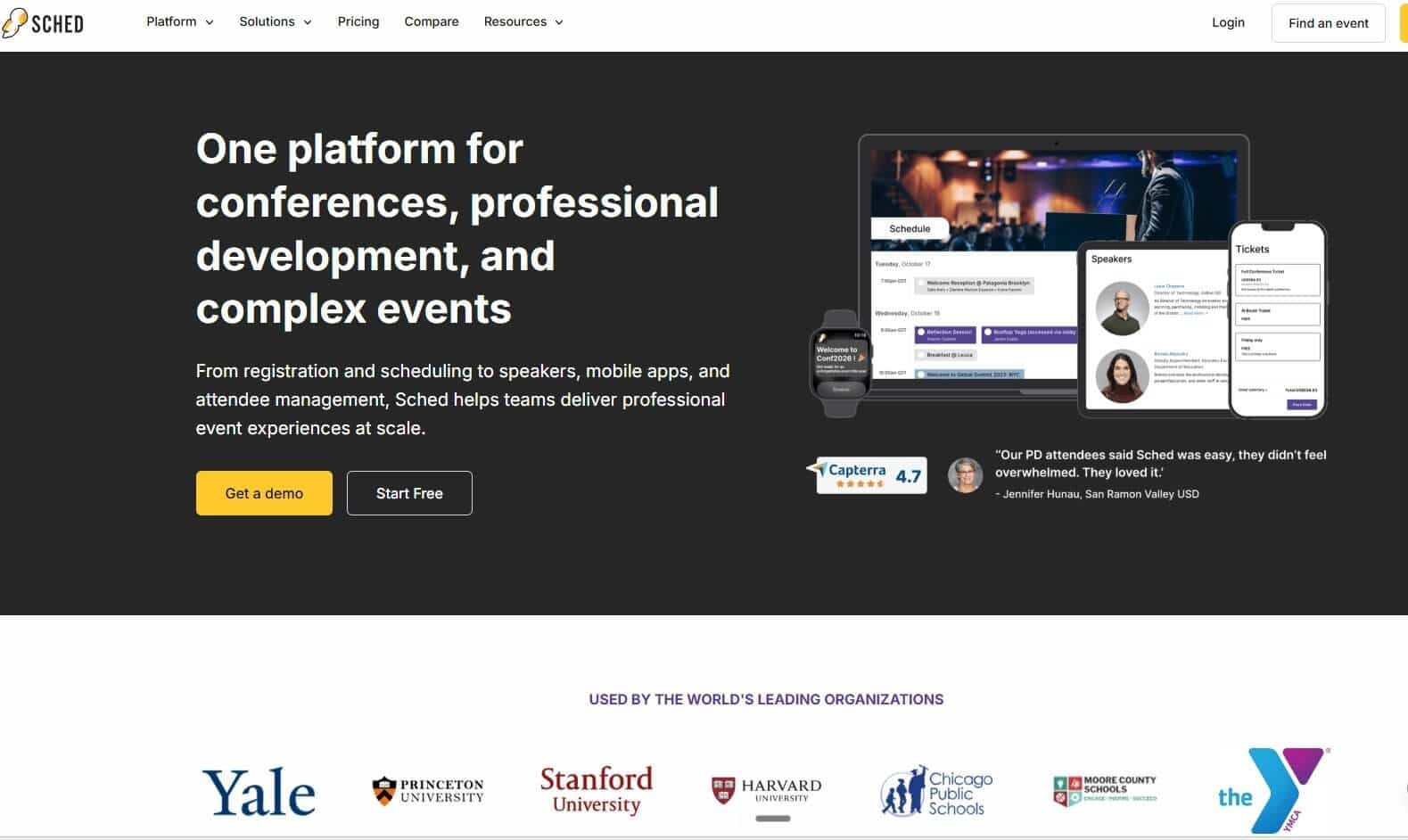
Sched is a conference scheduling and programme management platform built for events where the schedule itself is the primary attendee experience. It's browser-first on standard plans, as attendees can access the event in any browser. They can also use the Sched mobile app but an App Store download isn't mandatory.
The structural problem it doesn't solve is pricing. Sched runs an annual subscription model (charges every month) whether you're running events or not. For a team running one or two events a year, that's ten or eleven months of paying for a platform you don't use, the same problem as Yapp's annual billing, but at a higher price point.
On the per-event model, the Launch entry point starts at $600 for 250 attendees. For 300 attendees on LineUpr's Plus plan, the equivalent is $463 per event, with up to 60% off on the Flex tier.
Why we chose Sched
It's the right option when the complexity of your programme is the primary problem. It does multi-track scheduling, session capacity limits, and speaker submission management well. It's also the right choice if you're running the kind of event where that depth justifies the price.
Key features
- Multi-track session and agenda management
- Speaker profile pages and speaker submission tools
- Room and venue assignment
- Attendee personal schedule builder with calendar sync
- Session registration with capacity controls and waitlists (Boost and above)
- Attendee networking and direct messaging (Boost and above)
- Attendance tracking and check-in (Boost and above)
- Registration and ticketing on all plans
- Post-event content hosting for 12 months
- Custom-branded app available as a paid add-on
Pros
- Browser-first: no custom-branded app download required on standard plans
- The strongest multi-track scheduling engine on this list for dense conference programmes
- Registration and ticketing included across all tiers
- Call for Papers and abstract management built in, not added on
Cons
- Annual subscription charges every month regardless of event frequency: same structural issue as Yapp's billing for teams running one or two events a year
- Attendee networking and direct messaging locked behind Boost, starting at $1,500 per event or $3,000 per year (at the time of writing, they have a discount for $1,500/year)
- No live polling or in-session Q&A in the standard product
- Custom-branded native app is a paid add-on: pricing requires direct contact with Sched's team
- Whitelabelling available on Ultra only
- Base plan support is email-only with no guaranteed response time
Pricing
- Per event: Launch $600 (250 attendees), Boost $1,500, Ultra $2,250
- Annual subscription: Launch $1,200/year, Boost $3,000/year, Ultra $4,512/year
3. Nunify
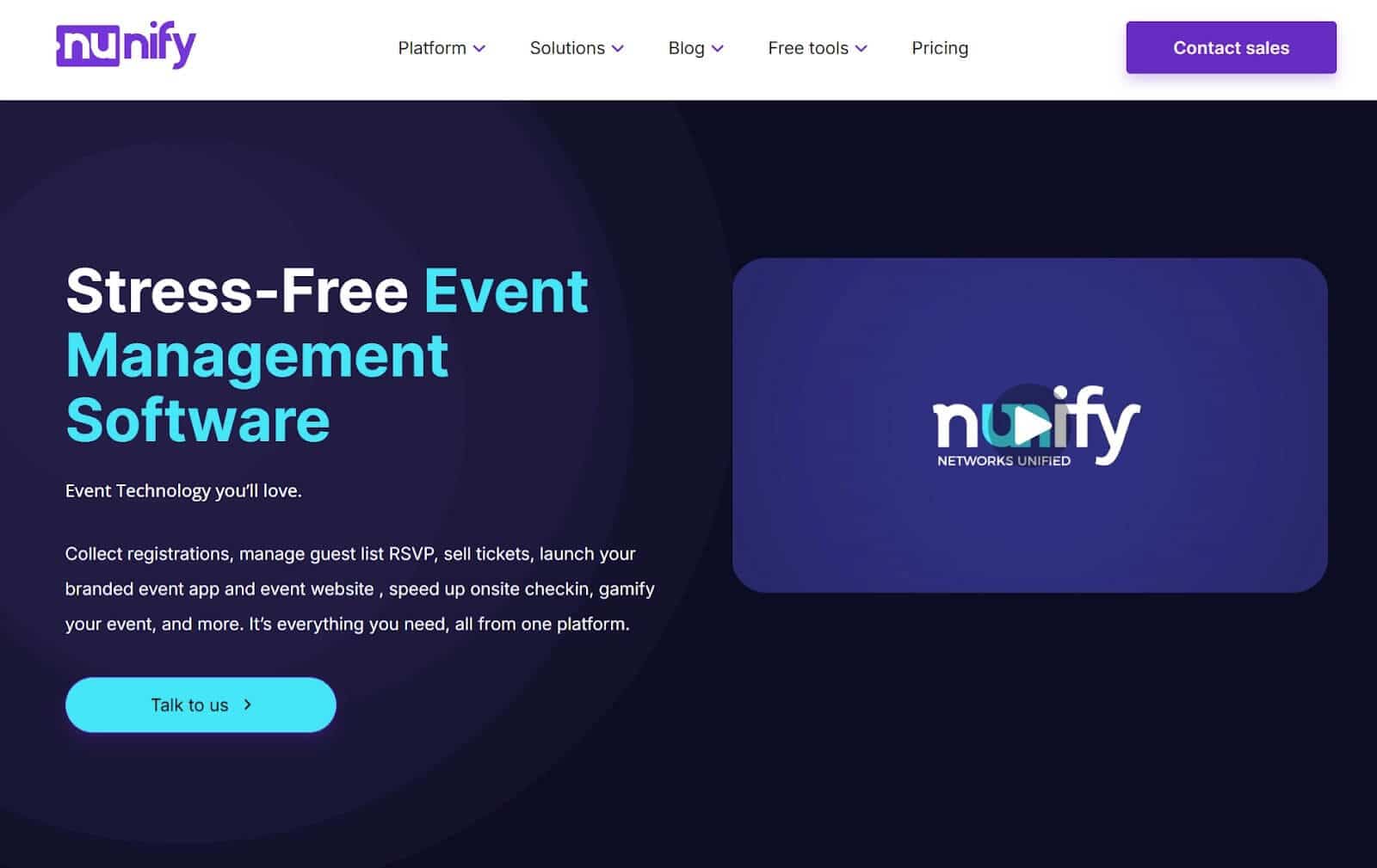
Nunify is an all-in-one event platform covering registration, ticketing, and a branded event app for attendees. Its Essential plan is browser-only, which removes the App Store download requirement without forcing an immediate decision on whether you want a mobile app. The Engage plan adds native iOS and Android to the mix if your audience turns out to need it.
The catch is what's included in the Essential and Elevate tiers. There are no live polls, push notifications, and attendee networking features.
Nunify branding would also show on your event unless you upgrade to the Engage tier ($99/month for 150 attendees per event). For B2B corporate events where engagement is the point, the effective entry price is the Engage plan, and that's a monthly subscription billed annually, whether you're running events that month or not.
Key features
- Browser-only event app on the Essential plan, no download required
- Native iOS and Android apps on the Engage plan
- Event website and attendee portal
- Programme and schedule management
- Speaker profiles and venue maps
- Live polls, surveys, and Q&A (Engage plan only)
- Attendee networking and gamification (Engage plan only)
- Custom branding and white-labelled app (Engage plan only)
- Registration and ticketing on all plans
- Detailed analytics (Engage plan only)
Pros
- Essential tier is browser-only: removes the download barrier without committing to a mobile app. But if you want more features and you upgrade, the web-browser access goes away.
- Clear upgrade path to the full mobile experience without switching platforms
- Unlimited events on all plans
Cons
- Live polls, networking, and the event app features are locked behind the Engage plan — the Essential and Elevate tiers cover registration and check-in only
- The Engage plan explicitly excludes Elevate features: if you need badge printing and the full event app, you'd have to pay for add-ons
- Monthly subscription charges whether events are running or not: the same structural mismatch as Yapp's annual billing for teams running few events a year.
Pricing
Billed annually:
- Essential: $24/month
- Elevate: from $49/month
- Engage: from $99/month
Billed quarterly:
- Essential: $50/month
- Elevate: from $100/month
- Engage: from $200/month
Pricing scales with attendee count. Engage at 500 attendees per event runs $295/month on annual billing, or $3,540 per year.
4. EventCreate
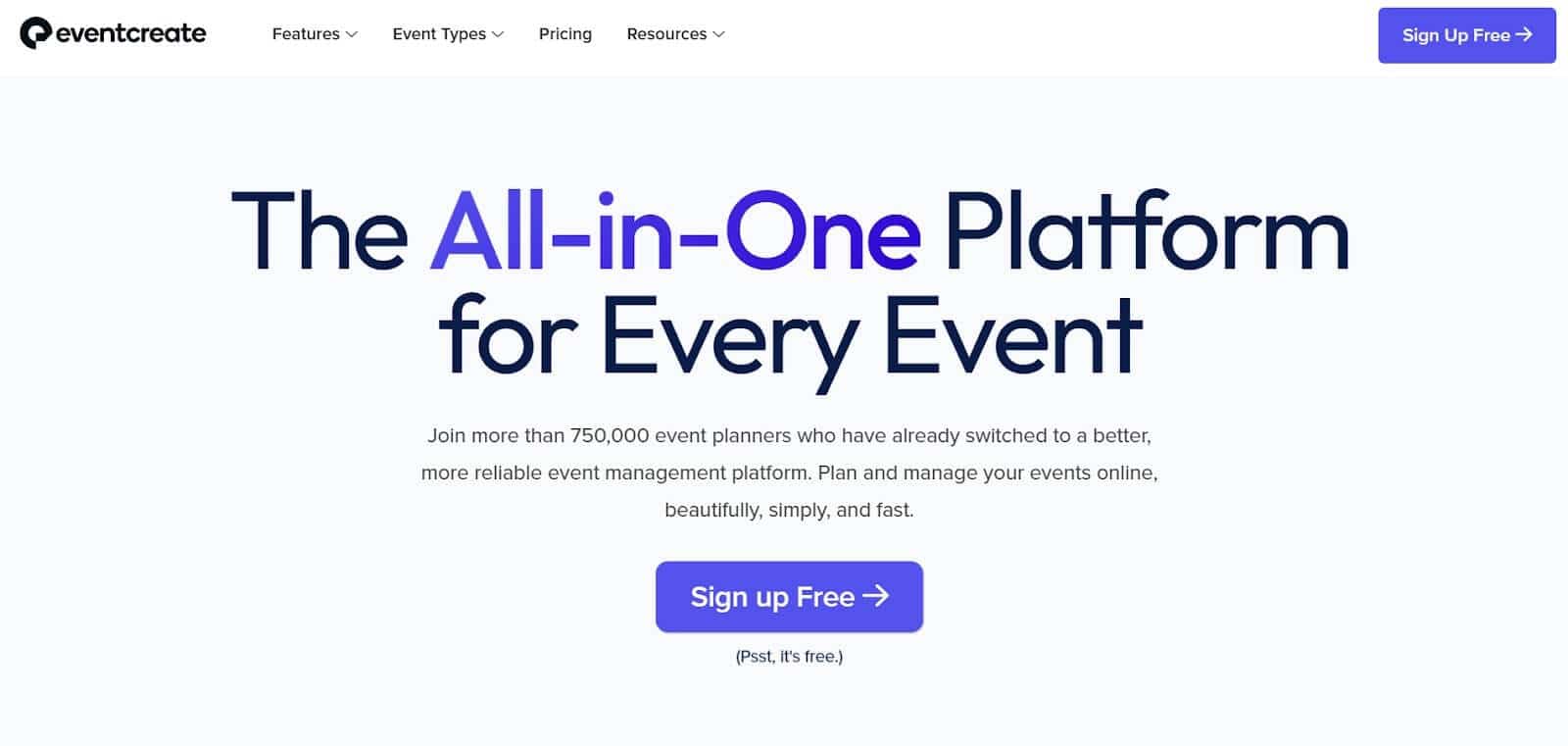
EventCreate is an event management platform that provides website building, registration, ticketing, guest check-in, and a branded mobile attendee app. It sits in a different category from every other tool on this list because it's event operations first, engagement second.
For teams who currently have no registration tool and event app and need to solve both at once, it's a good fit.
However, one of the downsides of EventCreate is the branding. The attendee app includes polls, Q&A, push notifications, and networking features, but it runs under EventCreate's branding on all standard plans. A white-labelled app with your own identity starts at $5,000 as a separate add-on.
For a B2B coordinator running a client-facing event, branding would be a massive tradeoff. And $5,000 is likely out of budget too.
You're also billed annually whether you had events or not, which puts it in the same position as Yapp's billing for teams running few events a year.
Why we chose EventCreate
It's the right option for teams building their event stack from the ground up. It has registration, ticketing, check-in, and a basic attendee app features.
Key Features
- Event website with custom design
- Registration forms and ticketing with no platform fee
- QR code guest check-in
- Email invitations and attendee communications
- Mobile attendee app with schedule, speaker info, maps, networking, polls, Q&A, and push notifications
- Custom white-label app available as a separate add-on (starting at $5,000)
Pros
- Handles registration, ticketing, check-in, and a basic attendee app from one platform
- No separate registration tool required
- Mobile-responsive event pages accessible without a dedicated download
- No platform ticketing fees: payment processing through Stripe only
- Annual billing saves up to 80 per cent compared to monthly rates
Cons
- The attendee app runs under EventCreate's branding on standard plans: white-labelling starts at $5,000 as a separate add-on
- No native support for virtual or hybrid events
- You're billed annually whether you had events or not (and forgot to cancel your subscription)
Pricing
- Scales from $39/month to $598/month based on number of attendees per event
- Annual billing starts at $6/month ($72/year) and scales to $299/month ($3,588/year), depending on your number of events and attendees.
5. Eventee
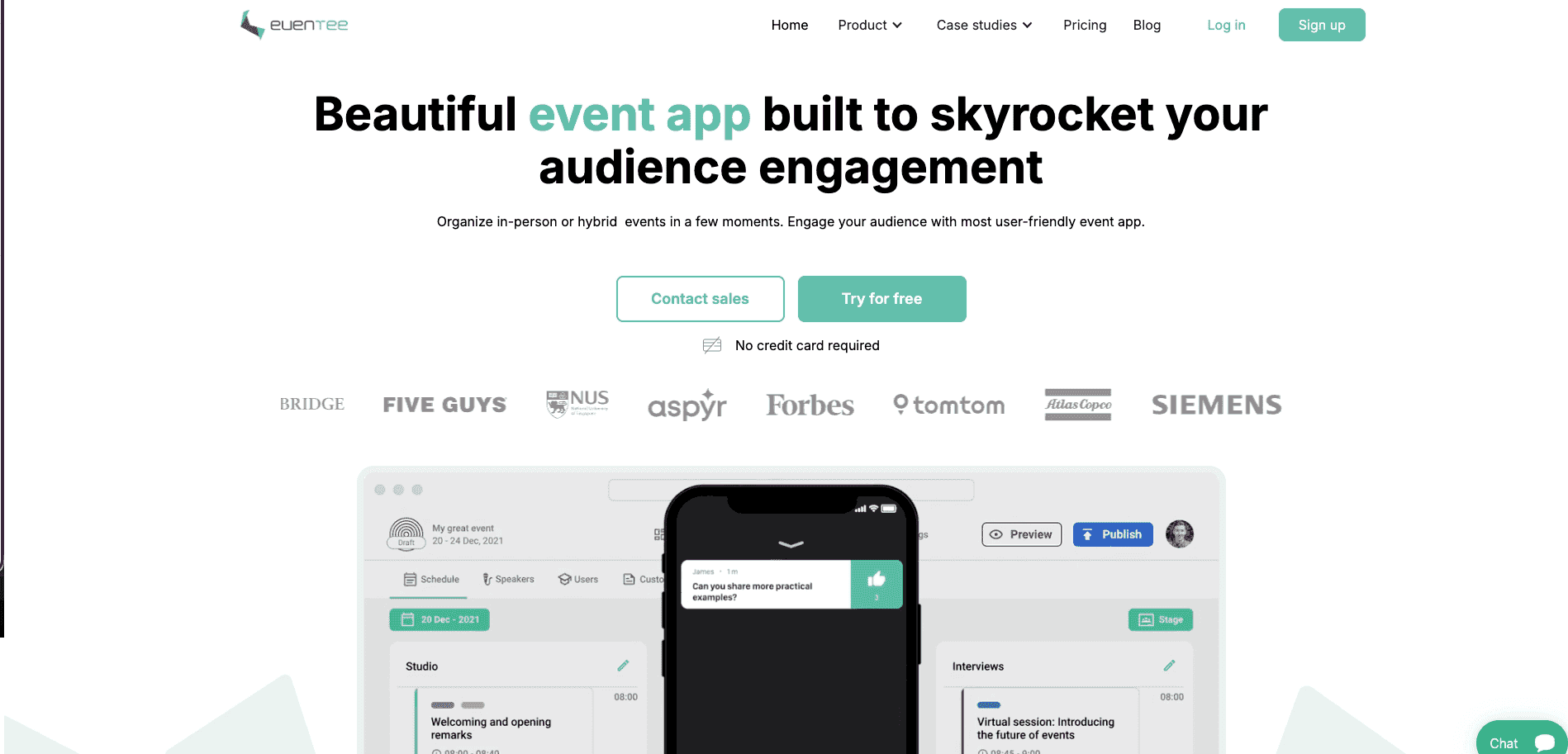
Eventee is a mobile event app built around attendee engagement. Every plan includes a mobile app and a browser-based web interface, so attendees on corporate-managed devices can still access the event.
Unlike most tools on this list, Eventee doesn't gate its engagement features by plan. Live polls, Q&A, attendee networking, and the social features are included on every tier.
However, you can only run 1 event in Solo ($1,499), 6 in Business ($2,999), and 12 in Enterprise ($4,999). Custom branding also costs $500 as an add-on on the Solo plan but is included on Business and above.
Data access rolls off after three months on Solo, which matters if your team reviews post-event analytics later in the quarter.
Another trade-off is what you pay to get these features. The Solo plan at $1,499/event is 3.75 times Yapp's Basic annual plan and considerably more than any other option on this list. For a team running two events a year, Business at $2,999 for six events works out to $500 per event, which is more reasonable, but it locks you into an annual subscription regardless of whether you run all six.
Why we chose Eventee
Eventee has good feature sets for organisations where attendee experience and branding are the primary buying criteria. For teams with a fixed per-event budget that needs to clear internal approval, the entry price is a real obstacle.
Key features
- Native iOS and Android app and browser-based web app on every plan
- Programme and session scheduling
- Speaker profiles
- Live Q&A and live polls on all plans
- Attendee networking and matchmaking on all plans
- Push notifications
- Registration platform included
- Advanced analytics on Solo and Business; Professional analytics on Enterprise
- White label available on all plans as a per-event add-on ($2,000/event)
Pros
- It has mobile and web-browser versions
- Polished, modern attendee interface
- Full engagement feature set included on every tier: no gating on polls, networking, or Q&A
Cons
- Solo at $1,499 per event is the highest single-event entry price on this list
- Custom branding on Solo costs an additional $500: factor that into the true entry price for branded events
- Data access expires after three months on Solo, which limits post-event reporting for teams who review results later
- Annual subscription on Business and Enterprise charges for the full event allocation whether all events run or not
Price
- Solo: $1,499/event (500 attendees)
- Business: $2,999/6 events (1,000 attendees/event)
- Enterprise: $4,999/12 events (3,000 attendees per event)
Get The Yapp Alternative With Faster Setup and Zero Download
LineUpr is the only option here that addresses all three reasons Yapp users go looking for Yapp alternatives in the first place.
If it's the download barrier, attendees can open the app from a QR code in any browser. If it's the pricing model, you pay per event rather than per year. And if it's the limited networking features, LineUpr allows direct chat, contact exchange, and 1:1 appointment booking with other attendees and speakers.
Michael Kimmig, from GRENKE found that agencies would charge significantly more for a comparable app because of how practical it is for non-tech teams with fewer events per year.
Start building your event app for free today!