6 Best Hybrid Event Apps for Internal Events, by Use Case
July 31, 2026 · Wout Criekemans · 19 minute read
Table of Contents
- How to Choose a Hybrid Event App for a Closed Internal Event
- Best Hybrid Event Apps for Internal Events, by Use Case
- Best When Your Video Livestream Platform is Already Arranged
- Best When Streaming and Event Operations Must be Included
- Best When Attendee Community/Networking is Central
- Best When Scheduled Meetings are the Main Outcome
- Already Have the Video Arranged?
- FAQs
Your livestream can run perfectly and your hybrid internal event can still feel like two separate experiences. In-person attendees ask questions through a microphone while remote attendees use Teams chat, leaving your moderator to follow two Q&A queues.
People in the room hear that a session will start late, while remote attendees keep following the old PDF agenda. And when a poll sits outside the livestream or event app, remote attendees have to leave the session and open another link before they can respond.
For a closed employee, customer or partner event, that fragmentation is a real problem. You need both audiences to follow the same agenda and participate in the sessions, without buying ticketing or exhibitor tools the event will never use. You also need to know the kind of hybrid event app platform you need.
That’s because some hybrid event platforms produce the livestream and manage the wider event operation while others work around the video platform you already use, adding the agenda and attendee interaction.
The right choice therefore depends on your event size and whether video production is already covered. It also depends on whether attendees mainly need shared Q&A or a deeper networking experience.
This guide explains how to choose based on your event size then groups six hybrid event apps based on what they’re best for.
Already have your video platform for your hybrid events? See how LineUpr allows you to add the agenda, send real-time updates, and run polls and Q&A's for your hybrid event.
Already have your video platform for your hybrid events? See how LineUpr allows you to add agenda, send real-time updates, and run polls and Q&A for your hybrid event.
How to Choose a Hybrid Event App for a Closed Internal Event
1. Is the video production/livestream already handled?
If your team may already use Teams, YouTube or another service for the broadcast, you don’t necessarily need a second platform for production. You need an attendee app to facilitate one programme, share updates and engage in-person and remote attendees.
2. Do you also need registration, check-in and reporting?
If your internal events have a system for invitations and registration, moving check-in, badge printing and attendee reporting into a broader hybrid event app could add more setup time than necessary.
A broader event app platform becomes useful when you need to connect those workflows. For example, different attendee groups need separate registration paths, while the event team needs attendance records and reporting across several multi-track sessions.
3. Do attendees need shared participation or an event community?
For a town hall or knowledge day, the main requirement may be one Q&A queue and the same polls for both audiences. Other events might need the conversation to continue outside the sessions, which is where a networking tool will be a better fit.
4. Are scheduled meetings a central event outcome?
Some hybrid partner and distributor events are designed around introductions rather than presentations. When attendees need to declare their interests, receive recommended contacts and book meetings, a structured networking platform such as Brella is more relevant than a general agenda and engagement app.
Before making the final choice, also check how attendees access the platform, where their data is hosted and whether the pricing is a good fit for your type of event.
Best Hybrid Event Apps for Internal Events, by Use Case
For this article, the tools below are grouped based on the hybrid event management experience they’re the best for:
Best When Your Video Livestream Platform is Already Arranged
Tool | Choose it when | Main limitation | Pricing |
LineUpr | You already have the video setup and need one programme, shared polls and Q&A for people in the room and joining remotely | It doesn’t replace a production platform. Some streams can be embedded, while unsupported services require an external link | Per event ($ 215 for 50 attendees) or Flex Subscription ($ 635/year for four events with 200 total guests) |
Yapp | Your event mainly needs schedules, documents and attendee communications across phones and laptops | It offers less depth for live participation and hybrid networking | $399–$799 per app, per year |
Best When Streaming and Event Operations must Be Included
Tool | Choose it when | Main limitation | Pricing |
Cvent | A large hybrid programme needs streaming, registration and reporting across several attendee groups | Its enterprise scope requires more setup than a closed meeting with an existing video platform | Custom quote |
EventMobi | You want streaming support, registration and event-day services from one provider | Video delivery and other operational products may increase the implementation cost | From $3,500 per event or $7,900 per year |
Best When Attendee Networking/Community is Central to Your Events
Tool | Choose it when | Main limitation | Pricing |
Whova | Remote and in-person attendees need community discussions, profiles and messaging before and during the event | Its wider conference and exhibitor features may exceed what a closed internal event needs | Custom quote |
Best When Scheduled Meetings are the Main Outcome
Tool | Choose it when | Main limitation | Pricing |
Brella | A partner or distributor event needs matchmaking and booked meetings across both audiences | It adds less value when attendees mainly need the programme, updates and shared Q&A | Custom quote |
Let’s look into these with more details:
Best When Your Video Livestream Platform is Already Arranged
1. LineUpr: Best for closed hybrid events that need one attendee experience around the video livestream
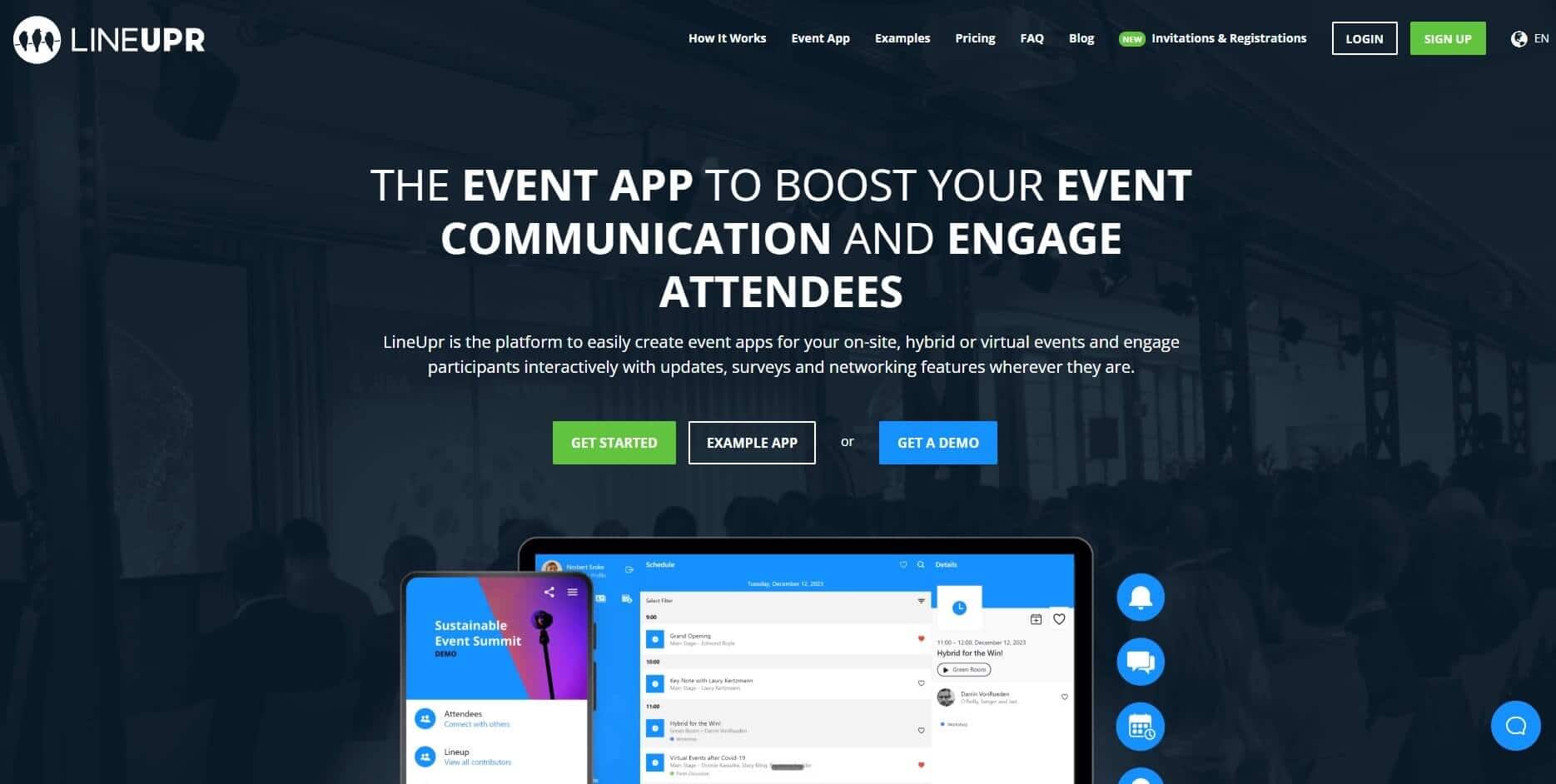
LineUpr is a self-service event app builder for organisers who already have the broadcast covered but still need to connect in-person attendees with those joining remotely.
It doesn’t replace a livestreaming platform. Instead, it gives your audiences one place for the agenda, see session updates, polls and Q&A. Supported streams can appear inside a virtual location when the video provider permits iframe embedding. When embedding isn’t supported, attendees can follow an external joining link.
This makes LineUpr suitable for hybrid B2B corporate events like customer days or partner meetings that already use a video service and don’t need ticket sales, exhibitor booths or a separate production team.
How LineUpr Works for Hybrid Events
Keep remote attendees from following an outdated agenda
A schedule or speaker change in an in-person event is easy to announce when everybody is in one place. In a hybrid event, you can sideline remote attendees.
LineUpr lets you publish physical rooms and virtual locations within the same programme. Attendees can check session times and speaker details from their phones or laptops, rather than relying on separate PDFs for each audience.
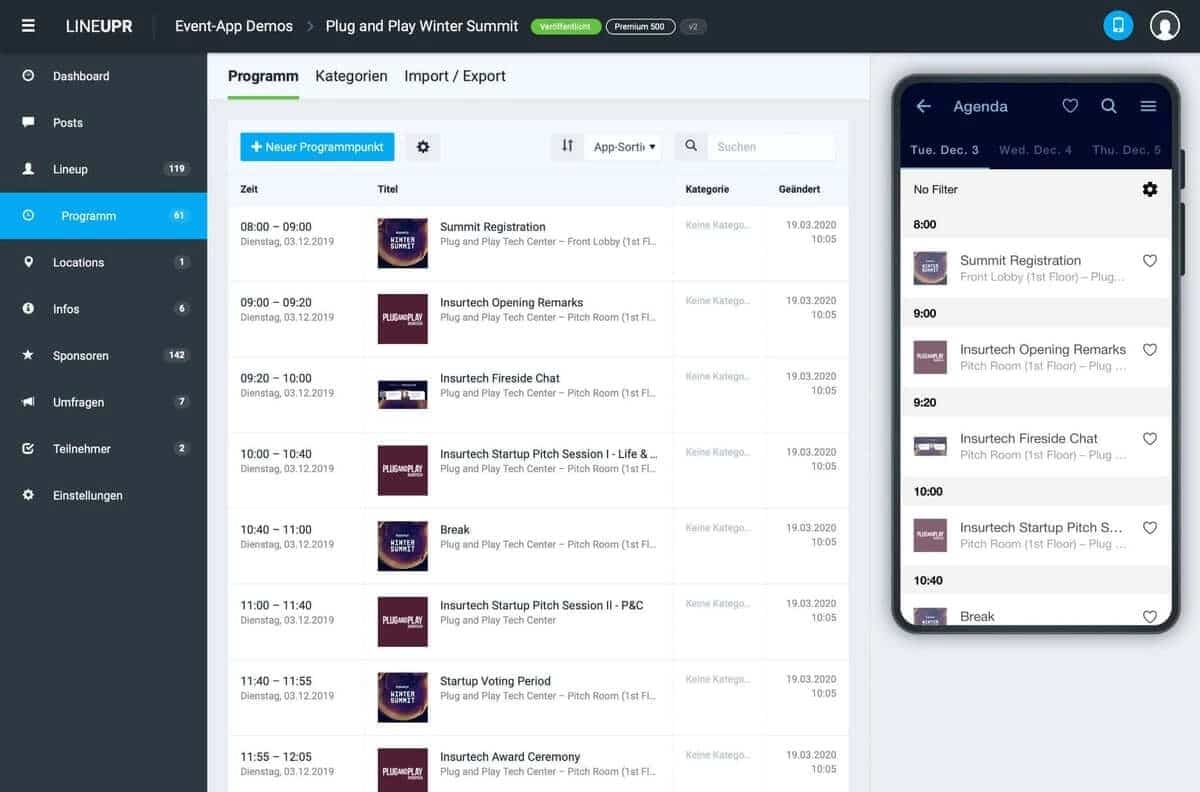
You can also edit the programme and attendees will receive push notifications of your changes.
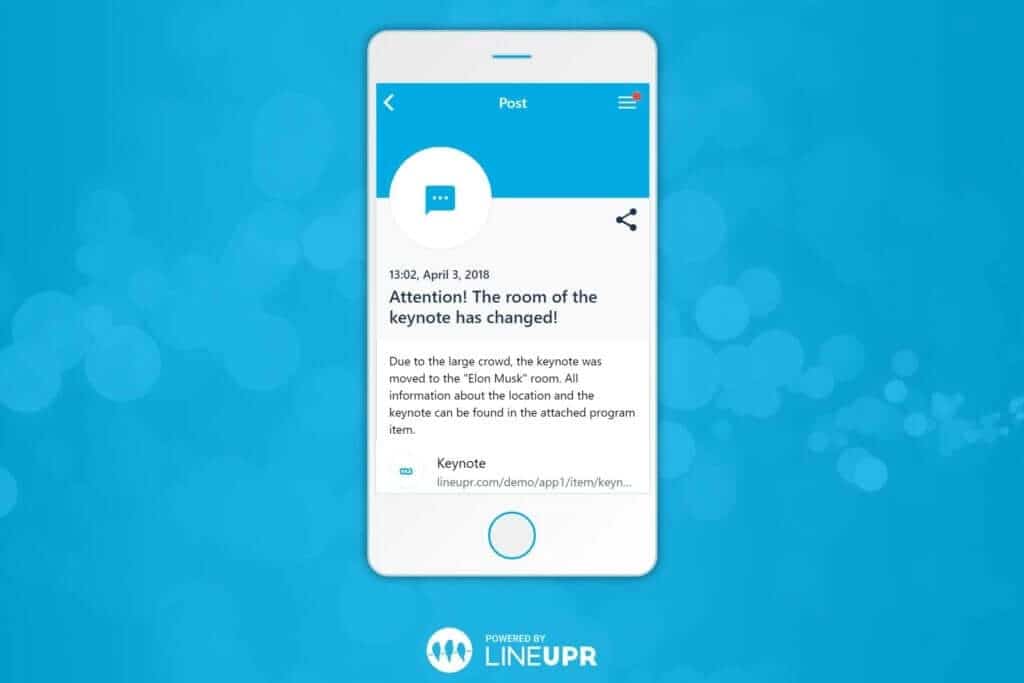
This is particularly useful when a session starts late or its joining details change. The organiser simply updates the event information once instead of sending another email to the remote audience while making a separate announcement in the room.
Stop questions arriving through three different channels
Without a shared engagement and interaction tool, the moderator may have to monitor the room microphone, video-platform chat and a separate form.
LineUpr gives in-person and hybrid audiences access to the same polls and Q&A with upvoting. Remote attendees can submit questions from a laptop, while people in the room use their phones. The moderator can then choose the questions to address based on relevance and audience support (the questions with most votes).
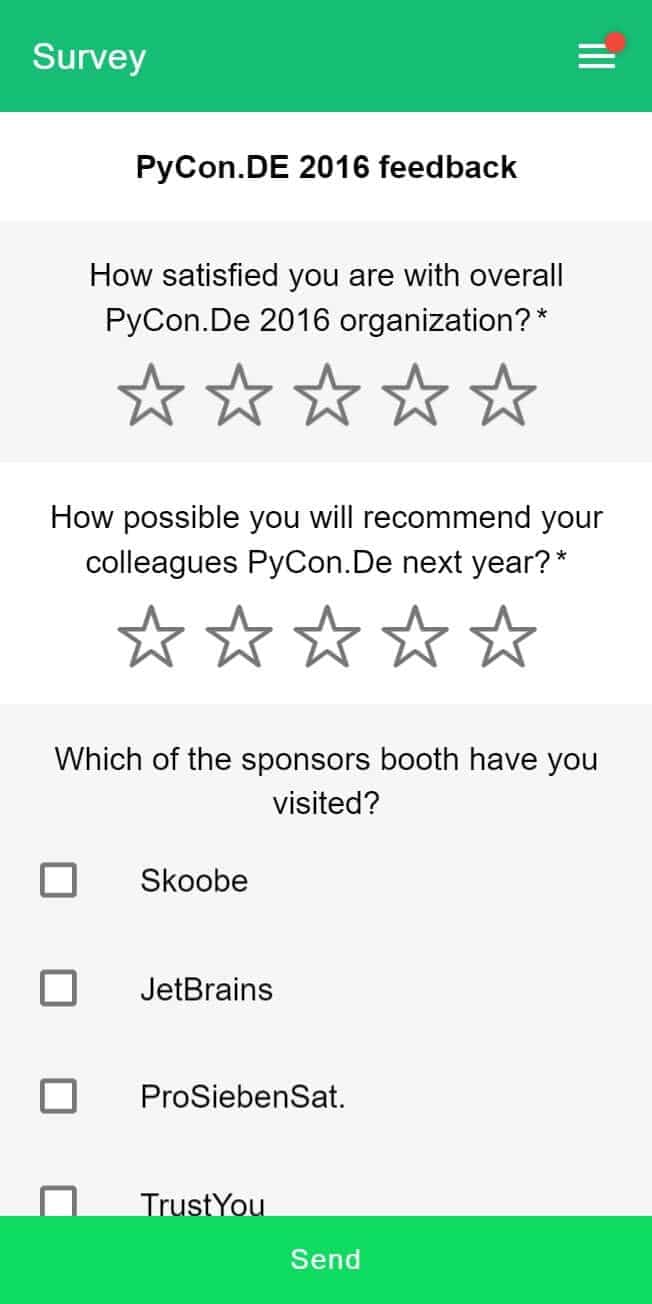
A separate presentation view can display questions and poll results on the venue screen. This keeps the session conversation together without forcing the moderator to copy questions between tools and present to both audiences.
Place supported streams beside the event conversation
LineUpr’s virtual locations can carry an embedded stream beside a group chat (when the stream provider permits iframe embeds).
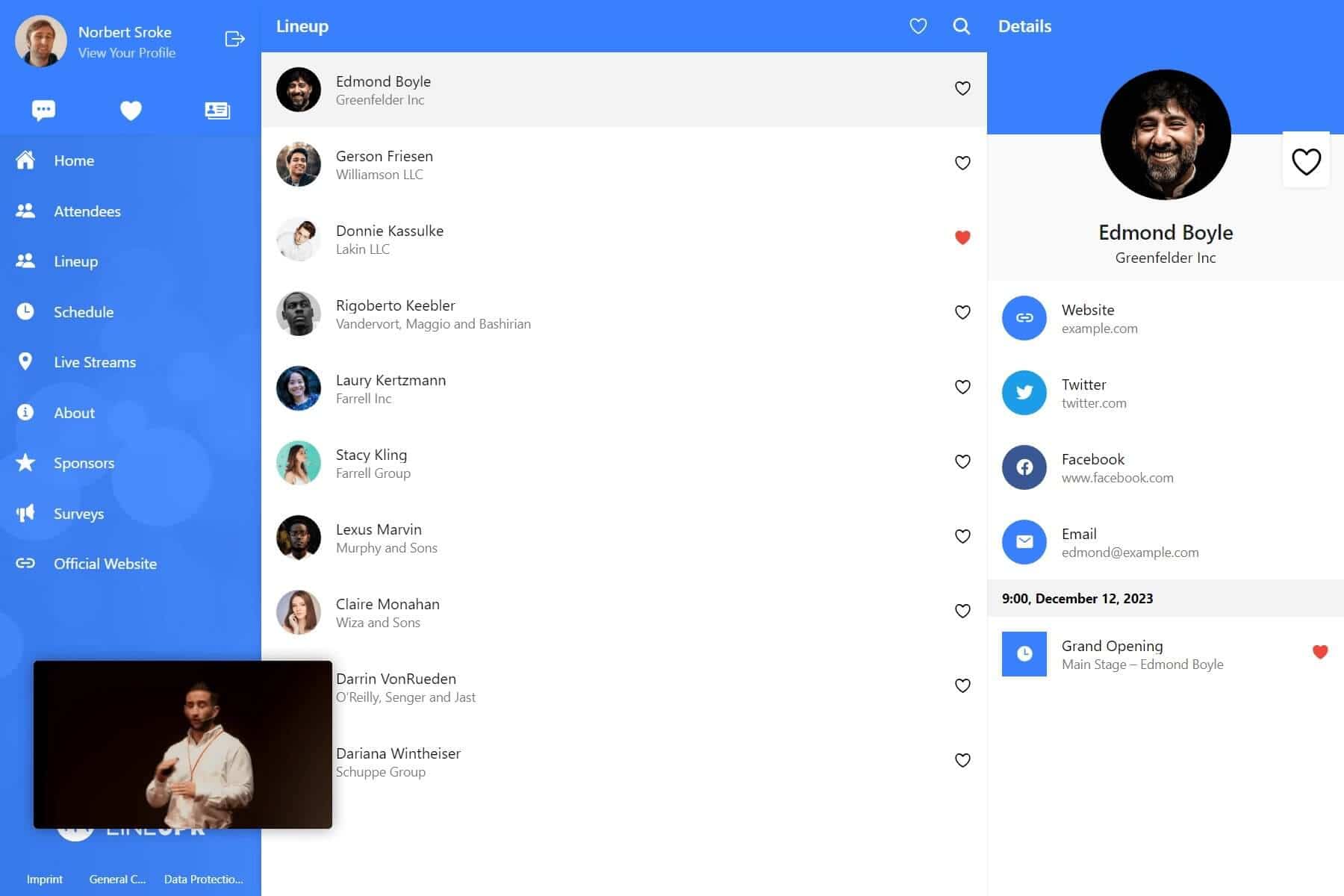
That means a remote attendee can watch the session and follow the event conversation from the same desktop view as seen above. They don’t have to keep the programme in one tab, the stream in another and the discussion somewhere else.
LineUpr also includes video calls that support attendee one-on-one conversations and increases their chances of networking beyond the app/event.
Give each audience an access route that suits its device
People at the venue are likely to use their phones. Remote attendees may spend their time during the event on a laptop.
LineUpr adapts screen resolutions to phones, tablets and desktop screens. The organiser can also email the event link to remote attendees and place a separately created QR code at the venue for in-person attendees to scan and gain access.
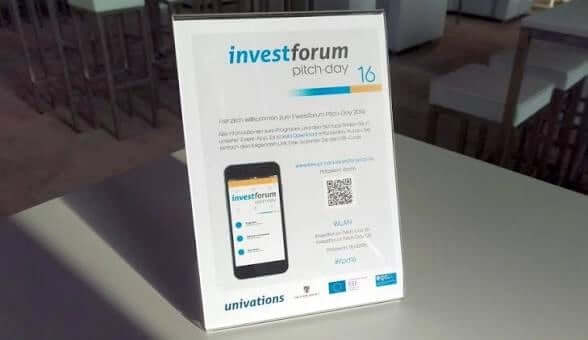
No app-store installation is required. This reduces the launch work for closed customer or partner events, particularly when attendees use managed devices or don’t want to install a supplier’s app for one meeting.
After the first load, core programme content can remain available if they lose internet connection, which means they can still read along until they gain access to Wi-Fi.
Reuse the setup for the next internal event
A recurring partner meeting shouldn’t require the organiser to rebuild every speaker profile and location.
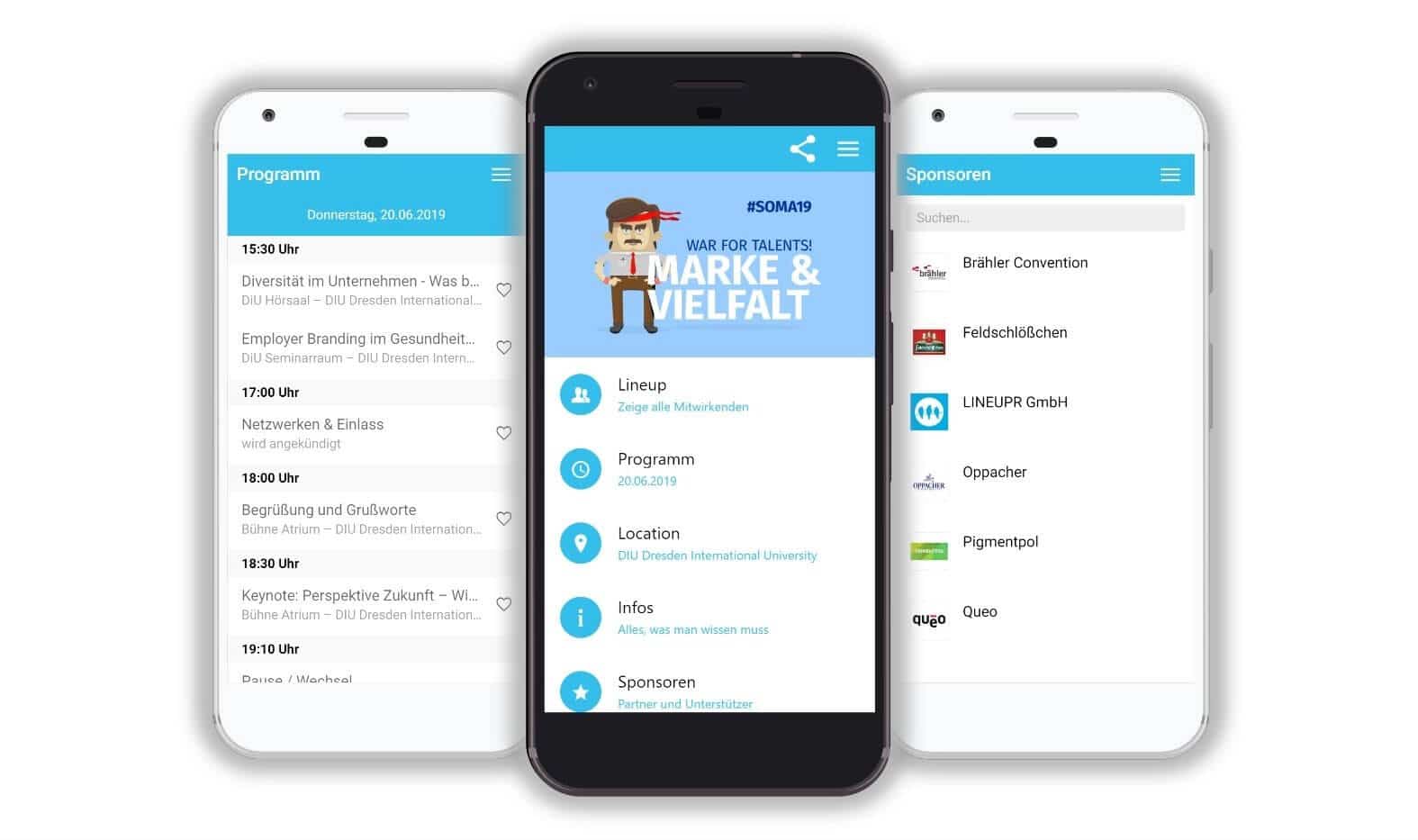
LineUpr lets you duplicate a previous event, edit the content and launch a new app faster. Programme and speaker data can also be imported through Excel or CSV. Nicole Schiertz of the Marketing Club Dresden, was able to create her app in four hours without any developer help, and it looked like the below:
Build and preview your full event app for free, with no credit card required.
Build an preview your full event app for free, with no credit card required.
LineUpr’s Key Hybrid Event Features
Physical and virtual locations: Show venue rooms and online sessions within one programme.
Supported stream embedding: Place iframe-compatible streams inside a virtual location.
Shared polls and Q&A: Let both audiences contribute to the same session interaction.
Desktop and mobile access: Give remote and in-person attendees a suitable view on their existing device.
Notify attendees the moment there’s an update: Send in-app or push alerts when a change affects people outside the room.
Offline access: Attendees can still access event content after the first load if they lose internet access.
Multi-language support: International attendees can view app content in their preferred language.
Pros
Works around a video setup your team uses.
Doesn’t add ticketing, exhibitor or lead-capture workflows to a closed event.
One organiser can build and update the app in hours without a developer.
Per-event purchasing suits teams running occasional hybrid meetings.
German and EU hosting can make the data-protection review easier for European organisations.
Cons
It doesn’t produce or manage the main livestream.
Stream embedding depends on the external provider allowing iframe use.
Push notifications, polls and Q&A require Premium.
Registration and check-in require another tool.
Cached content may work offline, but chat and live participation don’t.
Pricing
Single events with 50 attendees Plus ($215), Premium ($359), Platinum ($647)
Flex Subscription (for multi-event teams- can reduce the per-event price by up to 60%).
Use the live LineUpr pricing calculator for the exact attendee count and feature package.
2. Yapp: For simple hybrid events that mainly need schedules and updates
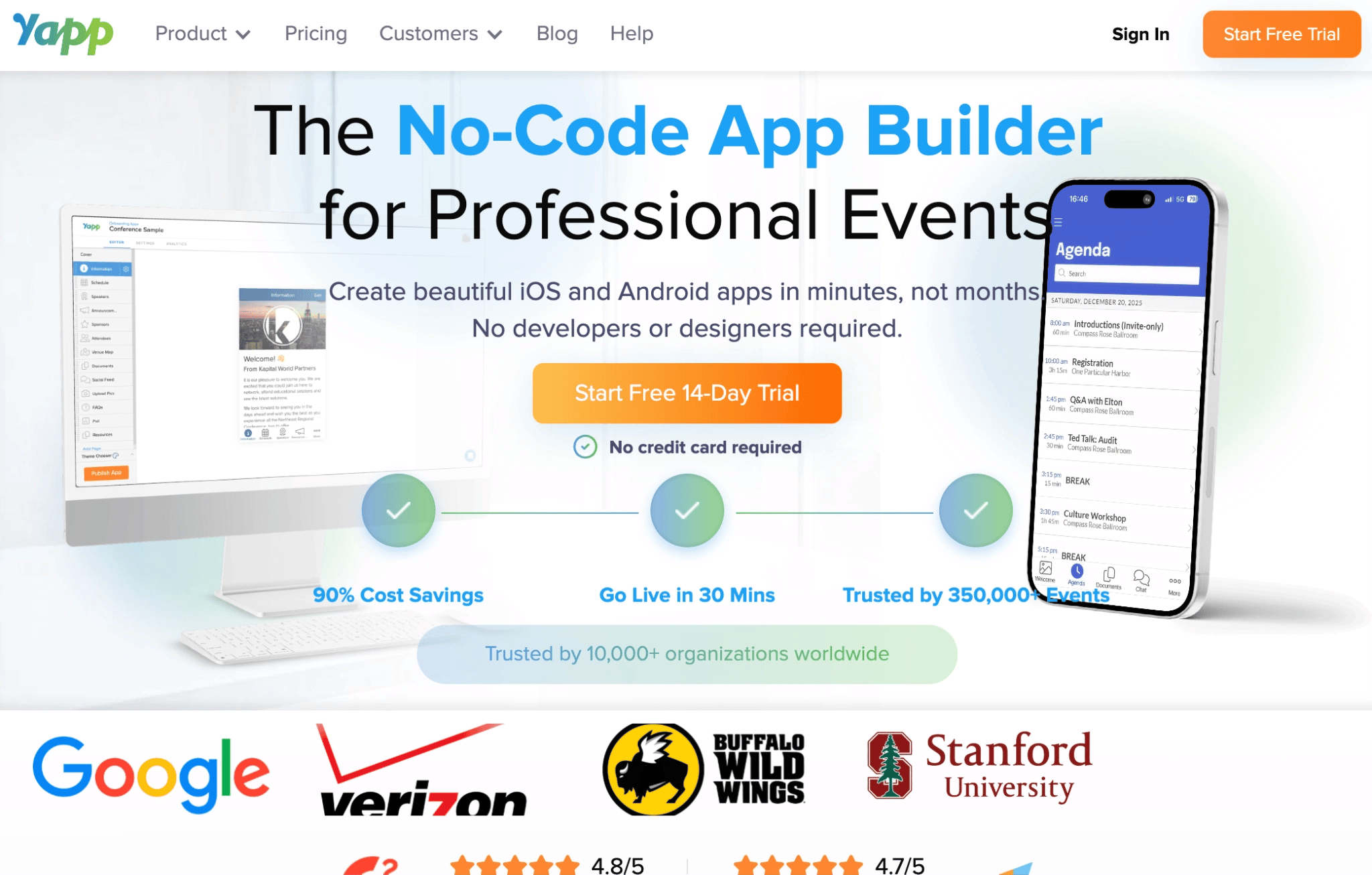
Yapp is a no-code event app builder for internal meetings, training events and sales kickoffs where the video runs through another service.
It’s a practical option when both audiences mainly need the latest programme, event documents and organiser announcements. Remote attendees can open Zoom or other meeting links from the app, while people at the venue use the same schedules and resources on their phones. Yapp also supports iOS, Android and web access.
Yapp doesn’t produce the livestream. YouTube and Vimeo videos can be added directly as on-demand content, while meeting URLs open in the relevant external service. This makes Yapp less suitable when you want the live stream and group conversation displayed together inside one desktop experience.
Yapp’s Key Hybrid Event App Features
Schedules and meeting links: Keep session details and external joining URLs in one event guide.
Push notifications: Alert mobile attendees when timing or access information changes.
Polls and Q&A: Collect contributions from remote and in-room participants.
Private social feed: Give attendees a shared place for posts and event discussion.
Offline viewing: Keep downloaded programme information available during connection problems.
Pros
A non-technical organiser can build and publish the app quickly.
The container-app model avoids waiting for a new app-store approval.
Web and mobile access supports attendees using different devices.
Unlimited installations avoid per-attendee app charges.
Existing apps can be cloned for recurring events.
Cons
It doesn’t produce or manage the livestream.
Attendees choosing the mobile app experience still need to install the Yapp container app.
YouTube and Vimeo support centres on video content rather than full broadcast production.
Per-app annual pricing may be less flexible for a single one-day event.
Each additional event app carries another fee, although volume discounts are available.
Pricing
Basic: $399/year/app.
Core: $649/year/app.
Team: $799/year/app.
Best When Streaming and Event Operations Must be Included
3. Cvent: For large hybrid programmes with several attendee groups
Cvent is an enterprise event management platform for organisations that need the broadcast, attendee experience and wider event operation connected.
It’s a good fit for global leadership conferences and company-wide summits where remote and in-person attendees follow different registration paths. The same programme may also require live sessions, recorded content and detailed attendance reporting.
Cvent’s Attendee Hub gives both audiences access through web and mobile apps. Attendees can watch live or simulive sessions, return to on-demand content and participate through polls or Q&A.
Cvent’s Key Hybrid Event App Features
Attendee Hub: Gives remote and in-person attendees access to programmes, content and engagement tools.
Live and on-demand video: Supports live streams, simulive sessions and recorded content.
Audience segmentation: Shows relevant registration paths and event content to different groups.
Shared participation: Keeps polls, chat and Q&A available across both audiences.
Virtual expo tools: Gives sponsors and exhibitors digital spaces for content and attendee interaction.
Connected reporting: Links registration, attendance and session engagement data.
Pros
Handles the broadcast and attendee experience within a wider event platform.
Supports complex hybrid programmes with several attendee groups.
Keeps live sessions and recordings in one attendee environment.
Provides cross-event reporting for enterprise event teams.
Cons
Requires more configuration than an app built around an existing video platform.
Registration and sponsor capabilities may be unnecessary for a closed internal meeting.
Modular licensing makes early cost comparison difficult.
A dedicated event team may be needed to manage its wider scope.
Pricing
Pricing requires a sales call.
4. EventMobi: Best when you need streaming support and event-day operations from one provider 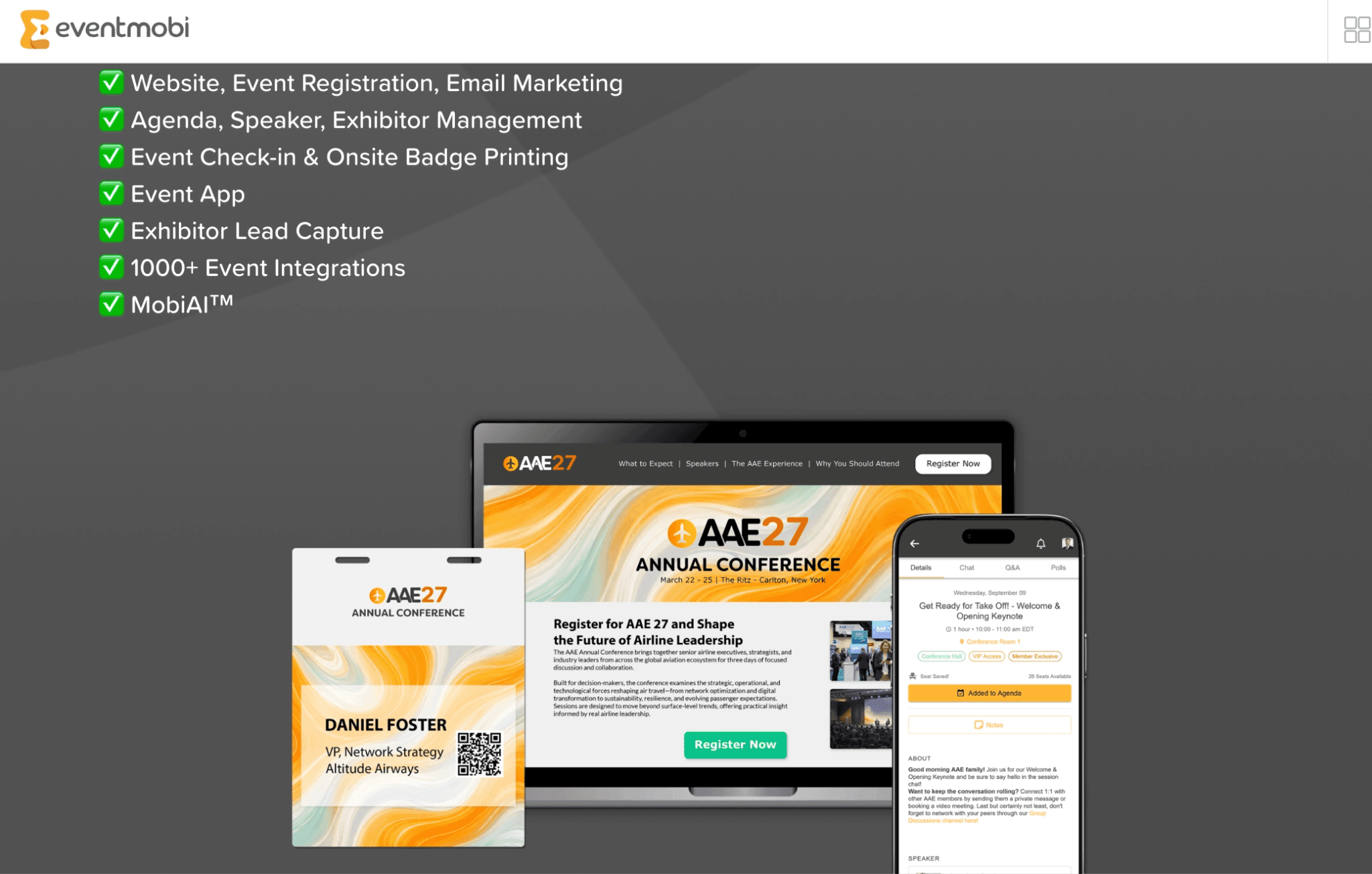
EventMobi is a hybrid event platform for teams that want the attendee app, video delivery and on-site operations connected.
It becomes useful when the livestream is part of the problem your team still needs to solve. EventMobi can work with the venue’s AV team to turn in-person sessions into livestreams for remote attendees. Recordings can then remain available through the video library after the session so anyone can replay the sessions.
This broader service comes with more cost and setup time than a lightweight event attendee app though. It’s therefore better suited to large conferences where your team also needs registration or check-in, rather than a town hall that already runs comfortably through Teams or Zoom.
EventMobi’s Key Hybrid Event Features
Live streaming support: Supports live sessions, recorded access and asynchronous content.
Video libraries: Keep recordings available before or after the live programme.
Shared polls, Q&A and chat: Give both audiences the same participation channels.
Networking and appointments: Connect attendees across physical and remote locations.
Registration and check-in: Carry attendee records from sign-up to arrival.
Pros
Combines video, attendee engagement and event operations.
Offers production support when your team doesn’t have enough internal capacity.
Keeps recordings available for attendees in other time zones.
Supports recurring programmes through annual pricing.
Cons
It may be excessive when your existing video setup already works.
Registration and badging can duplicate tools you already pay for.
Production and on-site products add more setup decisions and cost for your event.
Pricing
Per event: Starts from US$3,500.
Per year: Starts from US$7,900 for unlimited events.
Virtual and hybrid platform: Listed as an add-on feature.
Badge stock and hardware rental: Starts from US$1.99 per badge.
Lead capture: US$50 per exhibitor.
Best When Attendee Community/Networking is Central
5. Whova: For hybrid summits where both audiences need an event community
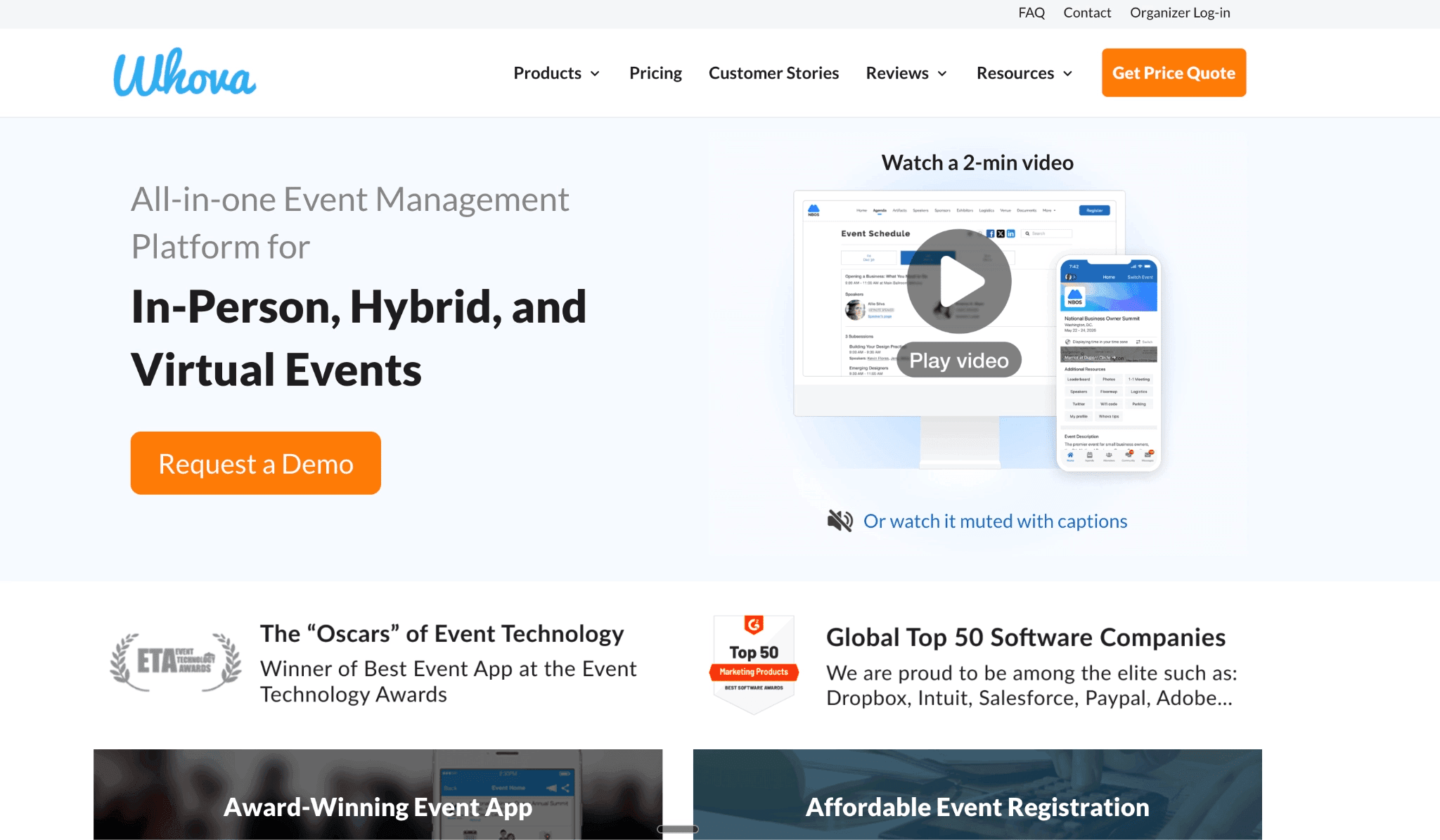
Whova is an event platform for hybrid conferences where remote and in-person attendees need to interact beyond individual sessions.
Its Community Board gives both audiences one shared space for discussions, photos and informal meetups. Attendee profiles, one-to-one chat and matchmaking also help people find colleagues or partners they don’t already know and start a conversation with them.
This makes Whova relevant for global employee summits and partner communities where relationship-building is part of the event’s outcome. It may be excessive for a closed town hall where attendees mainly need the programme, updates and one Q&A queue.
Whova’s Hybrid Event App Features
Community Board: Gives remote and in-room attendees one space for discussions and informal activities.
Profiles and matchmaking: Helps participants discover relevant people outside their existing contacts.
Messaging and meetings: Supports one-to-one conversations, meetups and video calls.
Shared session participation: Both audiences can answer polls and submit questions through the platform.
Audience-specific agendas: Organisers can show sessions only to the attendee groups they apply to.
Pros
Community activity can begin before the live programme.
Remote attendees can join conversations outside the stream.
Matchmaking supports events where attendees haven’t met.
Web and mobile access serve attendees using different devices.
Cons
Community features depend on attendees completing profiles and participating.
The wider registration and exhibitor scope may exceed what a closed internal event needs.
Organisers must actively seed discussions rather than expecting a community to form automatically.
Pricing requires a sales conversation.
Pricing
Custom pricing, but according to research, can be up to $2,000, without add-on costs.
Whova charges for 3% plus $0.99 per paid ticket.
Best When Scheduled Meetings are the Main Outcome
6. Brella: For hybrid partner events built around pre-arranged meetings
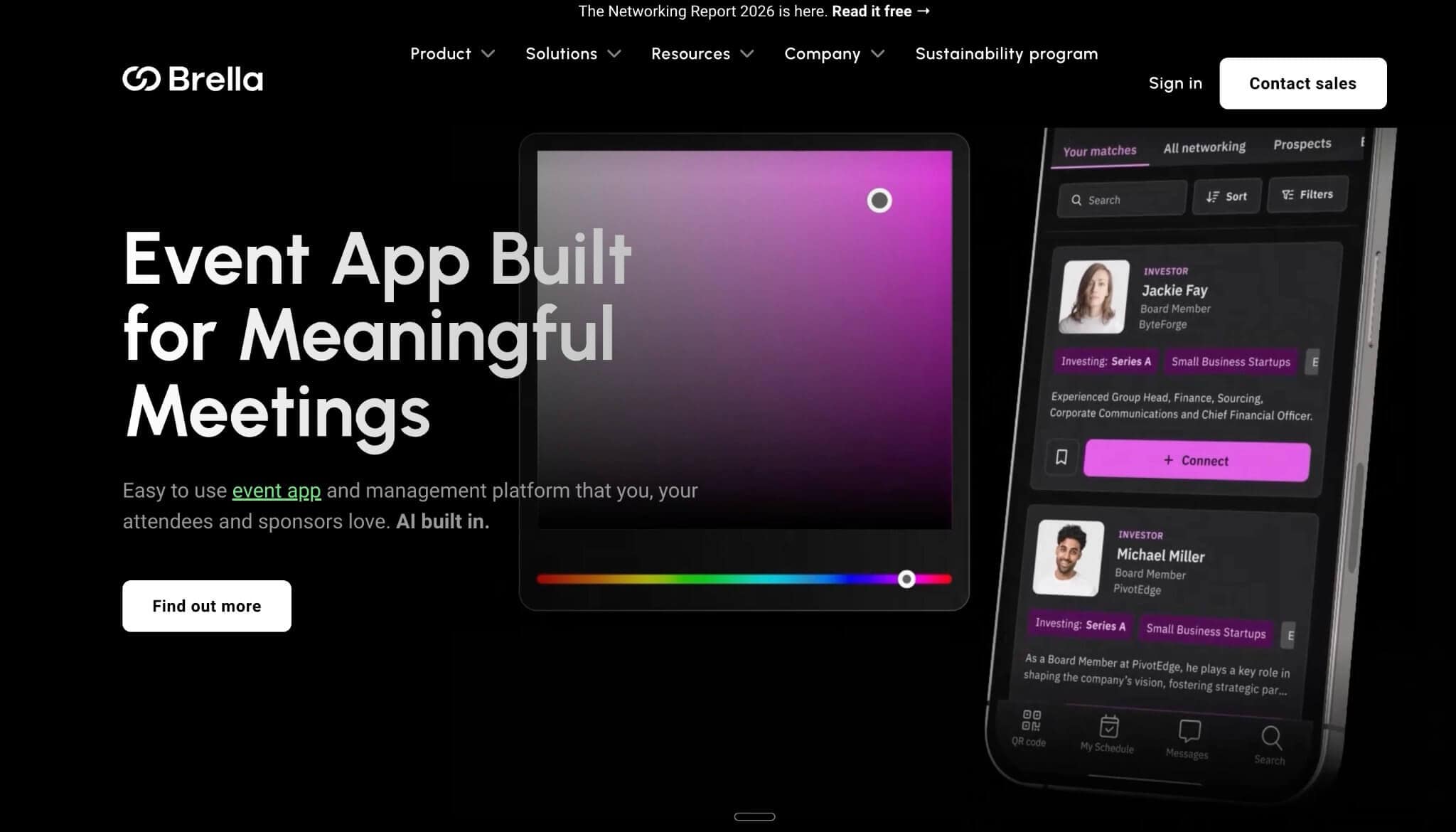
Brella is an event platform for hybrid partner, distributor and association events where success depends on getting the right attendees into scheduled conversations.
Attendees enter their interests and goals during onboarding. Brella’s AI then recommends relevant people, and participants can request a mutually available meeting time. At hybrid events, accepted meetings can take place through a virtual meeting room or at a physical location in the venue.
Brella also supports livestreams and keeps a record of sessions in-app IF the live streaming platform supports embedding. It also gives attendees access to agendas and other engagement tools to improve attendee experience.
This makes Brella useful when networking needs more structure than an attendee directory or open chat. But it’s less suitable for a town hall or internal knowledge day where everyone already knows one another and the main requirement is a shared programme, polls and Q&A.
Brella’s Hybrid Event App Features
Intent-based matchmaking: Recommends contacts using attendee interests and goals.
Meeting slots: Lets participants request available times directly.
Hybrid meeting locations: Assigns virtual or on-site meeting details.
Event agenda: Keeps scheduled meetings and sessions in one calendar.
Networking analytics: Tracks meeting activity and attendee engagement.
Pros
Helps attendees identify relevant people and book a specific time to meet them.
Gives remote attendees access to the same matchmaking process.
Reduces manual coordination for meeting-led partner events.
Supports invite-only access through individual joining links.
Cons
It adds little value when attendees already know one another.
Match quality depends on participants completing their profiles and goals.
Its sponsor and revenue-event scope may exceed a closed internal meeting.
Pricing requires a sales conversation.
Pricing
Custom pricing
Already Have the Video Arranged?
If your team still needs to produce the livestream, register attendees and provide enterprise reporting, choose one of the broader hybrid platforms above.
But when YouTube, Vimeo or another service already handles the video, you don’t need to pay for those capabilities again. LineUpr gives remote and in-person attendees one place to follow your event agenda, answer polls and submit questions.
LineUpr is designed for closed, curated B2B events that need participation around an existing video setup, without adding public ticketing, exhibitor tools or production overhead.
Build and preview your hybrid event app for free.
FAQs
Is Teams or Zoom enough for a hybrid internal event?
Teams or Zoom may be enough to broadcast the session, but they don’t always solve the wider attendee experience. You may still need one programme for both audiences, a shared Q&A queue and a reliable way to communicate schedule changes. A hybrid event app can provide those functions alongside your livestreaming service.
Can I use my existing livestream with a hybrid event app?
Yes, but the connection depends on the video provider. Some streams can appear inside the event app when the provider permits iframe embedding. Services that block embedding must open through an external link. Confirm the exact behaviour before building the event programme around a particular stream.
Does LineUpr produce the livestream?
No. LineUpr is a self-service event app builder rather than a production platform. It can display an iframe-compatible stream in a virtual location or direct attendees to an external video service.
Do attendees need to install an app?
That depends on the platform. LineUpr opens through a browser on phones, tablets and computers. In-person attendees can access the event through a link or a QR code, while remote attendees can open the same event on a laptop. Other platforms offer native mobile apps, browser access or both. Check whether the browser version includes the functions your remote audience needs.