Attendify Alternatives: 7 Options for Small Teams
August 6, 2026 · Wout Criekemans · 21 minute read
Table of Contents
- In-depth Review of 7 Event App Platform That Best Replace Attendify for Small Teams
- 1. LineUpr: Best for small teams that want an event app attendees can open with no download
- 2. Yapp: Best for teams that want a simple mobile app
- 3. Eventee: for events that use social activity and gamification to keep attendees engaged
- 4. Guidebook: For recurring programmes that want their own branded native app
- 5. Whova: Best for larger conferences where attendee community matters
- 6. Nunify: Best when the replacement must also cover registration and event-day operations
- 7. Cvent: To replace Attendify and manage complex event lifecycles
- Choose an Attendify Alternative Based on How Much of Your Event Setup Needs Replacing
- FAQs
Before it was discontinued, Attendify was a mobile-first event app and audience engagement platform. Organisations including Google and Harvard University used it to replace printed programmes with something attendees could browse on a phone.
If you used it before and are looking for a replacement, or you pulled the name off a stale recommendation list and hit a dead domain, you’re probably in need of a competitor with a similar set of features.
Below, we review seven popular event apps primarily to understand how well each one replaces it. But before you get into the reviews, answering these 3 questions would help you narrow your choices:
- How much of Attendify do you need to replace? Attendify was mainly an attendee-facing app while registration usually ran somewhere else. If that describes your setup, you're replacing one component. If arrival workflows and badge printing have to move too, consider shopping for an event management platform.
- Do attendees have to install anything? Attendify was download-first: attendees had to install it from an app store before they could open a schedule. Consider who your attendees are. For example, customers, partners and distributors, typically won't install a supplier's app for a single day. Ask whether guests can open the replacement from a link or QR code, or whether you're rebuilding that same step.
- Can you get a price without a sales call? Attendify's pricing was fully transparent and flexible. For a small team with an event date set, you probably want to move fast and set your budget as quickly as possible. Consider whether the competitor pricing model fits your needs.
Planning your internal event and you want a platform you can test first before any commitment? Consider Lineupr. You can build and preview your event app for free; within 10 minutes. See how the programme agenda, event-day updates and session engagements meet your needs.
In-depth Review of 7 Event App Platform That Best Replace Attendify for Small Teams
Tool | Best when replacing Attendify for | How attendees access it | Key features | Major Cons |
LineUpr | A mid-sized event where a small team needs the programme, updates, polls, and Q&A | Attendees open a browser link or scan a QR code without installing an app | Focused attendee app; registration and on-site operations stay in your existing tools | Registration and check-in remain in separate tools, and there’s no branded native app-store listing |
Yapp | A straightforward event that needs a self-service mobile app | Attendees use the Yapp mobile app; organisers build it through a no-code editor | Schedules, alerts, polls, and other event content without a wider enterprise system | Attendees need the Yapp container app for the full interactive experience; browser users receive fewer functionality |
Eventee | An event where social activity and gamification should encourage repeat app use | Mobile app, web app, or event website | Matchmaking, a social wall, and participation leaderboards | The $1,499 entry price is difficult to justify when you mainly need an agenda, updates and light participation features |
Guidebook | A recurring programme that wants its own branded app in the app stores | Attendees can download a mobile app with your organisation’s name and branding | Reusable branded spaces with optional registration and event-management functions | White-label has custom pricing; branded apps require more launch preparation; attendees must install it for the fullest experience |
Whova | A larger conference where attendee networking and community activity matter as much as the programme | Mobile app or browser-based event portal | Matchmaking, meeting scheduling, registration, check-in, and sponsor tools | Its networking features depend on active attendee participation and may exceed a small event’s needs |
Nunify | An organiser who wants the event app connected with registration and attendee arrivals | Branded attendee app supported by its wider event system | Registration, check-in, badge printing, networking, and exhibitor functions | Requires users to download Nunify’s app; extra cost on white-label branding and wider on-site functions |
Cvent | An enterprise event programme that needs one system across registration, engagement, and on-site delivery | Mobile Event App and web-based Attendee Hub | Advanced registration, reporting, walk-in check-in, and on-demand badge printing | Steep learning curve, with expensive pricing; Attendee Hub, registration and OnArrival are separate products, and you’d have to pay for them separately |
1. LineUpr: Best for small teams that want an event app attendees can open with no download
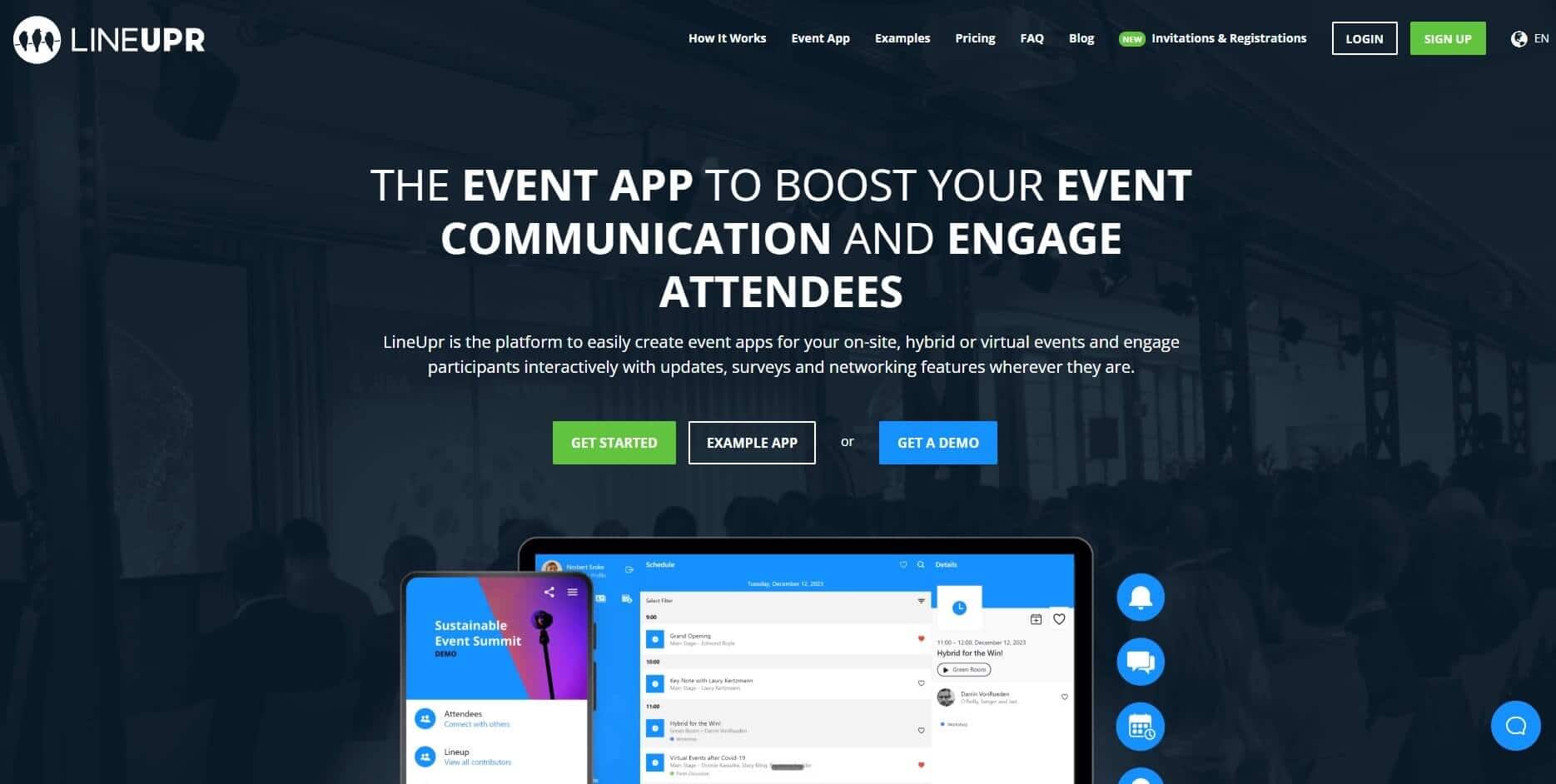
Like Attendify, LineUpr is a self-service event app builder that helps non-technical event organisers build and manage event apps with no developer and no vendor implementation between you and a live app.
Instead of publishing what you build to the App Store and Google Play for attendees to download, LineUpr publishes it to a URL. Your guests open your event app from a link or a QR code, in the browser already on their phone.
This makes it a great fit for when you run curated B2B events where you already have a guest list and just need a product like Attendify for the attendee facing experience. You can publish the programme and speaker information, then add participation features where sessions require them.
What are Lineupr’s key features for replacing Attendify?
Faster access: Rebuild your Attendify app in minutes from existing files
Rebuilding an event app after a shutdown is mostly data entry. Your programme already exists; usually as a spreadsheet the team has been editing for weeks, a speaker list in a shared folder, and a room plan living in a separate tab.
The problem is that a two-day conference with parallel tracks can run to sixty or seventy sessions, each carrying a title, time, room, description and speaker. And rebuilding each individual item manually consumes the week you don't have, and introduces errors.
This is the problem LineUpr's import step is built around.
Excel and CSV import: Upload the session and speaker files you already maintain, and the app builds the entries from your columns. For instance, if your programme committee has been working in a shared spreadsheet since spring, that file goes in once the agenda locks rather than being retyped from it.
Live preview beside the editor: The App Manager puts the build on one side and the attendee view on the other, so you see what a guest will see while you work. Formatting problems — a session title that wraps awkwardly, a bio that runs long on a phone — surface as you add each entry instead of after you've shared the link with 300 people.
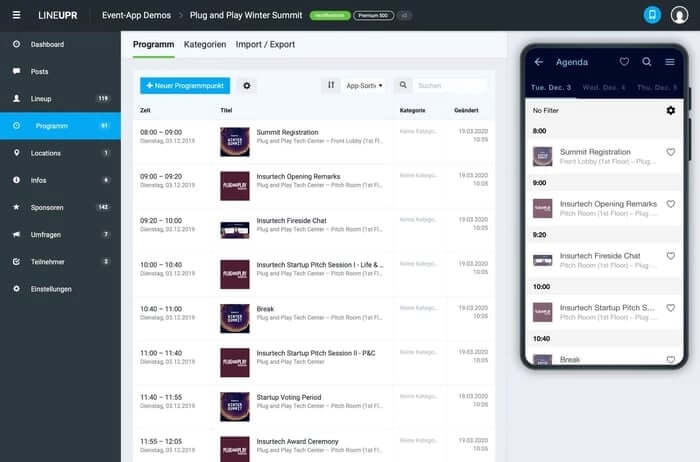
Duplicate a finished app: Later events start from a copy of an existing one. For a team running the same annual conference, this means the rebuild after Attendify is a cost paid once: next year's app opens with this year's structure already in place, and you change the dates, sessions and speakers rather than starting from an empty event.
icole Schiertz of Marketing Club Dresden built a complete event app in about four hours working this way. In her words, “there was consistently positive feedback” as “the app allows users to use the app playfully and with ease.”
Similarly, a shorter timeline makes the rebuild survivable when the event date was set long before anyone discovered the old tool was gone. With Lineupr, the app stops being a project that needs its own schedule and becomes something one person finishes in an afternoon.
PWA architecture: Attendees access your app through a link instead of app store download
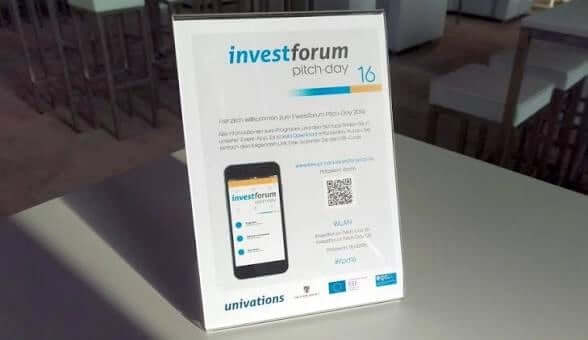
Every LineUpr event app has a shareable URL. You can email the link before the event or embed it in a QR code at the venue. This model works for B2B guests who may be reluctant to download an app on their devices, especially if they show up to your events with a company managed device and need approval from IT before installing a third-party app.
And since attendees don’t need to search an app store or complete an installation before viewing the programme, they’re able to see core event information after the first load, and keep that visibility even if they lost internet connection drops. That's the case for web-based event apps over native ones.
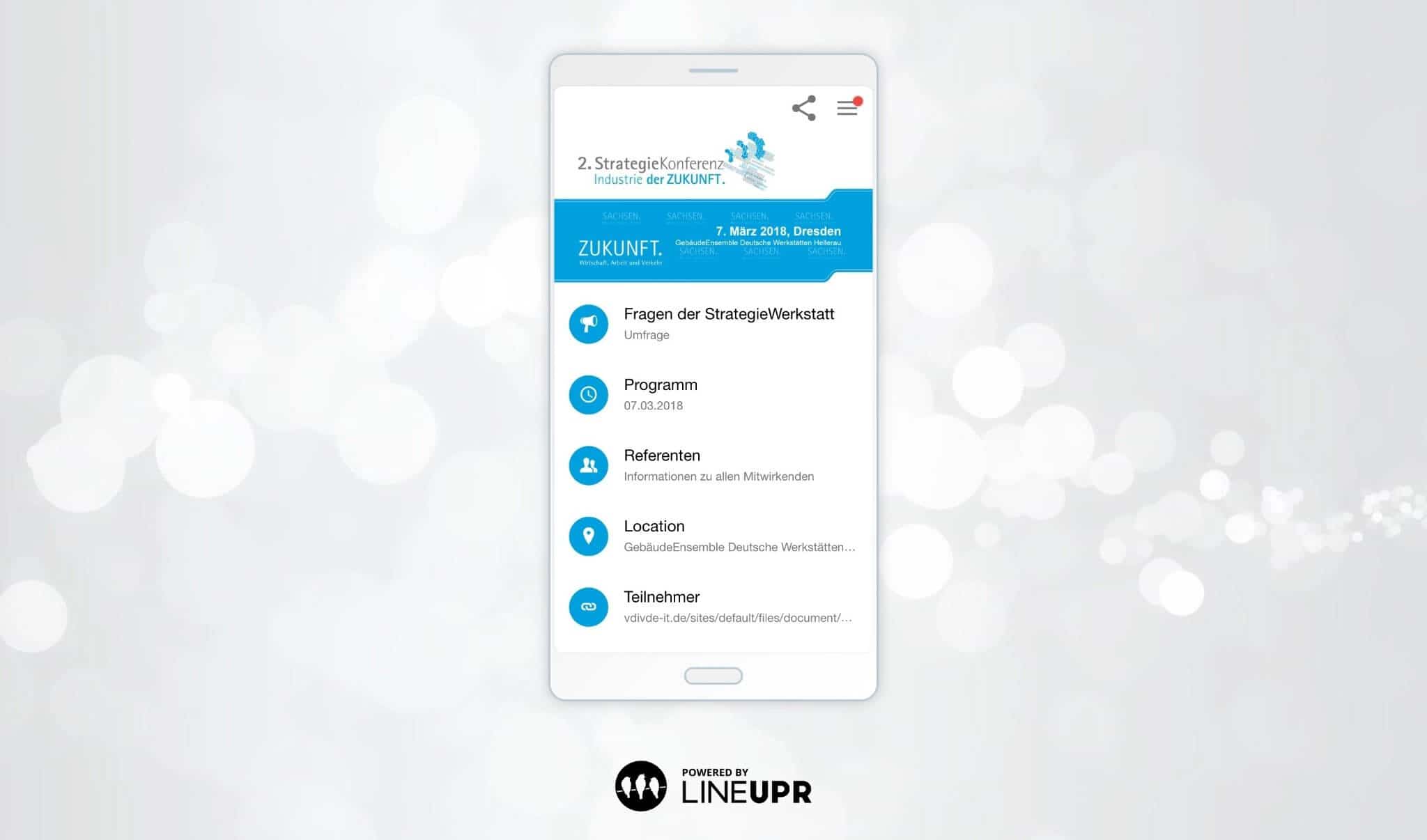
This simpler access model is how StrategieWerkstatt's was able to get 150 of about 210 attendees to use LineUpr at their strategic conference. With a 90 - 100% adoption rate, you’d engage your entire audience.
Make last minute changes without IT requirements
Printed programmes become outdated as soon as a session changes. With LineUpr, you can edit the programme directly in the App Manager.
Attendees see the revised information when they next open the app. They can also get push notifications for changes that require an immediate alert.
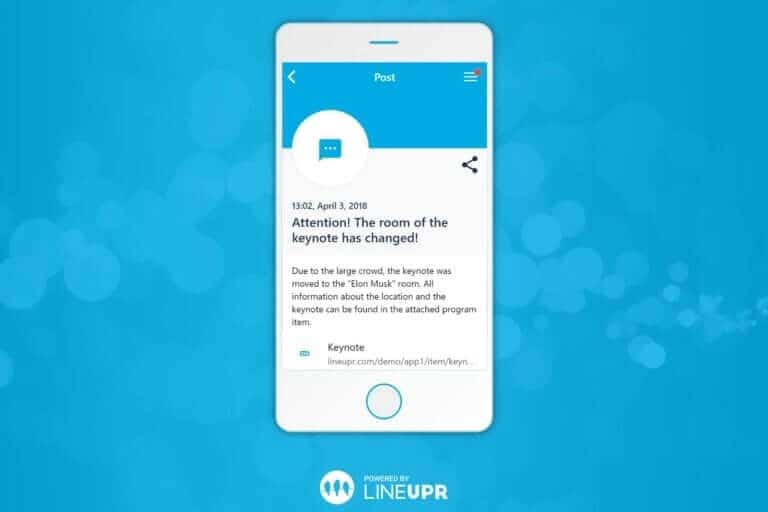
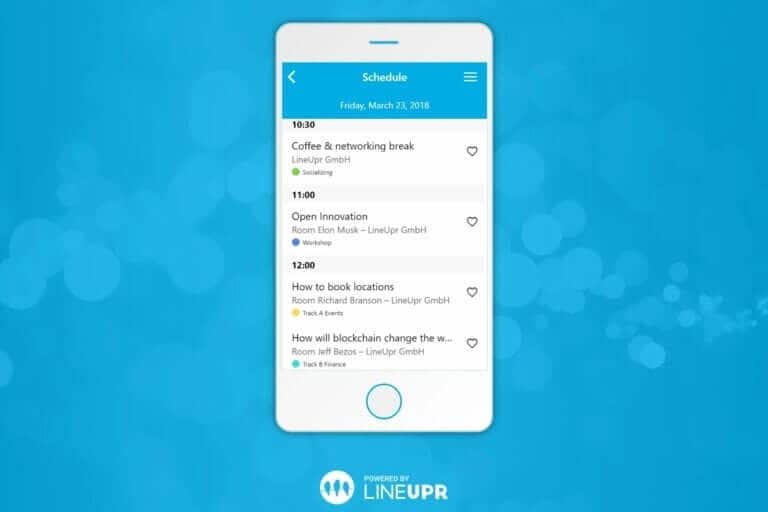
These features are why Oliver Saal of the Amadeu Antonio Foundation say that LineUpr allowed them to provide “registered participants with all relevant information in advance” and also be able to make changes “up to the last second.”
Preview this demo app to see LineUpr in action.
Attendee engagement & networking: Run polls and Q&A without sending attendees to another tool
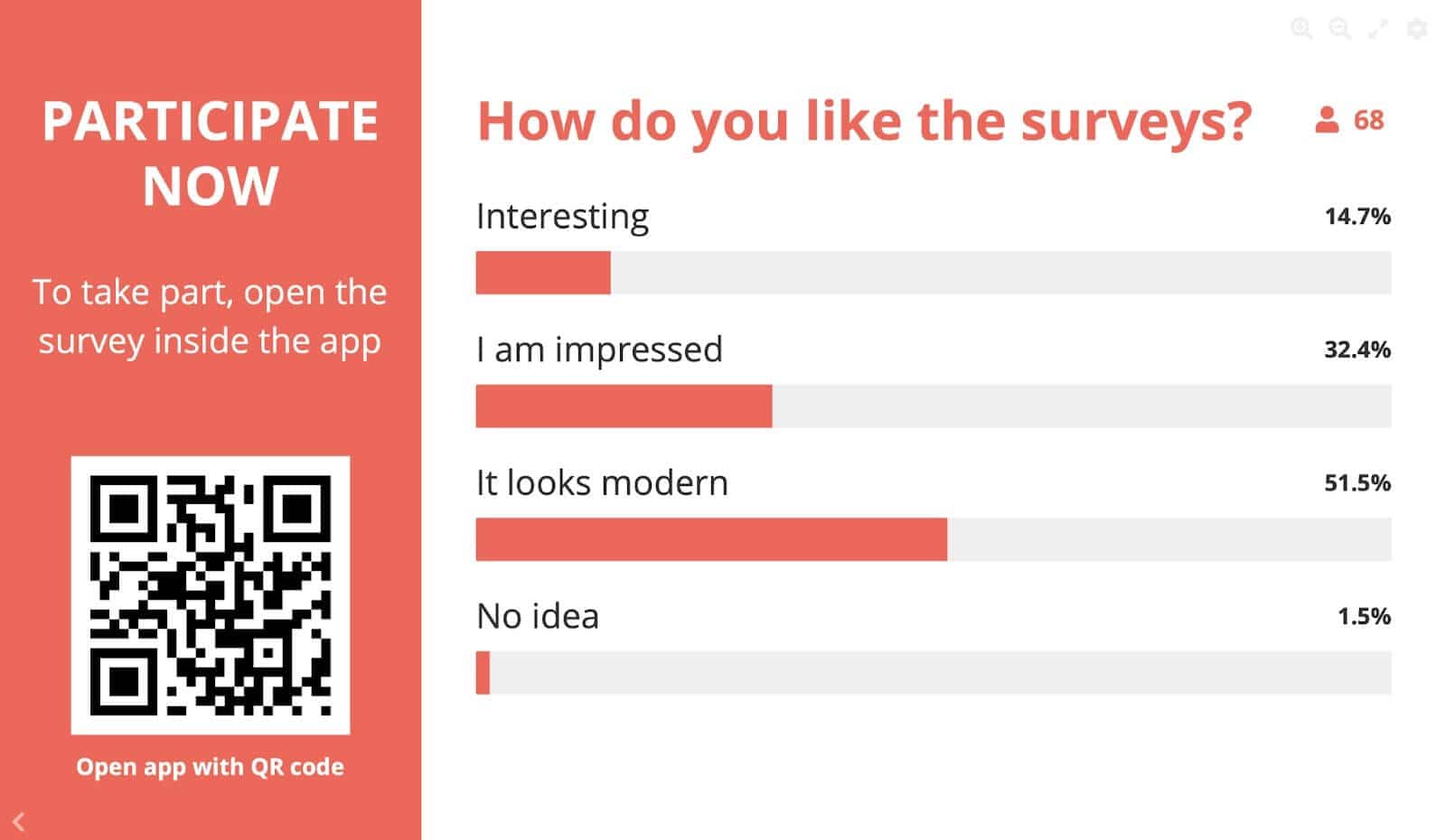
LineUpr provides the opportunity to run live polls and Q&A (with upvoting capabilities) through the app. Attendees respond through the same app they use for the programme, and the moderator can see one question list and prioritise questions that got more votes.
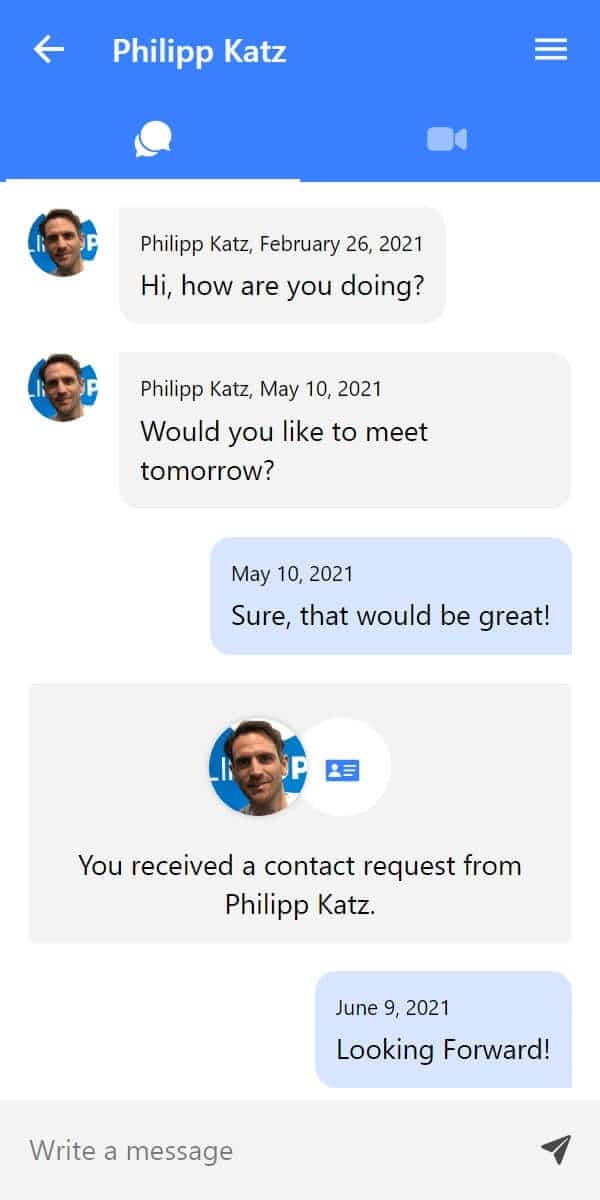
You can also allow guests to create attendee profiles and chat with themselves. They can then schedule one-on-one virtual calls and even book physical meetings (if you provide slots for that in your event).
Build your event app for free and create a preiew URL before choosing a paid package.
Pros
Strong fit for mid-sized events replacing Attendify's attendee app.
Gives attendees a browser route through a link or QR code, which helps avoid downloading an app from app stores.
Allows organisers to connect with Google Analytics or Matomo to track app usage and engagement metrics.
Fits small teams that need to rebuild the app without developer support.
Per-event pricing fits teams without a large event programme.
Cons
LineUpr doesn’t replace registration, ticketing, check-in, or badge printing.
It isn’t the best fit when lead retrieval or exhibitor workflows matter.
Polls, Q&A and chat need a live connection.
Pricing
Single events with 50 attendees Plus ($215), Premium ($359), Platinum ($647)
Flex Subscription (for multi-event teams- can reduce the per-event price by up to 60%).
Use the live LineUpr pricing calculator for the exact attendee count and feature package.
2. Yapp: Best for teams that want a simple mobile app
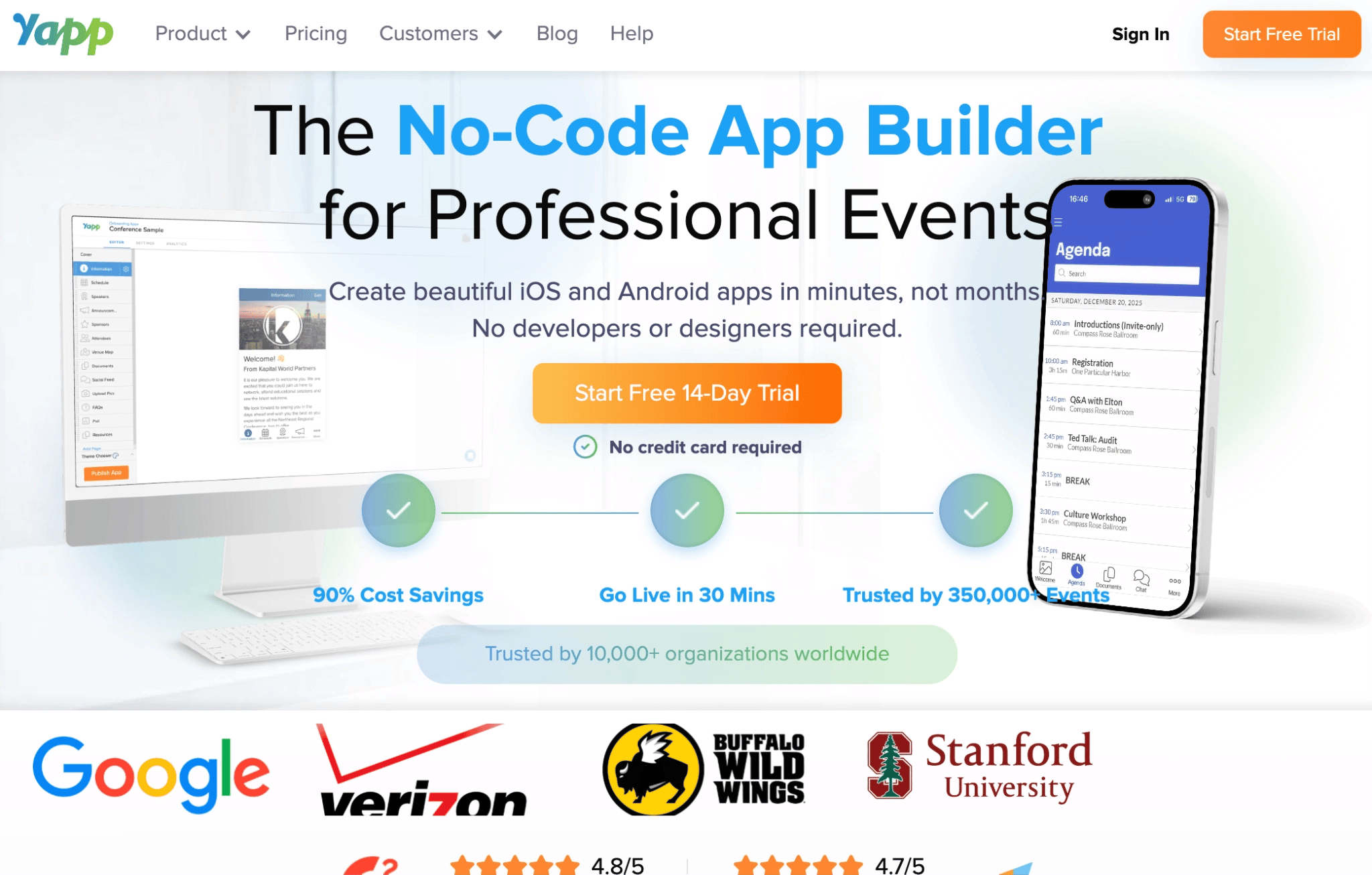
Yapp is a no-code mobile app builder for events, training programmes and internal communications. Organisers create the app through a drag-and-drop editor, then publish it through Yapp’s existing container app.
It’s a practical Attendify alternative when you want attendees to retain a familiar mobile-app experience without commissioning a standalone iOS or Android app. Yapp handles the app-store approvals, so your team can publish content and make changes without another review cycle.
Attendees can also view most event information through a browser link. However, the browser route is described as a preview, and attendees need the mobile app to vote in polls or post photos. This makes Yapp a better fit when your audience is comfortable installing the Yapp app for the complete experience.
Yapp’s key Attendify alternative features
Schedules and speaker pages: Publish session times, contributor information and venue details.
Instant content updates: Change pages after launch without another app-store approval.
Push notifications: Alert mobile-app users to programme changes and announcements.
Polls and session feedback: Collect audience responses and ratings through the app.
Social feed and attendee profiles: Give attendees a place to post and view participant information.
CSV content imports: Core and Team users can import schedules and people in bulk.
Usage analytics: Core and Team report app installs, page views and other activity.
Pros
A non-technical organiser can build and update the app.
Yapp handles app-store approval, so content changes go live immediately.
Unlimited installs are included across the paid plans.
Push notifications are included in every package.
Cons
Browser users can view the event but can't vote in polls or post photos.
Your event appears inside Yapp rather than under its own listing.
Annual per-app pricing suits recurring events more than a single short one.
Analytics and CSV imports require the Core or Team plan.
Pricing
Basic: $399/year/app.
Core: $649/year/app.
Team: $799/year/app.
3. Eventee: for events that use social activity and gamification to keep attendees engaged
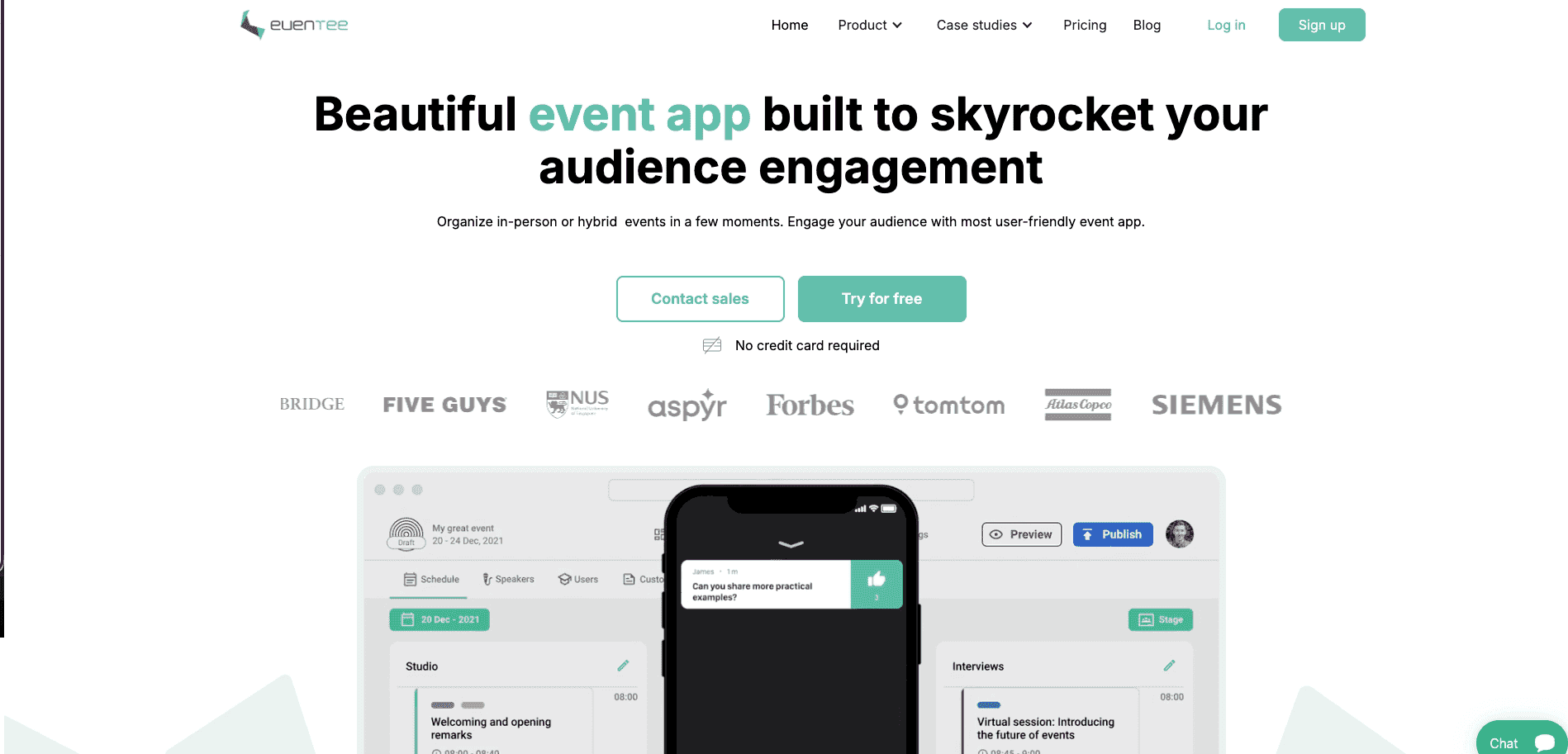
Eventee is a self-service event app platform for in-person and hybrid events. Every plan includes a mobile app, web app and event website, giving attendees more than one route to the programme.
It covers the attendee-facing work organisers previously used Attendify for, including schedules and speaker profiles. Eventee then goes further with a social wall, matchmaking and gamification features.
Attendees can browse profiles and show mutual interest through swipe-based matching. Once connected, they can chat and arrange meetings. Organisers can also assign points to selected app actions and display attendee rankings on a leaderboard, which makes it a stronger fit when repeat participation matters beyond checking the agenda.
Eventee also offers registration and check-in, so it can replace more of the event workflow if your needs have expanded since Attendify. However, its $1,499 entry price may be difficult to justify when a small event only needs programme information and session participation.
Eventee’s key Attendify alternative features
Programme and speaker profiles: Publish multi-day schedules and change session information after launch.
Mobile and web apps: Give attendees a browser route or the Eventee mobile experience.
Live polls and questions: Collect attendee responses during sessions.
Match-based networking: Connect attendees after they express mutual interest.
Chat and meeting scheduling: Move matched attendees into private conversations and planned meetings.
Gamification: Award points for selected interactions and display a leaderboard.
Registration and check-in: Bring arrival workflows into the same platform when required.
Pros
Attendees can use either the mobile app or web app.
A non-technical organiser can build and manage the event.
Social activity gives attendees reasons to reopen the app.
Networking includes matching, private chat and meeting scheduling.
Registration and check-in are available if you need those features.
Cons
The $1,499 starting price may be high for a small event needing only an attendee guide.
Matchmaking requires attendees to create profiles and actively join the networking experience.
Gamification may add little value to a formal meeting where leaderboards don’t suit the event.
A white-label app costs $2,000 per event and takes up to four weeks.
Pricing
Essential: $1,499 for one event with up to 200 attendees.
Signature: $2,499 for one event with up to 500 attendees.
Professional: $3,499 for one event with up to 1,000 attendees.
White-label app: $2,000 per event as an add-on.
Multiple-event plans: Available for teams running three or more events.
4. Guidebook: For recurring programmes that want their own branded native app
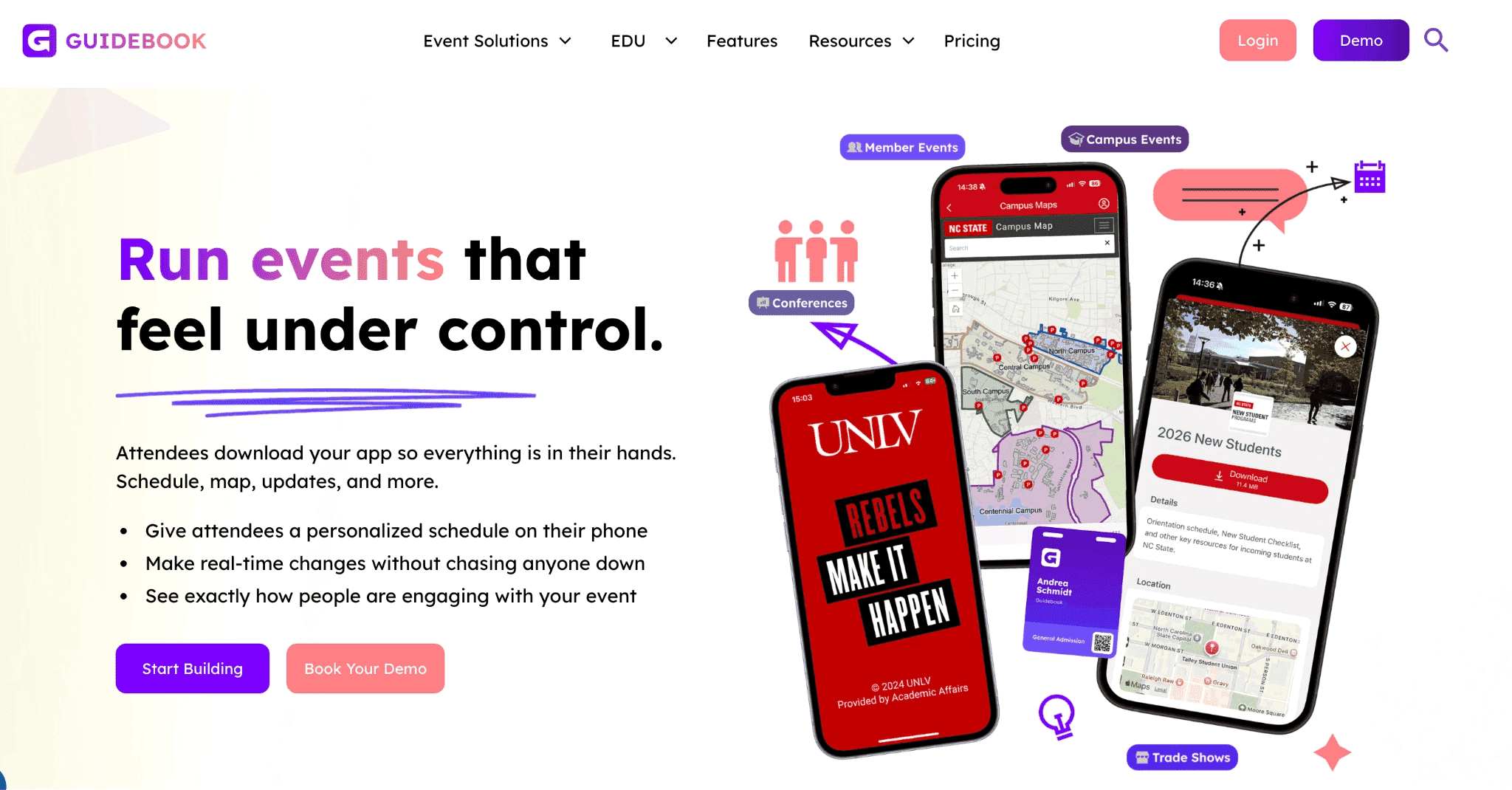
Guidebook is a no-code event app platform for organisations that want to publish a branded mobile app across recurring events.
It’s a strong Attendify alternative when your organisation wants its name and icon in the Apple and Google app stores. Guidebook manages the publication process, while your team creates separate event guides inside the branded app.
You can also use Guidebook to manage registrations, QR-code check-ins and badge printing, all of which helps you consolidate more of their event operation in one place. However, this feature stack may not be necessary if you run curated B2B events where you have a guest list and just need to provide an attendee experience for your event.
Guidebook’s key Attendify alternative features
Branded native app: Publish an iOS and Android app under your organisation’s name.
Schedules and personal agendas: Build multi-track programmes and let attendees save relevant sessions.
Speaker information and maps: Place contributor details and venue guidance inside the event guide.
Push notifications: Send session reminders and event-day announcements to mobile users.
Offline event information: Keep core mobile content available when venue connectivity is unreliable.
Networking and engagement: Add attendee profiles, private messaging and live polls.
Registration and arrivals: Connect sign-up, check-in and badges when the replacement must cover more than the attendee app.
Pros
Your organisation gets its own branded app-store presence.
Guidebook handles app-store submissions and approvals.
The branded environment can be reused across future events.
The drag-and-drop builder doesn't require a development team.
Cons
Attendees must install the mobile app, since the web version doesn’t include every feature.
A branded app requires more launch preparation than a browser-first event app.
You're limited to six basic colours per app theme.
Its registration, badge and sponsor capabilities may exceed a small team's needs.
Read more: Guidebook alternatives for event teams.
Pricing
Custom pricing
5. Whova: Best for larger conferences where attendee community matters
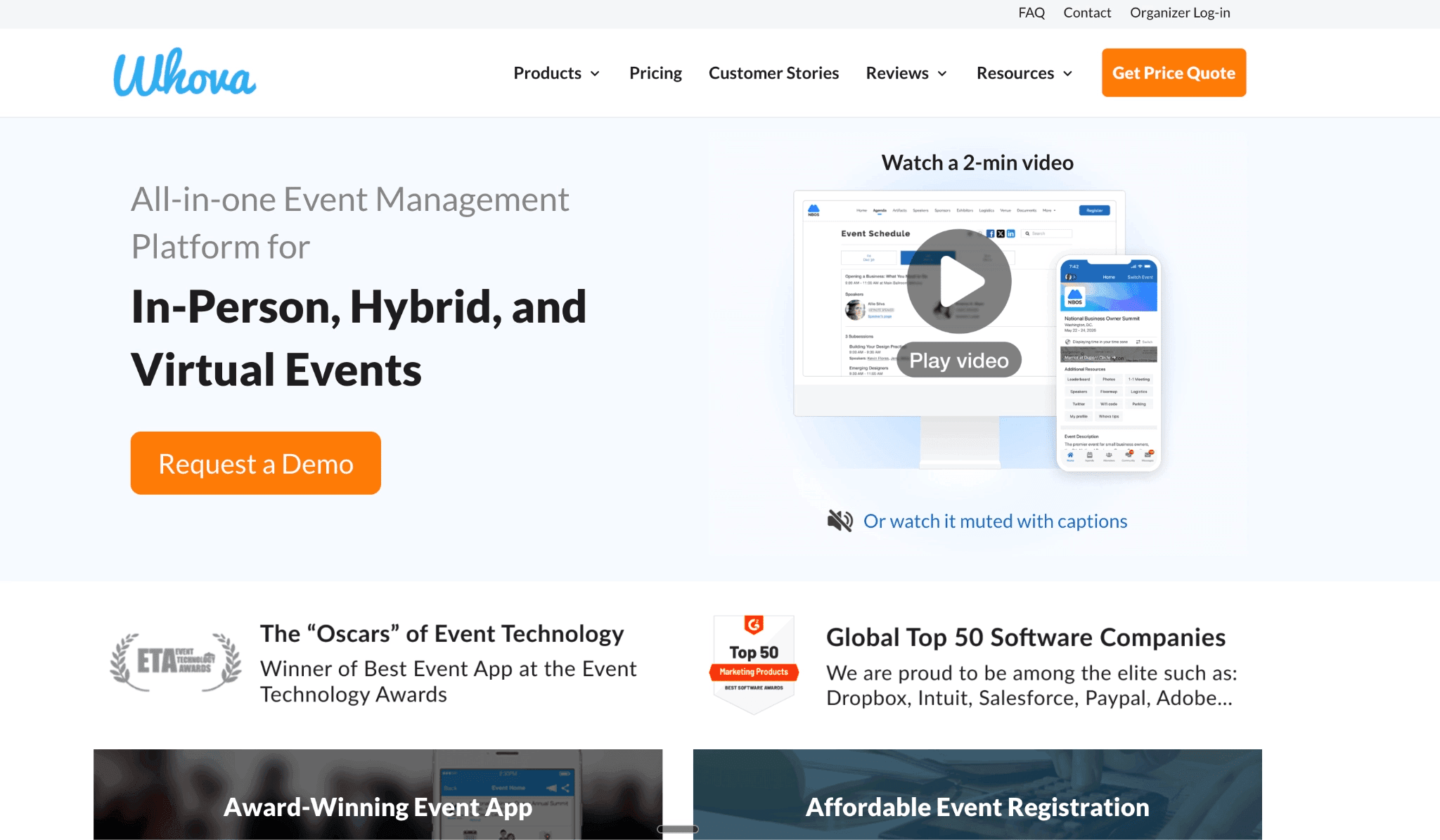
Whova is an all-in-one event management platform with a mobile and web event app. It combines the attendee programme with networking, registration and conference-management tools.
It’s a useful Attendify alternative when the event app must do more than publish schedules and speaker details. Whova’s Community Board gives attendees a shared space for discussions and meetups, while profiles and match suggestions help them find people to contact before the event.
Attendees can download Whova on iOS or Android devices. They can also use a browser version, although the experience is limited compared to the app. All these make Whova a good fit for larger conferences where networking and community activity are major event outcomes.
Whova’s key Attendify alternative features
Create personal agendas: Attendees view sessions and save the activities they plan to join.
Speaker and venue information: Publish contributor profiles, maps and other event details.
Community Board: Give attendees one place for discussions, questions and informal meetups.
Profiles and matchmaking: Suggest relevant contacts and support attendee discovery.
Polls and Q&A: Collect responses and questions during sessions.
Registration and check-in: Bring attendee sign-up and arrivals into the same platform when required.
Pros
Community discussions can begin before the first session.
Registration and check-in are available when the replacement scope has expanded.
Its sponsor and exhibitor tools are great for commercial conferences.
Cons
The wider conference scope may exceed what a small event team needs.
Networking depends on attendees completing profiles and joining discussions.
Standard event-app pricing isn’t published.
Pricing
Custom pricing, but according to 388 deals, median price is $47,546 and can be up to $230,818/year.
Whova charges a registration fee of 3.0% + $0.99 on every paid ticket
Add-on costs for features can cost up to $2,000 extra
6. Nunify: Best when the replacement must also cover registration and event-day operations
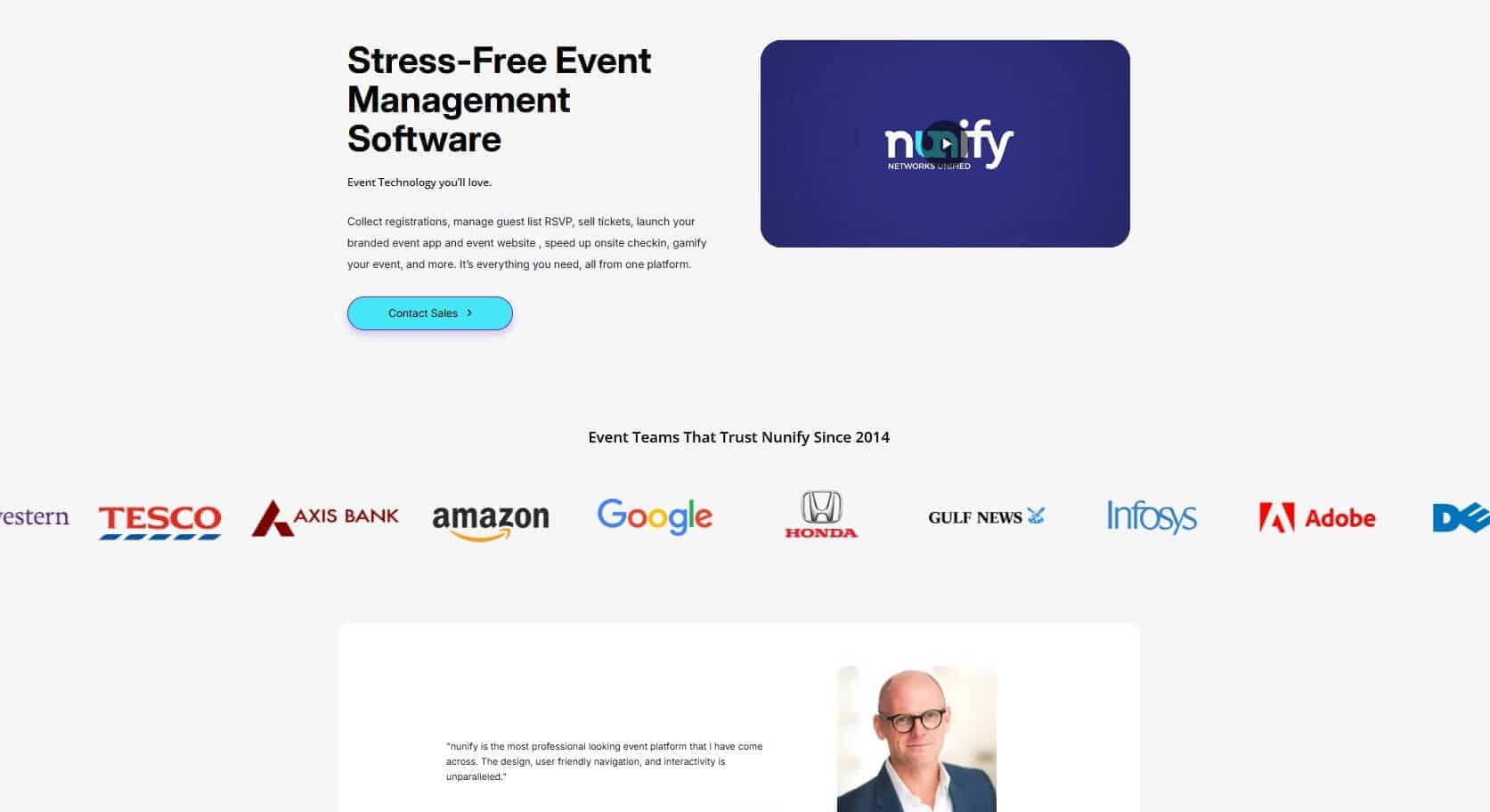
Nunify is a self-service event technology platform that combines an attendee app with registration and on-site tools. It’s a relevant Attendify alternative that allows you to publish the programme and engagement features, then manage registration or venue arrivals within the same system.
Nunify supports iOS, Android and browser access. By default, attendees use the Nunify mobile app or its web domain, and it allows you to upgrade to a paid white-label version that helps configure the event in your branded mobile app and website instead.
This broader scope makes it a good fit for conferences that need one connected event workflow. However, it may add unnecessary setup when registration already works and your team only needs a programme, updates and session participation.
Nunify’s key Attendify alternative features
Lets you publish concurrent sessions and let attendees save relevant activities.
Give attendees access through the Nunify app or its web experience.
Collect live responses and prioritise attendee questions.
Support event discussions and attendee matchmaking.
Send targeted updates to selected attendee groups.
Registration and ticketing: Collect attendee details and manage paid or free entry.
Check-in and badge printing: Scan attendee credentials and print badges at the venue.
Sponsor and exhibitor tools: Publish commercial profiles and support lead collection.
Pros
The attendee app can connect directly with registration.
Organisers can build and update event content themselves.
Mobile and browser routes give attendees access across devices.
Engagement includes polls, Q&A and gamification.
Cons
The wider feature set may exceed what a small team needs from an Attendify replacement.
The standard mobile experience puts your event inside Nunify's container app and web domain.
A branded app and website require a paid white-label upgrade.
Check-in isn’t included in the standard event-app package.
Pricing
Billed annually
Essential: $24/month
Elevate: from $49/month
Engage: from $99/month
Billed quarterly
Essential: $50/month
Elevate: from $100/month
Engage: from $200/month
Pricing scales with attendee count. Engage at 500 attendees per event runs $295/month on annual billing, or $3,540 per year.
7. Cvent: To replace Attendify and manage complex event lifecycles

Cvent is an enterprise event management platform for organisations running complex conferences and recurring event programmes.
It’s relevant when replacing Attendify is only one part of a larger technology change. It’s a good choice when your team need personalised registration, attendee check-in and badge printing connected to the same attendee records. It also helps with logistics and lodging for your events, so attendees can use one app for everything (especially if they’re traveling for the event).
Attendees can also access programmes and participation features through Cvent’s mobile Event App or browser-based Attendee Hub. In one sentence: Cvent keeps everything in one place so you won’t have to integrate multiple tools for your large scale, recurring events.
Its features makes Cvent a credible option for enterprise teams, but more infrastructure than a small organiser needs when registration already works elsewhere.
Cvent’s key Attendify alternative features
Mobile and browser attendee experience: Give attendees access to programmes, content and engagement tools through Attendee Hub.
Personal agendas: Show sessions based on each attendee’s registration and selections.
Polls and Q&A: Add session participation to the attendee experience.
Personalised registration: Create different registration paths for attendee groups.
Check-in and badge printing: Connect venue arrivals with existing registration records through OnArrival.
Cross-event reporting: Review registration, attendance and engagement across an event programme.
Pros
Registration and the attendee app use connected attendee records.
Mobile and browser experiences support different attendee access routes.
OnArrival covers check-in and badge printing.
Personalised content suits conferences with several attendee groups.
Cross-event capabilities fit organisations running an event portfolio.
Cons
Attendee Hub, registration and OnArrival are separate products, so the event app doesn’t automatically include every registration and on-site capability listed.
Its enterprise scope may exceed a small team’s replacement needs.
A focused attendee app may be faster when those workflows already exist.
Custom-branded publication adds more setup than using Cvent’s standard app.
Pricing
Pricing requires a sales call.
Choose an Attendify Alternative Based on How Much of Your Event Setup Needs Replacing
Replacing Attendify doesn’t mean replacing your entire event stack. If registration and check-in already work, a focused attendee app may be enough.
LineUpr is the best fit for small and mid-sized teams that want to build the app themselves and share it through a browser link. It covers the programme, event-day updates and attendee participation features without adding badge printing or wider conference operations.
But if you need something else, consider Guidebook when a branded app-store presence is essential. A broader platform such as Nunify or Cvent makes more sense when registration and on-site operations must move too.
Start building a user-friendly, no-download event app or see what it’ll look like before you commit.
Start building a user-friendly, no-download event app or see what it'll look like before you commint
FAQs
What is the best Attendify alternative for a small event team?
LineUpr is the best fit for small and mid-sized teams that need a self-service attendee app while registration remains in another system. Yapp is another option when attendees are comfortable installing a container app.
Do attendees need to download an Attendify alternative?
It depends on the product. LineUpr opens in a browser through a link or QR code. Yapp and Guidebook centre the fuller attendee experience on a mobile app, although they also provide browser access.
Can I use an Attendify alternative with my existing registration system?
Yes. A focused attendee app can work beside the registration system you already use. This avoids moving registration, check-in and attendee records when those workflows already function well.
When should I choose a full event platform instead of an attendee app?
Choose a broader platform when you also need registration, badge printing or on-site check-in. Nunify and Cvent cover those operations, while Whova suits larger conferences where attendee community is a central outcome.