Internal Event Apps: How To Choose & The 7 Top Rated Options [+ Zero Download Options]
April 24, 2026 · Wout Criekemans · 15 minute read
Table of Contents
- 1. LineUpr: Best for periodic internal events, with minimal setup required
- 2. Guidebook: Best for large recurring corporate internal programmes with dedicated event staff
- 3. Yapp: Best for small teams building a basic event app on a tight budget
- 4. Sched: Best for conference-style internal events with complex session-by-track scheduling
- 5. SpotMe: Best for organisations already embedded in an enterprise event ecosystem
- 6. EventCreate: Best for internal events that need a basic registration page alongside an app
- 7. Nunify: Best for internal events with hybrid or virtual components on a mid-market budget
- Which internal event app is right for your event?
If you're researching internal event apps online, most of the tools you’d find are event app builders designed primarily for public conferences, trade shows, and large external gatherings— which are then customised for internal company events.
Technically, any of those options will work; since internal events share the same core requirements as any other. The real question is whether the tool fits the way your event actually works: how many people will attend, how much runway you have to set it up, and how much friction your attendees will experience, etc.
The best way to make your selection is to think of your options in three groups of internal event apps:
- Enterprise event platforms like Cvent and Bizzabo, built for organisations where events are a core business function. Say you’re a professional association running 12 events a year across multiple regions, with a dedicated events team, a registrations database ready to sync, and sponsors who expect measurable ROI reporting— these tools provide the best coverage.
- Event software with native app builders, such as Whova, Yapp, & Guidebook. These options give you professionally branded apps published to the App Store and Google Play with your brand logo. They offer richer device features and make the most sense if your events are frequent enough that attendees will have your app on their phones long-term.
- Lightweight, browser-based event apps that attendees access via a link or QR code, with no download required. Built for periodic professional events where fast setup, real-time updates, and high attendee adoption matter most.
If you run a few events a year with one or two people managing the whole thing alongside other responsibilities, and your actual goal is to:
- Replace the email threads and shared drive folders with a single place attendees can find event information
- Push a real-time update the moment a room changes or a speaker cancels, without going through a developer or waiting on a support ticket
- Give attendees something to actually do during sessions instead of sitting passively until the next coffee break
Then a browser-based tool is almost certainly your best option.
Try LineUpr for free. Build your event app now and preview the full experience before committing. No credit card, no sales call. Just see if it works for your event.
If you'd rather compare all seven tools before deciding, here’s the rundown:
1. LineUpr: Best for periodic internal events, with minimal setup required
LineUpr is a browser-based event app that helps non-technical event teams build a fully branded internal event experience and get their attendees actually using it on the day, without a developer, a lengthy setup process, or a pricing model built for a team bigger than yours.
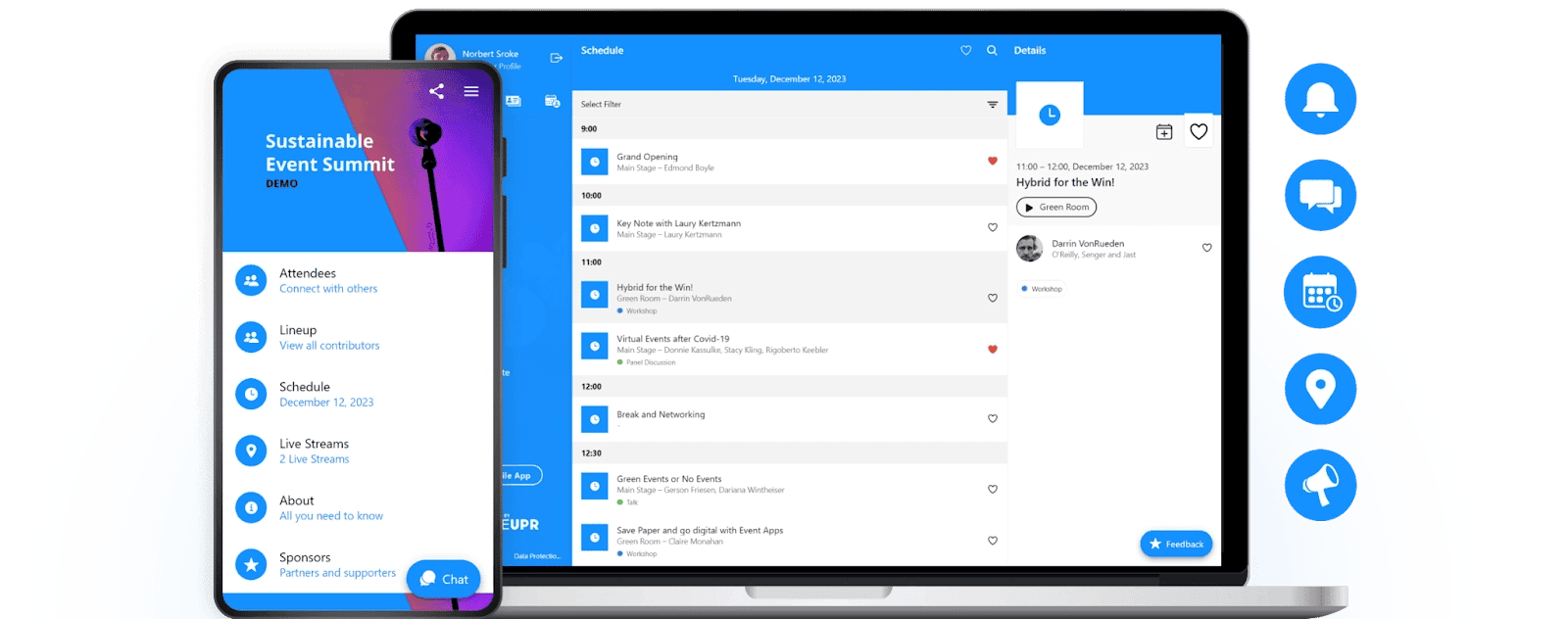
Instead of giving you a platform assembled for enterprise conference apps and asking you to make it work for your annual sales kickoff, LineUpr gives you the flexibility to build a fully functional internal event your own way. One person can build it, attendees open it from a QR code or a link, and when something changes on the day, you push the update and move on.
Try LineUpr for free. Build your event app now and preview the full experience before committing. No credit card, no sales call. Just see if it works for your event.
Set up a complete branded event app in hours– without a developer
For most internal event organisers, the build process is where time goes to die. You're already running this event alongside everything else on your plate, and most tools assume you have either a developer to hand it off to or enough runway to figure out a complex builder from scratch.
LineUpr is built differently. Its self-service App Manager puts the entire build in the hands of whoever is organising the event — no technical background required, no external help needed.
Here's how it works.
The App Manager works from a single screen where you can build your custom event app and also preview changes as you go, starting with your event's core identity. You can upload your logo, set your brand colours, and give the app a name.
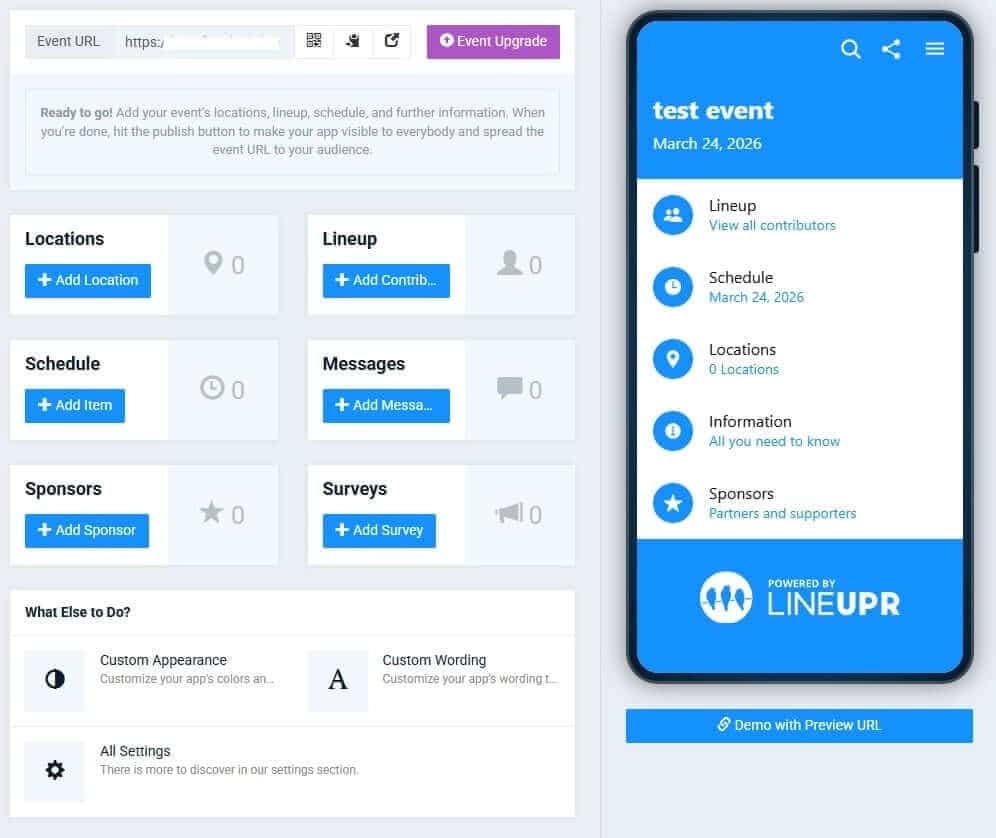
From there, you move section by section.
The agenda is built session by session: for each item you add a title, time, location, and description, and you can tag sessions by type — keynote, workshop, breakout — to help attendees navigate a busy programme.
Sessions can be set to invisible until you're ready to publish them, which is useful when a keynote announcement is still under embargo or a room allocation isn't confirmed. When you're ready, one toggle makes it live.
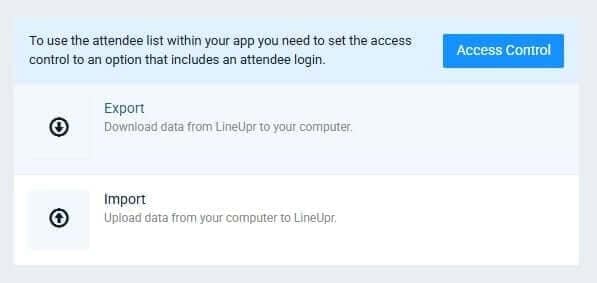
And if your programme already exists in a spreadsheet — which it almost always does — you don't need to re-enter it manually. LineUpr lets you import agenda data, speaker information, and attendee lists directly from a CSV or Excel file. Your registration export becomes your app content in a few clicks, with no duplicate data entry between tools.
Speaker profiles follow the same pattern: name, photo, bio, session links, and social profiles if relevant. Attendees arrive at sessions knowing who they're about to hear from, with context that a name badge can't provide.
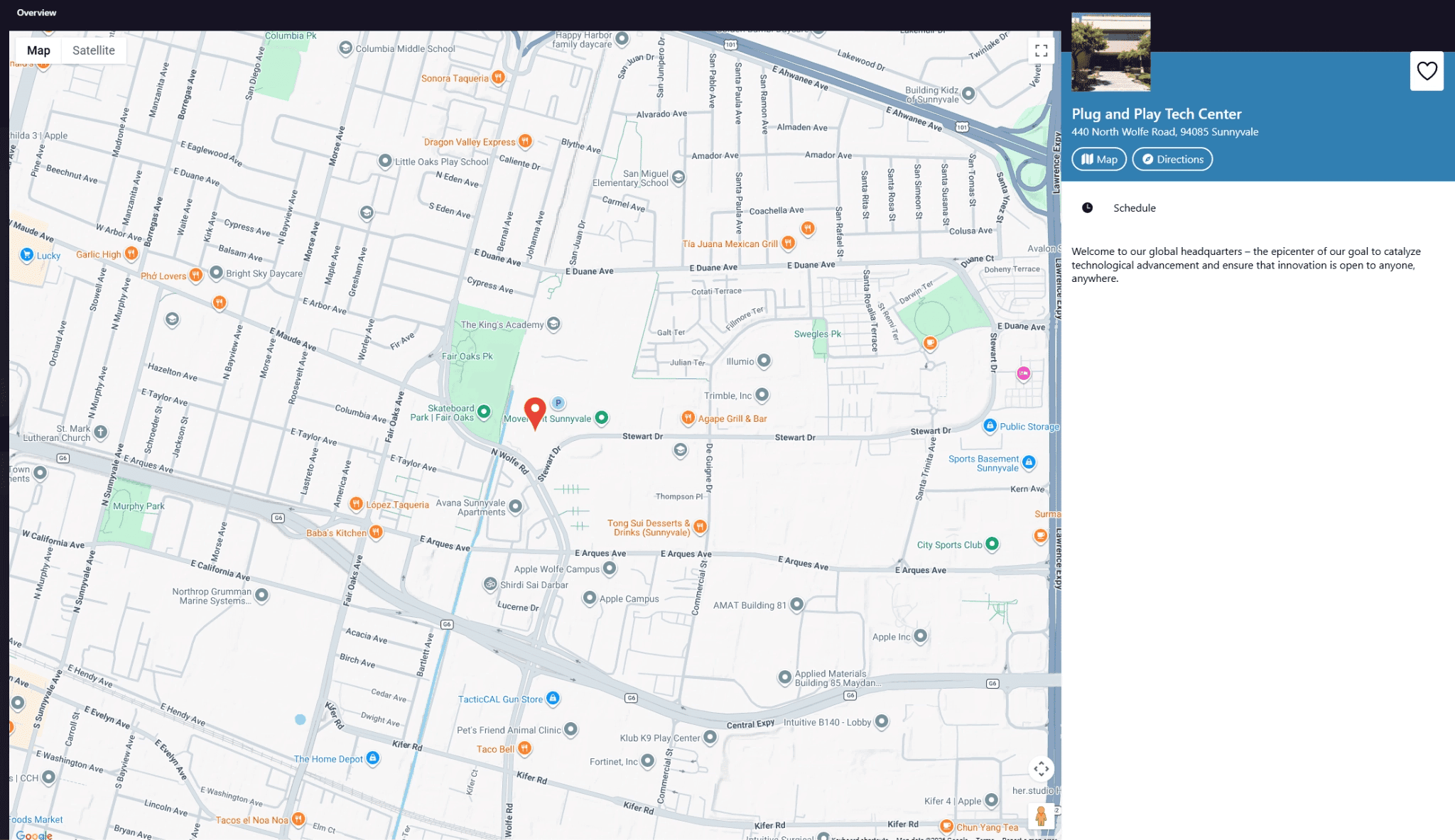
Venue maps — whether a Google Maps embed for the building location or a custom floor plan upload for the room layout — round out the information layer, so nobody is asking at the front desk where the breakout rooms are.
If you’ve felt the pain of watching company staff fumbling with the App Store on D-day– while the queue builds behind the, or IT policy blocking download for staff on company-managed devices, LineUpr can help.
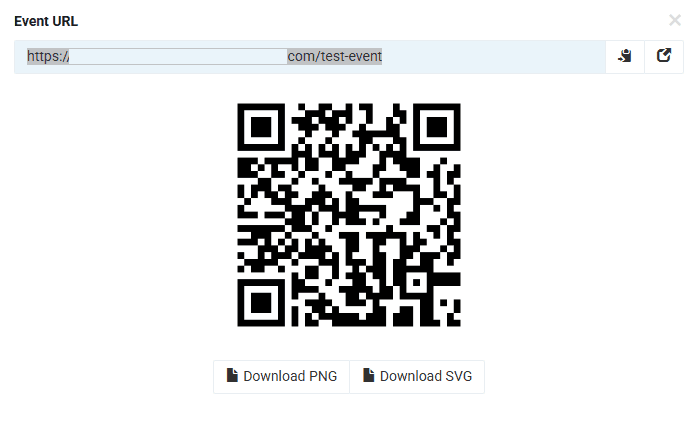
Typically, most teams complete the whole build within a few hours from a standing start and publish live to their audience. There's no App Store submission, no review queue, no waiting period. When you hit publish, the app is live. You share the link or QR code, and it's done.
Once the app has loaded once, the content is cached locally. That means if the venue WiFi becomes unreliable during a busy lunch break, the agenda and speaker information are still accessible on every device that opened the app earlier in the day.
Push schedule changes to every attendee the moment they happen
Internal events rarely go exactly to plan. A speaker slot moves. A room changes. A session overruns and the afternoon schedule ripples. You name it. What you need in that moment is a single action that reaches every attendee immediately. That’s where Lineupr comes in.
In LineUpr's App Manager, a schedule change takes as long as it takes to type it. You open the session, update the time or room, and save. Every attendee's app reflects the change the moment you hit publish — there's no delay, no cache to clear, no batch update to wait on.
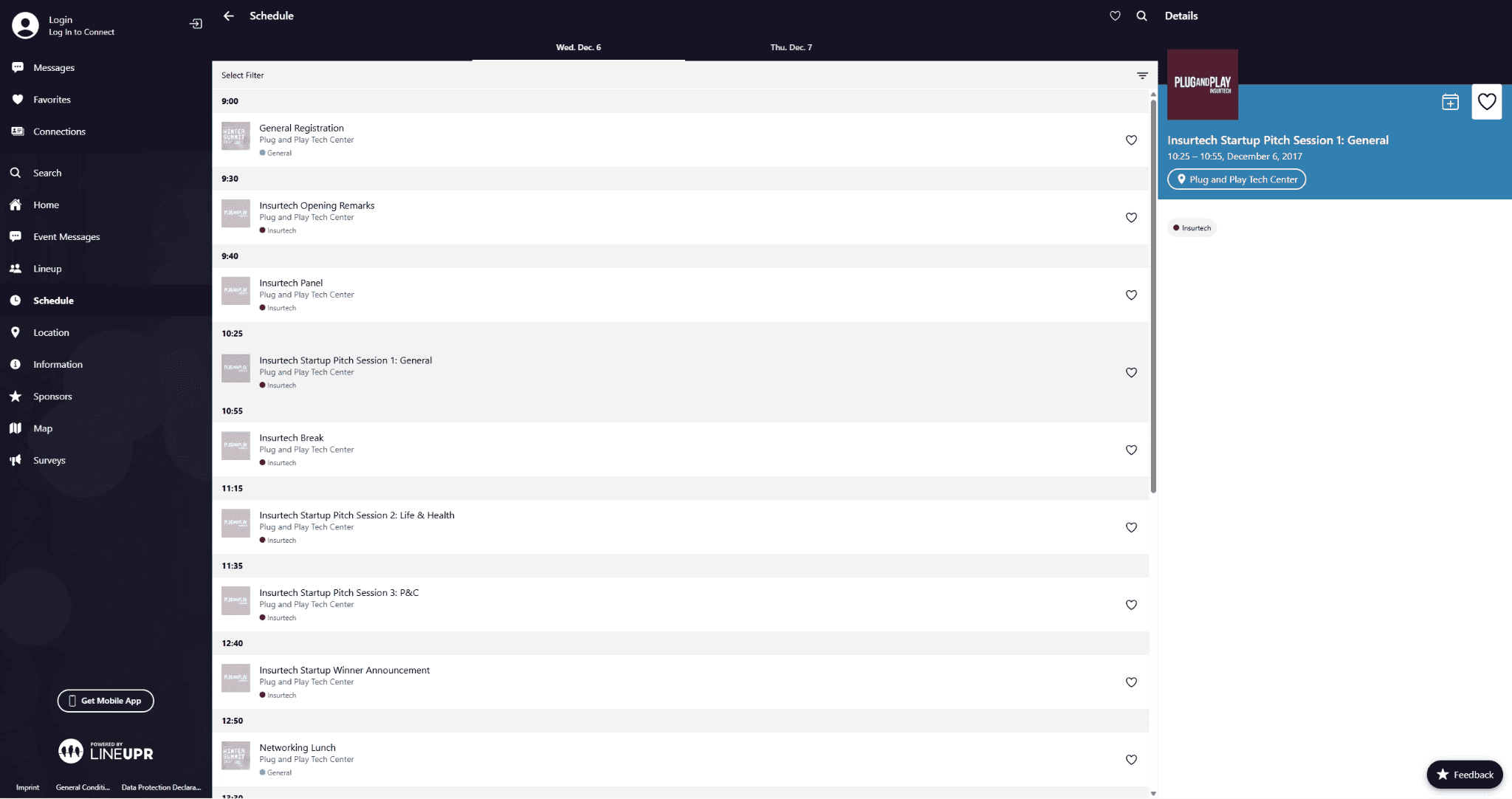
For announcements that don't fit neatly into a session edit — a bus departure update, a catering change, a room capacity note — the in-app messaging tool lets you push a notification directly to every attendee's screen, even when the app isn't actively open in their browser.
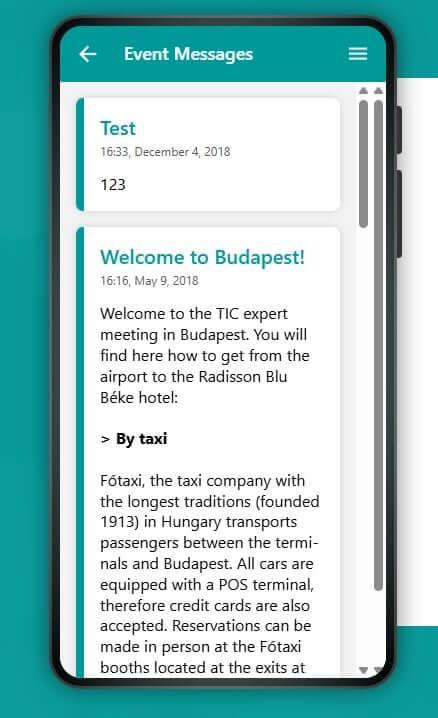
The result is that the app becomes the single source of truth for the entire day. Attendees stop asking coordinators for updates because the app always has the current answer. Coordinators stop managing a cascade of messages across email, WhatsApp, and corridor conversations because one update covers everyone at once.
GRENKE used this during a 120-person international management meeting. When logistics shifted on the day — bus departure times, session schedule adjustments — the coordination team pushed the updates through the app. Short notifications like "Talk A begins five minutes later" reached every attendee instantly.
According to Kimmig, the back office team was "still raving about it" afterwards. GRENKE went on to use LineUpr for subsequent events, and Kimmig noted that after seeing what the app could do, colleagues' expectations for event technology "increased significantly" — it had raised the bar for how their events would be run going forward.
Build your event app now. Free.
Pay per event, at the price that reflects the event you're actually running
Most internal event tools ask you to commit to an annual plan before you know whether the tool fits your event. LineUpr charges per event, with a free tier that lets you build and preview the complete app before spending anything.
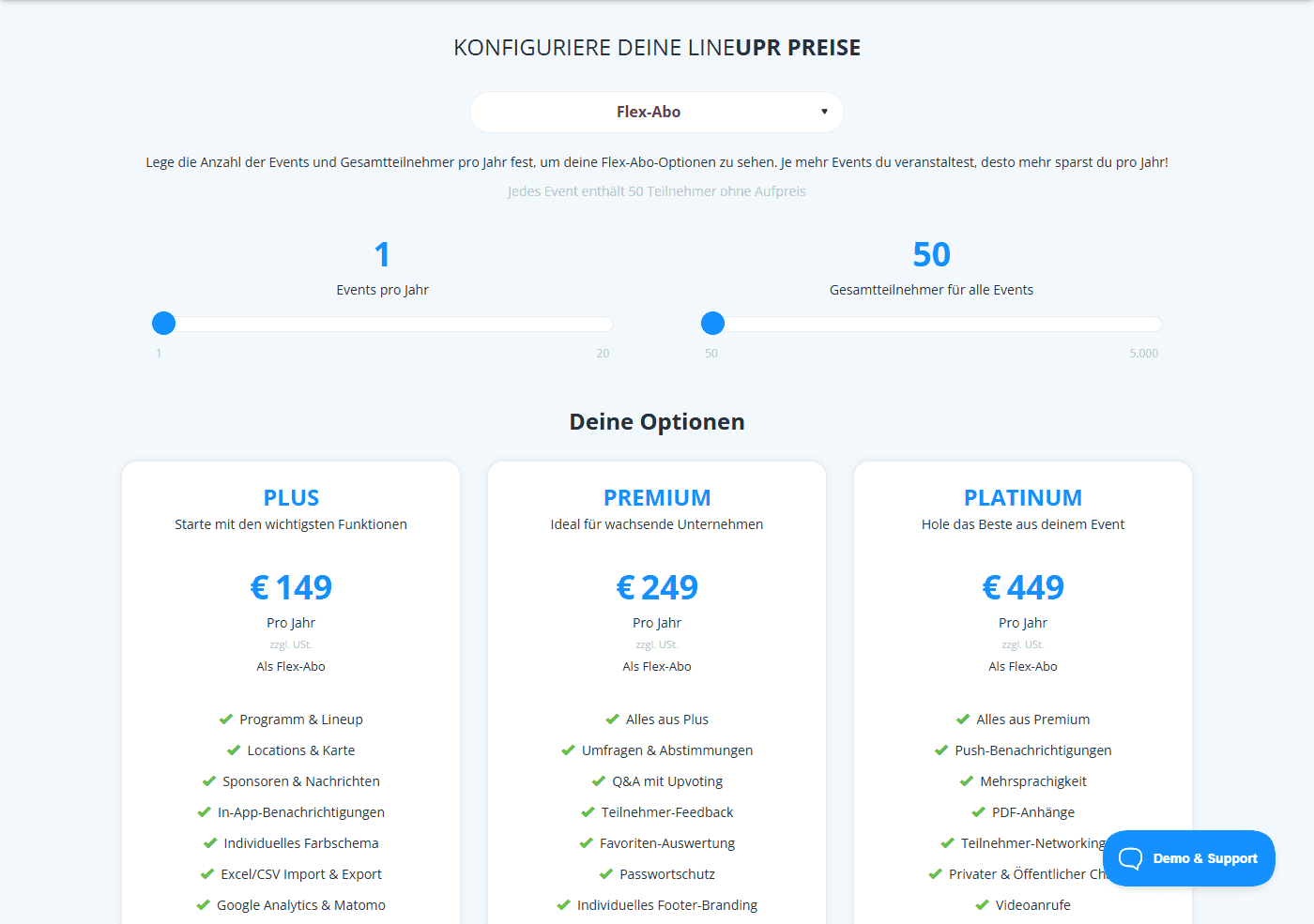
- Free — build and preview your full event app, no credit card required
- Plus ($179/event) — agenda, speaker profiles, maps, in-app messaging, and branding
- Premium ($239/event) — adds live polls, Q&A with upvoting, and session feedback
- Platinum ($489/event) — adds push notifications and the full attendee networking suite
For teams running three or four internal events a year, the Flex subscription reduces the per-event cost by up to 60%. For a single annual event, the per-event model means you pay once and nothing more until next year.
Try LineUpr for free. Build your event app now and preview the full experience before committing. No credit card, no sales call. Just see if it works for your event.
2. Guidebook: Best for large recurring corporate internal programmes with dedicated event staff
Guidebook is the most visible native app platform in the internal events space, and for specific use cases — large-scale recurring corporate training programmes, multi-day enterprise kickoffs with a dedicated event technology team — it earns that visibility.
Where Guidebook is strong:
- ROI reporting and attendance tracking for internal events that need to justify budget to HR or L&D leadership
- Integration with enterprise systems including SSO, SCIM, and some HRIS platforms
- Advanced badging and check-in features at scale
- Robust sponsor and exhibitor functionality for hybrid internal/external events
What to know before evaluating it: Guidebook uses a native app model. Attendees download from the App Store or Google Play. For corporate internal events on company-managed devices, this is the same IT policy friction problem described above.
Pricing is not publicly listed; you'll need to contact sales. For teams with a defined annual budget and a dedicated internal events function, this may not be a barrier. For a team organising one event this year and trying to evaluate tools without a vendor relationship, it is. If that's your situation, see our full breakdown of every guidebook alternative worth considering..
3. Yapp: Best for small teams building a basic event app on a tight budget
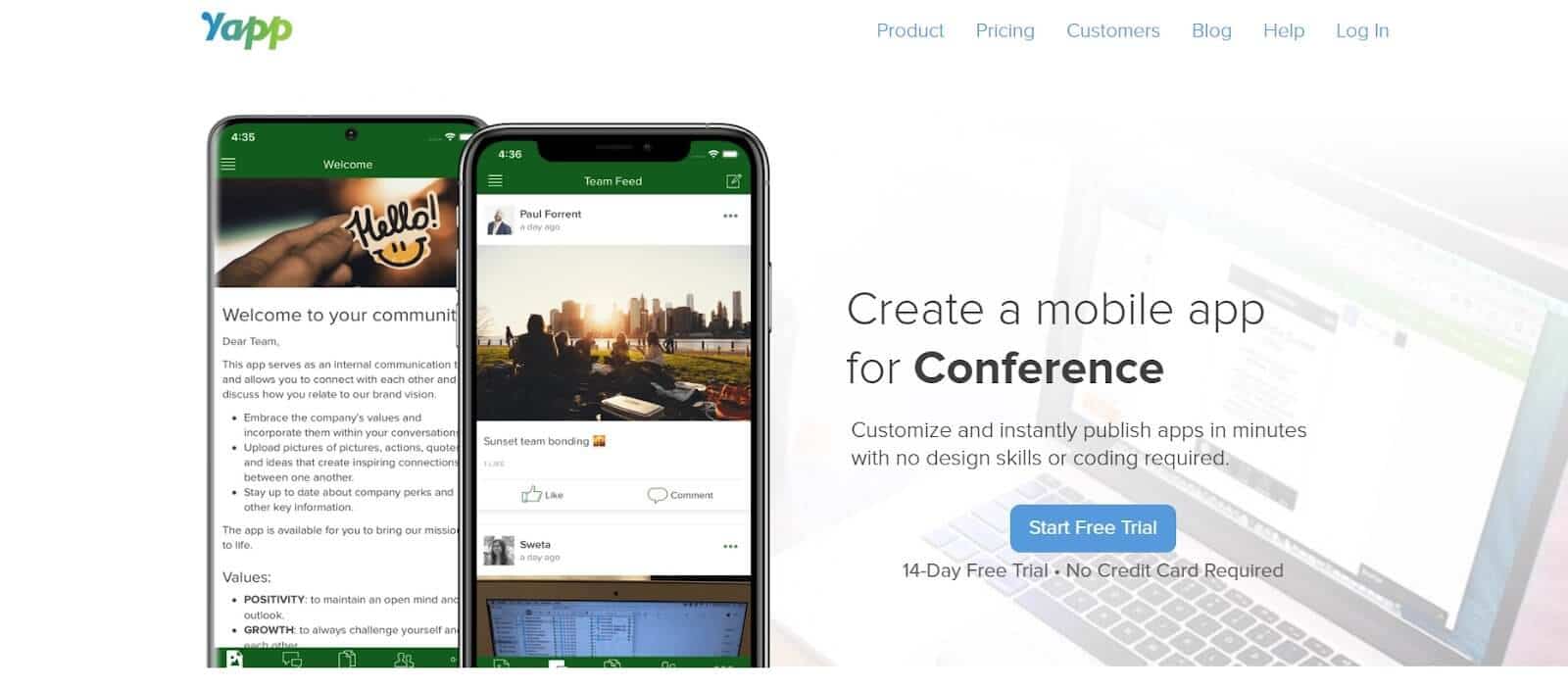
Yapp, like LineUpr, is a DIY app builder aimed at non-technical event organisers who want drag-and-drop simplicity and fast setup. It requires no coding and spots affordable pricing for most teams.
Where Yapp works well:
- Small internal events on tight budgets where an affordable, template-based app is sufficient
- Teams comfortable with a simple schedule and announcement feed without advanced engagement features
- Organisers who want native app distribution to iOS and Android
Important distinction: Yapp publishes to iOS, Android, and web, which means attendees can access it via a browser link. However, the default experience is still App Store-first in Yapp's own marketing — the web option is framed as an addition, not the primary access model. Whether attendees land on the web version or the download prompt depends on how you distribute the link.
For a basic schedule app at a small team offsite, it does the job. For a 100–300 person internal conference where real-time updates and live polling are part of the plan, you'll likely hit feature ceilings.
4. Sched: Best for conference-style internal events with complex session-by-track scheduling
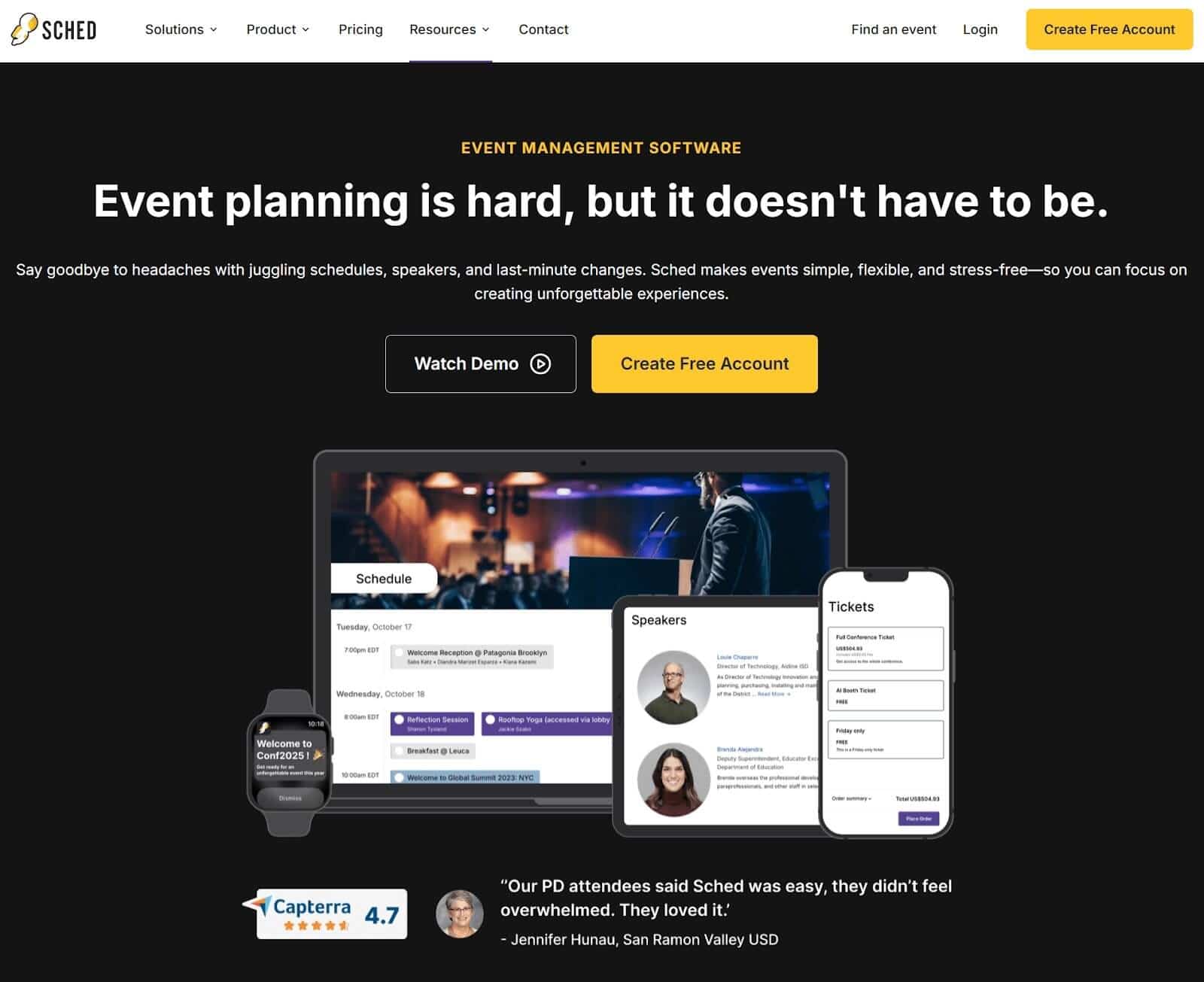
Sched was built for conference programme management — specifically, multi-track, multi-day events where the schedule is the primary content. If your internal event has fifteen concurrent breakout sessions across three tracks and you need attendees to build personalised agendas, Sched handles that scheduling complexity cleanly.
Where Sched works well:
- Multi-track internal conferences where attendee agenda-building is a key feature
- Academic or professional development events that closely mirror conference formats
- Organisations that want a schedule-first experience without building a full event app
What it doesn't cover: Sched is primarily a schedule and registration management tool. The attendee-facing interface is functional rather than visually branded — it looks like Sched, not like your organisation's event. For internal events where brand coherence matters, this is a real gap. Push notifications require upgrading to higher tiers. Real-time communication tools are more limited compared to dedicated engagement platforms.
Pricing starts lower than most alternatives for small events, making it a reasonable option for teams whose primary need is session scheduling rather than engagement.
5. SpotMe: Best for organisations already embedded in an enterprise event ecosystem
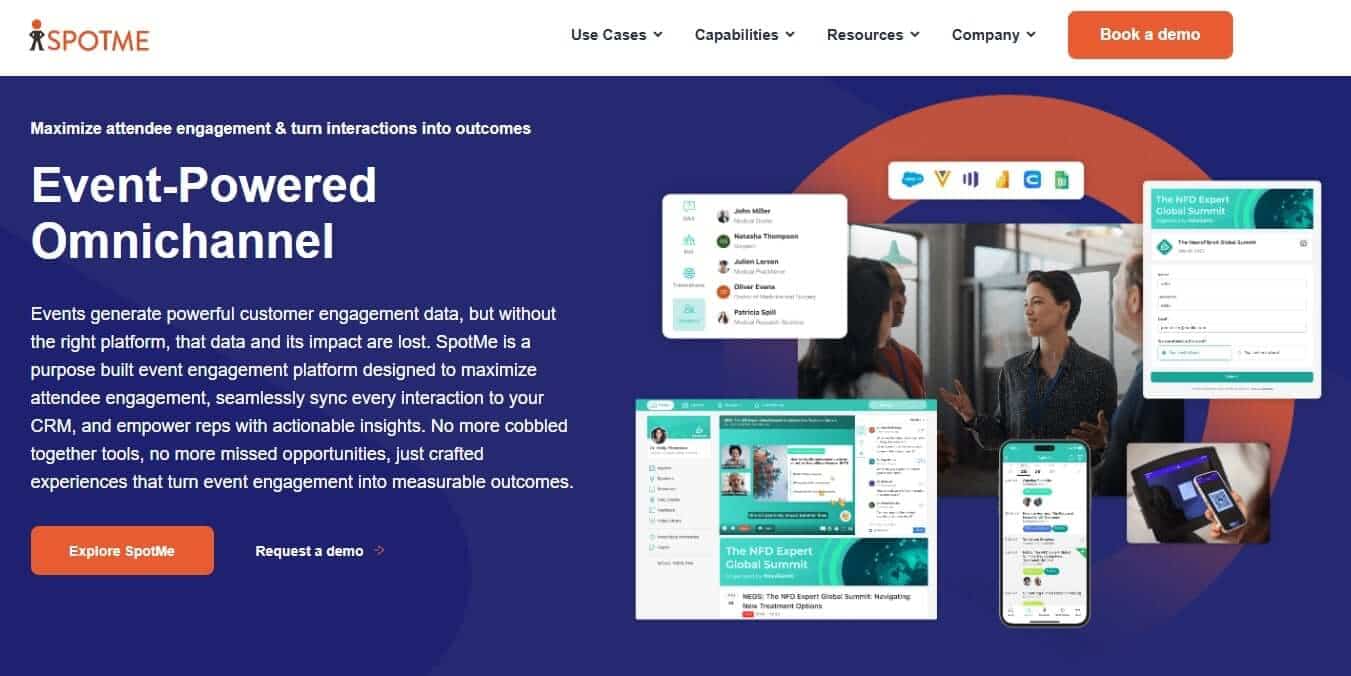
SpotMe targets organisations running enterprise internal events — global town halls, multi-day leadership summits, large-scale training programmes — that need deep integration with CRM and marketing automation platforms alongside event app functionality.
Where SpotMe is strong:
- Salesforce and HubSpot integration for event data capture tied to sales and marketing workflows
- Live streaming and virtual/hybrid event functionality at scale
- Advanced analytics and post-event reporting for enterprise teams
What it costs: SpotMe's pricing is enterprise-tier, requires a demo call, and is structured for organisations running events as part of a continuous go-to-market programme.
6. EventCreate: Best for internal events that need a basic registration page alongside an app
EventCreate combines a simple event website builder with basic event app functionality — making it useful if your internal event currently has no registration infrastructure and you want both a sign-up page and an attendee app in one platform.
Where EventCreate works well:
- Small to medium internal events where registration and the event app being in the same tool is a genuine simplification
- Teams with no existing registration workflow who want a single platform from invite to event day
- Events where a publicly visible event page is part of the brief
What to consider: EventCreate's engagement features — polling, Q&A, live interaction — are lighter than platforms focused specifically on attendee experience. If your event's primary need is engagement quality rather than registration simplicity, it may be a better strategy to use a dedicated registration tool alongside LineUpr as the engagement layer.
7. Nunify: Best for internal events with hybrid or virtual components on a mid-market budget
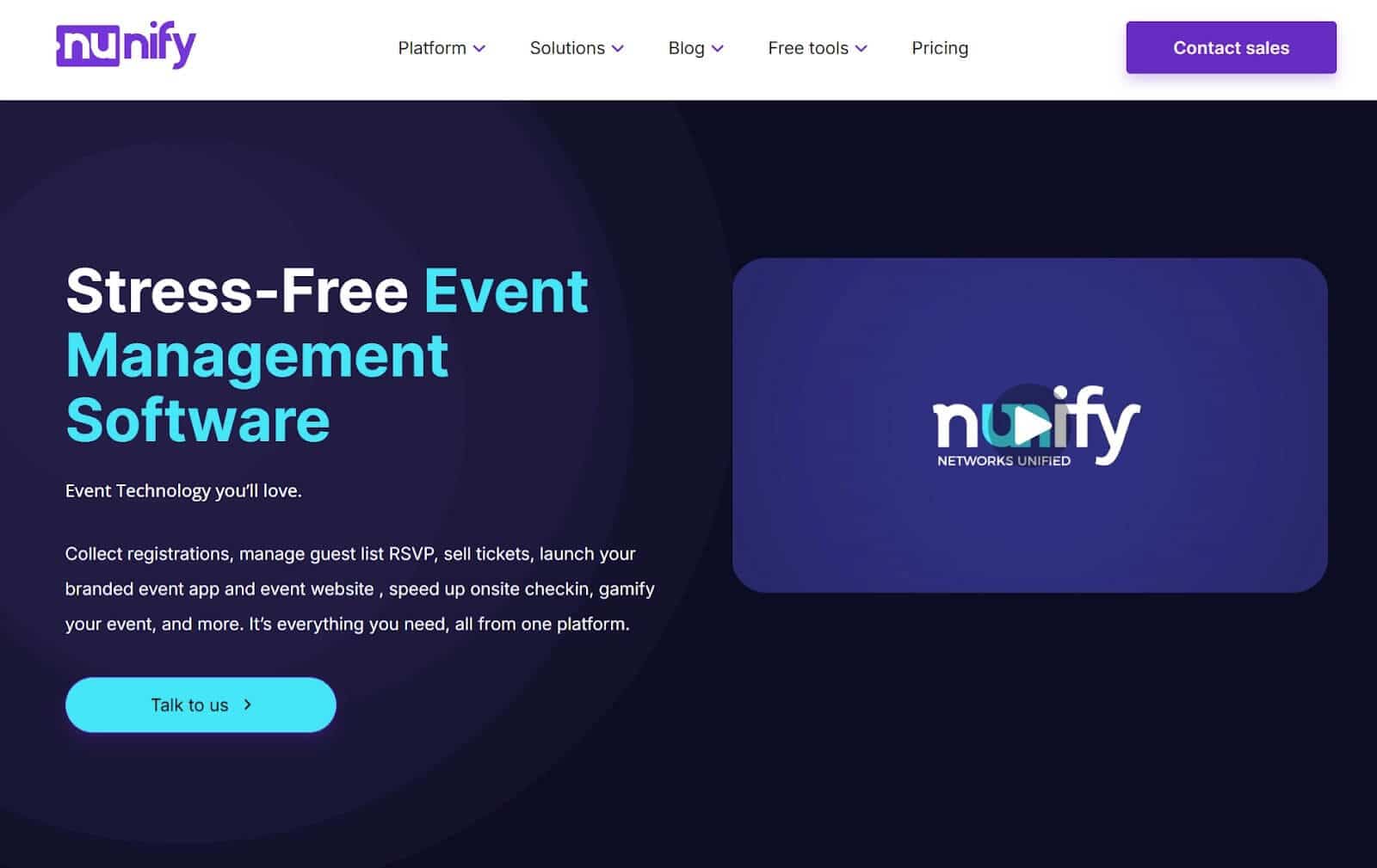
Nunify is a full-stack event platform that covers registration, check-in, attendee engagement, and virtual streaming — positioning itself as a mid-market alternative to enterprise platforms like SpotMe at a more accessible price point.
Where Nunify works well:
- Hybrid internal events that combine in-person attendees with remote participants
- Organisations that want a single platform for registration through to post-event analytics
- Teams comfortable with a more complex setup in exchange for broader functionality
What to consider: Nunify's breadth means its individual features — particularly the attendee engagement tools — are less focused than dedicated event app platforms. The native app requirement for the full attendee experience also reintroduces the adoption challenge discussed in the intro. For in-person-only internal events where adoption rate and setup simplicity are the priorities, Nunify's additional functionality may add complexity without adding value.
Which internal event app is right for your event?
The best internal event app is the one your employees actually open on the day. Everything else is secondary. If you're organising a sales kickoff, training day, all-hands, or management conference without a dedicated event technology, you need something you can build yourself in a few hours, something your attendees can access without navigating the App Store on a company device, and something that lets you push updates from your phone when the speaker schedule.
LineUpr is the only tool in this list that makes that possible. It's the reason 71% of attendees at StrategieWerkstatt were actively using the app on the day. For one-off or annual internal events, it's also the only tool you can evaluate completely for free before spending a pound, dollar, or euro.
- No app store for your attendees — instant access via QR code or link
- Real-time updates during the event, pushed to every attendee immediately
- Full branding with your organisation's logo, colours, and identity
- Live polls, Q&A, and session feedback on the Premium plan
- Per-event pricing from $119 — pay once, for the event you're actually running
If your next event is a sales kickoff, training day, or all-hands, built your event app with LineUpr! Free to start, live in hours.